How To Put The ‘Pro’ In Prototype

It’s easy to get professional-quality finishes on your prints and prototypes if you take the right steps. In the final installment of his series about building with Bondo, product designer [Eric Strebel] shows us how it’s done no matter what the substrate.

How does he get such a smooth surface? A few key steps make all the difference. First, he always uses a sanding block of some kind, even if he’s just wrapping sandpaper around a tongue depressor. For instance, his phone holder has a round indent on each side. We love that [Eric] made a custom sanding block by making a negative of the indent with—you guessed it—more Bondo and a piece of PVC. The other key is spraying light coats of both primer and paint in focused, sweeping motions to allow the layers to build up.

If you need to get the kind of surface that rivals a baby’s behind, don’t expect to prime once, paint once, and be done with it. You must seek and destroy all imperfections. [Eric] likes to smooth them over with spot putty and then wet sand the piece back to smooth before applying more primer. Then it’s just rinse and repeat with higher grits until satisfied.

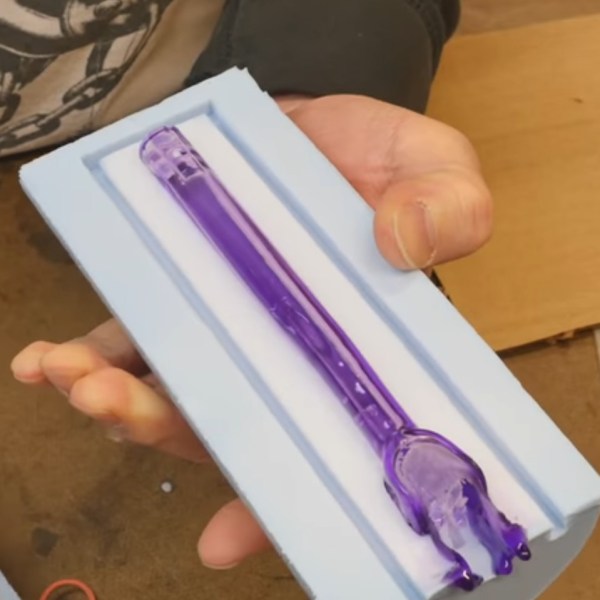
There’s more than one way to smooth a print, of course. Just a few weeks ago, our own [Donald Papp] went in-depth on the use of UV resin.

Continue reading “How To Put The ‘Pro’ In Prototype”

Circuit VR: Oscillating Bridges

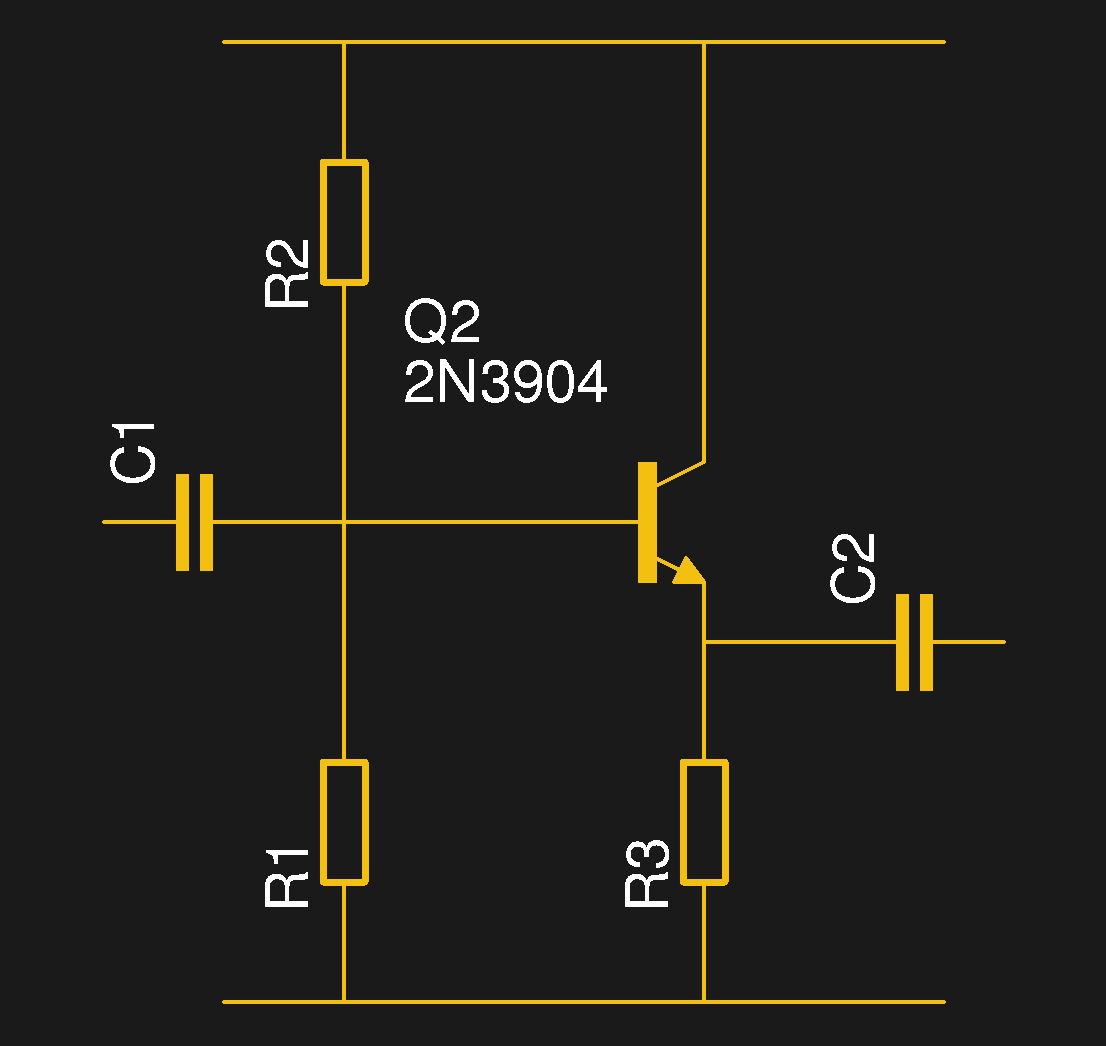
Circuit VR is where we talk about a circuit and examine how it works in simulation with LT Spice. This time we are looking at a common low-frequency oscillator known as the Wien bridge oscillator.

What makes an oscillator oscillate? A circuit with amplification that gets the same amount of the output signal fed back into its input, in phase, will oscillate. This is the Barkhausen criterion. Here, we’re going to look into what makes an oscillator work in simulation, and gain some insight into what happens when there’s too much feedback and too little.

In particular, we’ll look at the Wien bridge oscillator, a very simple design that originated as a way to measure impedance back in 1891. Modern versions add some additional features, but let’s start with the most simple implementation and work our way up.

Continue reading “Circuit VR: Oscillating Bridges”

Is It On Yet? Sensing The World Around Us, Starting With Light

Arduino 101 is getting an LED to flash. From there you have a world of options for control, from MOSFETs to relays, solenoids and motors, all kinds of outputs. Here, we’re going to take a quick look at some inputs. While working on a recent project, I realized the variety of options in sensing something as simple as whether a light is on or off. This is a fundamental task for any system that reacts to the world; maybe a sensor that detects when the washer has finished and sends a text message, or an automated chicken coop that opens and closes with the sun, or a beam break that notifies when a sister has entered your sacred space. These are some of the tools you might use to sense light around you.

Continue reading “Is It On Yet? Sensing The World Around Us, Starting With Light”

DIY Magnetic Actuator, Illustrated And Demonstrated

Electromagnetic actuators exert small amounts of force, but are simple and definitely have their niche. [SeanHodgins] took a design that’s common in flip-dot displays as well as the lightweight RC aircraft world and decided to make his own version. He does a good job of explaining and demonstrating the basic principles behind how one of these actuators works, although the “robotic” application claimed is less clear.

It’s a small, 3D printed lever with an embedded magnet that flips one way or another depending on the direction of current flowing through a nearby coil. Actuators of this design are capable of fast response and have no moving parts beyond the lever itself, meaning that they can be made very small. He has details on an imgur gallery as well as a video, embedded below.

Continue reading “DIY Magnetic Actuator, Illustrated And Demonstrated”

DIY Drill-Powered Water Pump

Whether you need to pump water out of your basement this spring, or just want to have fun shooting water around in the yard this summer, here’s a way to build a pump instead of buying one. This is a simple but ingenious build, and [NavinK30] did everything shy of machining his own hardware and making his own tools. Well, it looks as if he might have made that drill.

As you’ll see in his how-to after the break, this centrifugal pump is mostly acrylic, PVC, and fasteners. [Navin] cut two sides and a base for the paddles from acrylic, and joined them with a heat-formed sidewall made of PVC. We love that he cut and bent his own paddles from sheet metal. These are bolted to a round piece of acrylic that attaches to the outside with a long hex bolt. A ball bearing mounted on the drill side allows the pump to churn freely as long as the bolt is chucked into the drill, and the hose clamp is tight enough to hold down the trigger.

Have an extra drill, but don’t need to pump water? Add a camping stove and use it to power a small-batch coffee roaster.

Continue reading “DIY Drill-Powered Water Pump”

PID Control With Arduino

Experience — or at least education — often makes a big difference to having a successful project. For example, if you didn’t think about it much, you might think it is simple to control the temperature of something that is heating. Just turn on the heater if it is cold and turn it off when you hit the right temperature, right? That is one approach — sometimes known as bang-bang — but you’ll find there a lot of issues with that approach. Best practice is to use a PID or Proportional/Integral/Derivative control. [Electronoob] has a good tutorial about how to pull this off with an Arduino. You can also see a video, below.

The demo uses a 3D printer hot end, a thermocouple, a MAX6675 that reads the thermocouple, and an Arduino. There’s also an LCD display and a FET to control the heater.

Continue reading “PID Control With Arduino”

A Machinist’s Foray Into Jewelry Making

Machinists are expected to make functional items from stock material, at least hat’s the one-line job description even though it glosses over many important details. [Eclix] wanted a birthday gift for his girlfriend that wasn’t just jewelry, indeed he wanted jewelry made with his own hands. After all, nothing in his skillset prohibits him from making beautiful things. He admits there were mistakes, but in the end, he came up with a recipe for two pairs of earrings, one set with sapphires and one with diamonds.

He set the gems in sterling silver which was machined to have sockets the exact diameter and depth of the stones. The back end of the rods were machined down to form the post for the clutch making each earring a single piece of metal and a single gemstone. Maintaining a single piece also eliminates the need for welding or soldering which is messy according to the pictures.

This type of cross-discipline skill is one of the things that gives Hackaday its variety. In that regard, consider the art store for your hacking needs and don’t forget the humble library.