Vintage Plotter Gets Bluetooth Upgrade

Recently [iot4c] stumbled upon this gorgeous Robotron Reiss plotter from 1989, brand-new and still in its original box. Built before the fall of the Berlin Wall in East Germany, it would be a crime to allow such a piece of computing history to go unused. But how to hook it up to a modern system? Bad enough that it uses some rather unusual connectors, but it’s about to be 2020, who wants to use wires anymore? What this piece of Cold War hardware needed was an infusion of Bluetooth.

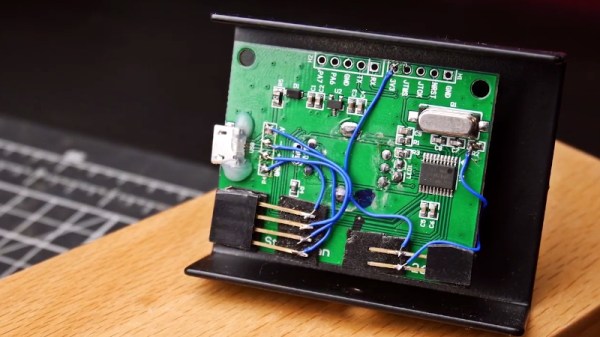
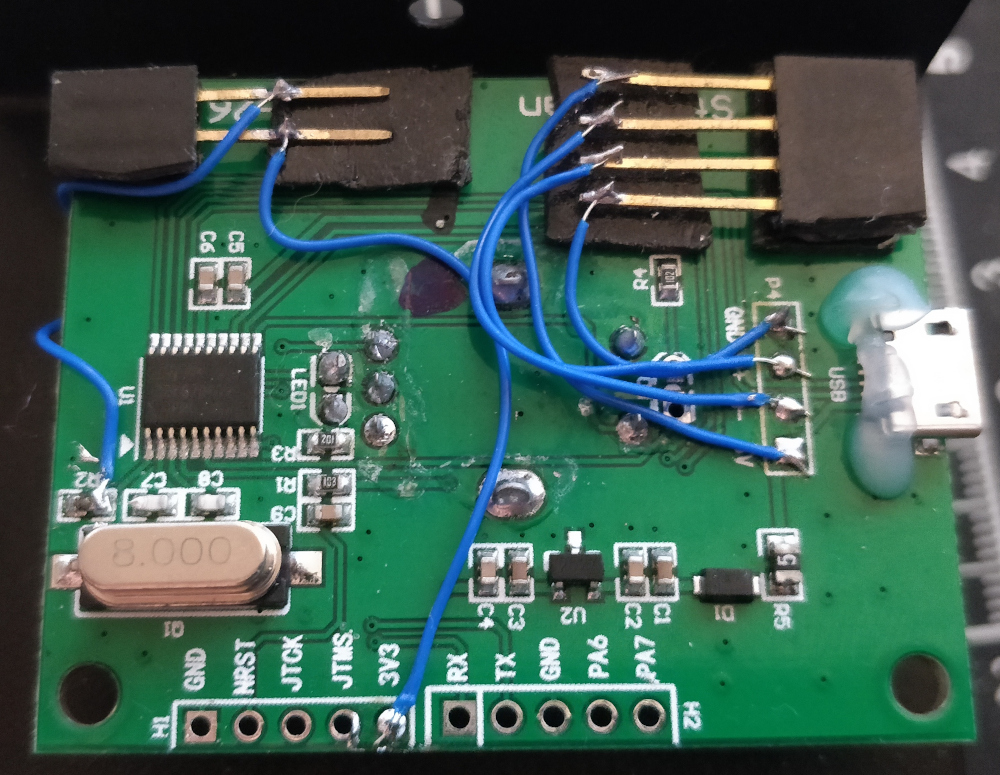
While the physical ports on the back of the Robotron certainly look rather suspect, it turns out that electrically they’re just RS-232. In practice, this means converting it over was fairly straightforward. With a Bolutek BK3231 Bluetooth module and an RS-232 to UART converter, [iot4c] was able to create a wireless adapter that works transparently on the plotter by simply connecting it to the RX and TX pins.

A small DC buck converter was necessary to provide 3.3 V for the Bluetooth adapter, but even still, there was plenty of room inside the plotter’s case to fit everything in neatly. From the outside, you’d have no idea that the hardware had ever been modified at all.

But, like always, there was a catch. While Windows had no trouble connecting to the Bluetooth device and assigning it a COM port, the 512 byte buffer on the plotter would get overwhelmed when it started receiving commands. So [iot4c] wrote a little script in Node.js that breaks the commands down into more manageable chunks and sends them off to the plotter every 0.1 seconds. With this script in place the Robotron moved under its own power for the first time in ~30 years by parsing a HP-GL file generated by Inkscape.

If you’re interested in a plotter of your own but don’t have a vintage one sitting around, never fear. We’ve seen an influx of DIY plotters recently, ranging from builds that use popsicle sticks and clothespins to customizable 3D printed workhorses.

A Tiny Terminal For Your Serial Access Needs

Some pieces of computing equipment have faded away without a trace, for example a modem is not a device that detains many hackers as they strive for that perfect emulation of a venerable Hayes on an Arduino. But there are some other devices that continue to hold a fascination, even years after they departed from the professional arena. A great example is the serial terminal. Once to be found on many a desk as it provided a way into a minicomputer, it has long ago been supplanted by terminal emulators or simply other portals into computing services such as the web. But in our community there are still plenty of serial terminals to be found, for example [RedHog]’s little emulated VT220 on an ESP8266 platform.

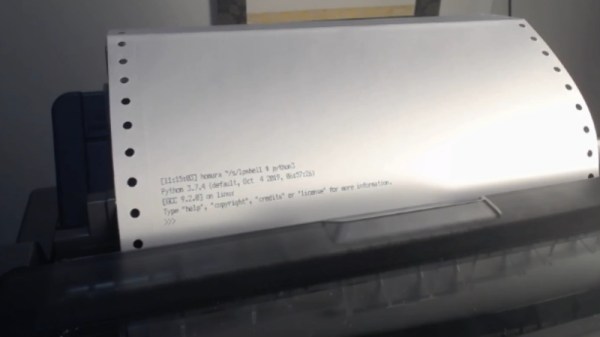
If you were hoping for a full-green screen and keyboard to plug into a hefty D-connector serial port then you’ll be a bit disappointed, as with a tiny screen and only a few buttons on a dev board or an Arduboy it’s not going to allow any 1337 vi mastery even with its on-screen keyboard. Take a look, we’ve placed a video below the  break. But despite all that it shows promise, with ability to use either the logic-level serial port or the USB serial interface. We can see that it might find a use as a serial display though, but it would fascinate us to see what could be done were it to use the 8266’s on-board WiFi in some form. If you’d like to experiment you can do so with the code on GitHub.

This isn’t the first such terminal we’ve seen here before of course, some of them have been extremely practical, while others we just want to own because they’re cool.

Continue reading “A Tiny Terminal For Your Serial Access Needs”

Print From The ESP8266, Courtesy Of Google

The ESP8266 has become the hacker’s microcontroller of choice because it’s exceptionally easy to get the chip connected to the network and talking to other devices. The fact that it’s also absurdly cheap is just a bonus. Since nearly every piece of electronics you buy today is “smart” enough to include some form of Internet control, that means there’s no shortage of gadgets these MCUs can potentially poke and prod.

In their latest tip, [TecnoProfesor] shows how you can interface the ESP8266 with Google’s Cloud Print, a service that enables simple remote printing over the web without having to worry about having the proper device drivers. Remote printing from the ESP8266 might seem like little more than a gag at first glance, but if you’re the kind of person who likes to have hard copies of data, adding the capability to generate a daily printed report to your weather station could be a nice weekend project.

[TecnoProfesor] provides explanations and source code for printing documents of various sizes from both the ESP8266’s internal flash storage and an SPI-attached SD card. Towards the end of the write-up, there’s even some explanation of how the setPrintDocument() function of the Cloud Print API can be used in more advanced scenarios, such as printing web pages or documents stored in Google Drive.

When we see microcontrollers connected to printers, they’re usually of the small thermal kind. Being able to access “real” printers with such a simple technique offers some interesting possibilities, though like most technology, there’s potential for it to be misused.

[Thanks to Andrew for the tip.]

If You Can’t Buy The Keyboard You Want, Build It Instead

The great thing about being a maker is that when the market fails to meet your needs, you can strike out on your own. [GuzziGuy] did just that, building a bespoke mechanical keyboard that’s stylish to boot.

The aim was to create a keyboard well suited to working without a mouse, and with a keypad on the opposite side to suit a left-hander’s predilections. The case consists of an aluminium top plate with an attractive walnut base, both cut on a Workbee CNC machine. Keycaps are sourced from YDMK and Amazon, with the parts chosen giving the build a striking early 1980s workstation look.

The keys are handwired to a series of DuPont connectors for easy disassembly. These hook up to an Elite-C controller, a USB-C remix of the popular Arduino Pro Micro. Based on the ATmega32U4, it’s got native USB HID functionality, making it perfect for keyboard builds.

The fit and finish is what really makes this project, going to show that a few hours well spent on the CNC can turn you out a beautiful project. As far as mechanical keyboards go, your imagination really is the limit!

Optical Keyboards Have Us Examining Typing At Light Speed-ish

There’s a newish development in the world of keyboards; the optical switch. It’s been around for a couple years in desktop keyboards, and recently became available on a laptop keyboard as well. These are not replacements for your standard $7 keyboard with rubber membrane switches intended for puttering around on your raspberry pi. Their goal is the gamer market.

The question, though, is are these the equivalent of Monster Cables for audiophiles: overpriced status symbols? Betteridge would be proud; the short answer is that no, there is a legitimate advantage, and for certain types of use, it makes a lot of sense.

Continue reading “Optical Keyboards Have Us Examining Typing At Light Speed-ish”

Upgrade Board Turns Typewriter Into A Teletype

It may come as little surprise to find that Hackaday does not often play host to typewriter projects. While these iconic machines have their own particular charm, they generally don’t allow for much in the way of hardware modification. But then the IBM Wheelwriter 1000 isn’t exactly a traditional typewriter, which made its recent conversion to a fully functional computer terminal possible.

A product of the Computer History Museum’s [IBM 1620 Jr. Team], this modification takes the form of a serial interface board that can be built at home and installed into the Wheelwriter. The board allows the vintage electronic typewriter to speak RS-232 and USB, so it can be connected to whatever vintage (or not so vintage) computer you can imagine. The documentation for the project gives a rough cost of $150, though that does assume you’ve already got a Wheelwriter 1000 kicking around.

The GitHub repository includes everything you need to create your own board, and there’s even a highly detailed installation guide that goes over the case modifications necessary to get the new hardware installed. It also explains that you’ll want to get a new keycap set for your Wheelwriter if you perform this modification, as the original board doesn’t have all of the ASCII characters.

So why adapt an old electric typewriter to function as a teletype? As explained by the [IBM 1620 Jr. Team], there are projects out there looking to recreate authentic 1960s-era computing experiences that need a (relatively) affordable paper terminal. The originals are too rare to use in modern recreations, but with their adapter board, these slightly less archaic input devices can be used in their place.

Once you’ve built your new teletype, or in the somewhat unlikely event you already have one at the ready, we’ve seen a couple of projects that you might be interested in to put it to use.

Break The Caps Lock Habit With This Annoying Buzzer

The much-maligned Caps Lock key has been causing problems for decades, and its continued existence is controversial enough that Google decided to drop it all together in their Chromebooks. Until the rest of the industry decides to follow their lead, they’ll likely be no shortage of awkward emails or overly aggressive comments that are the direct result of this treacherous key.

But [Glen Akins] thinks he has the solution. His creation is a tiny little USB notification device that has only one purpose: to make a terrible noise as long as the Caps Lock key is engaged. Think of it like the little indicator LED on your keyboard, but one that makes a terrible screeching noise that you simply can’t ignore. This is made possible by the fact that the Caps Lock status is handled at the OS level rather than the local input device.

The notifier is built around the PIC16F1459, as it allowed him to implement USB 2.0 while keeping the part count low. Beyond the PIC, the board uses a handful of passives and a transistor to drive the buzzer from a PWM signal. To avoid duplicated effort, everything was designed to fit inside the enclosure he already developed for his single-key keyboard that we covered last year. [Glen] and a fellow coworker from Keysight put together an excellent video on the creation and use of the buzzer that you can see after the break.

On the other end of the spectrum, and even smaller, is the “USB Capslocker” which is designed to weaponize this already troublesome feature of your keyboard.

Continue reading “Break The Caps Lock Habit With This Annoying Buzzer”