3D Printing A Useful Fixturing Tool

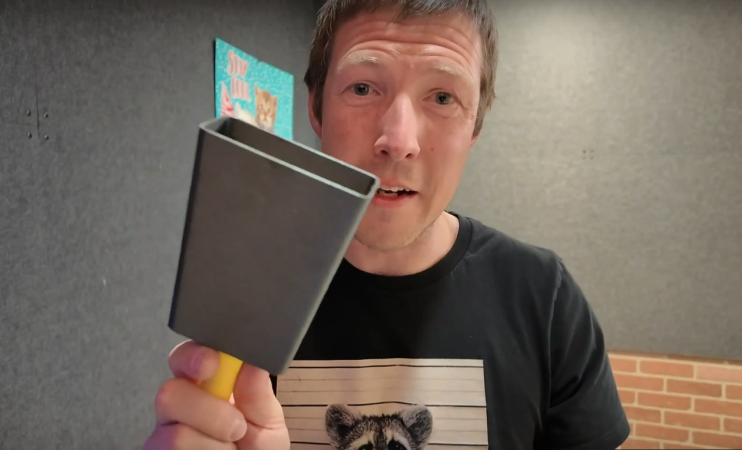
When you start building lots of something, you’ll know the value of accurate fixturing. [Chris Borge] learned this the hard way on a recent mass-production project, and decided to solve the problem. How? With a custom fixturing tool! A 3D printed one, of course.

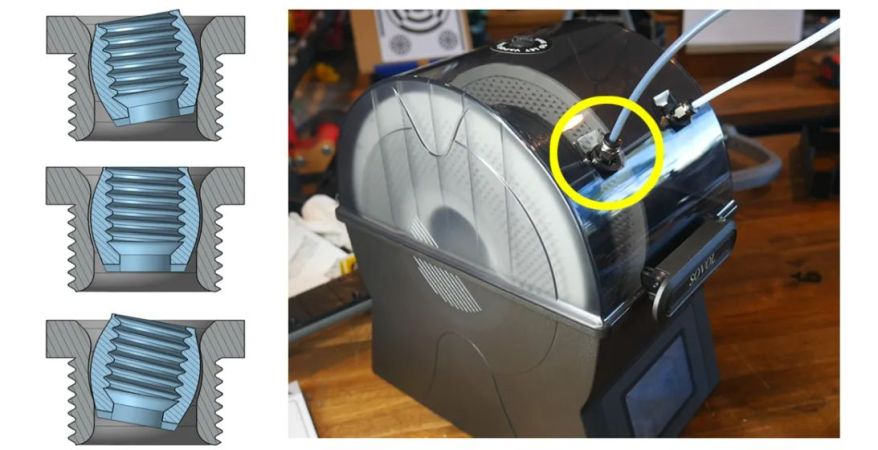
Chris’s build is simple enough. He created 3D-printed workplates covered in a grid of specially-shaped apertures, each of which can hold a single bolt. Plastic fixtures can then be slotted into the grid, and fastened in place with nuts that thread onto the bolts inserted in the base. [Chris] can 3D print all kinds of different plastic fixtures to mount on to the grid, so it’s an incredibly flexible system.

3D printing fixtures might not sound the stoutest way to go, but it’s perfectly cromulent for some tasks. Indeed, for [Chris]’s use case of laser cutting, the 3D printed fixtures are more than strong enough, since the forces involved are minimal. Furthermore, [Chris] aided the stability of the 3D-printed workplate by mounting it on a laser-cut wooden frame filled with concrete. How’s that for completeness?

We’ve seen some other great fixturing tools before, too. Video after the break.

Continue reading “3D Printing A Useful Fixturing Tool”

Jolly Wrencher Down To The Micron

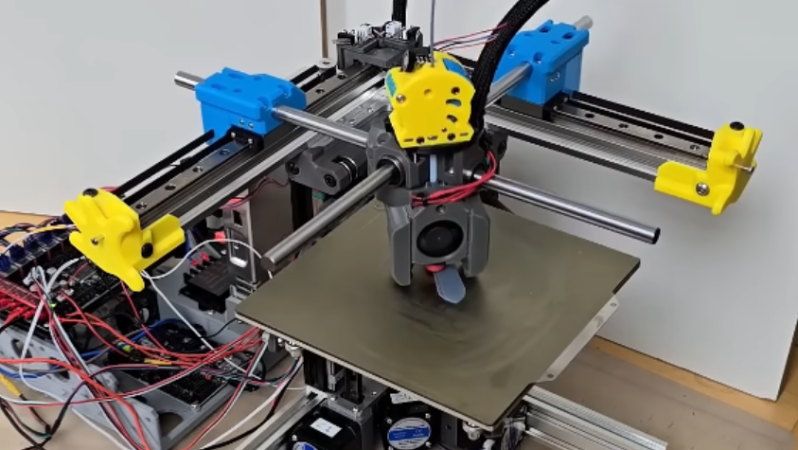
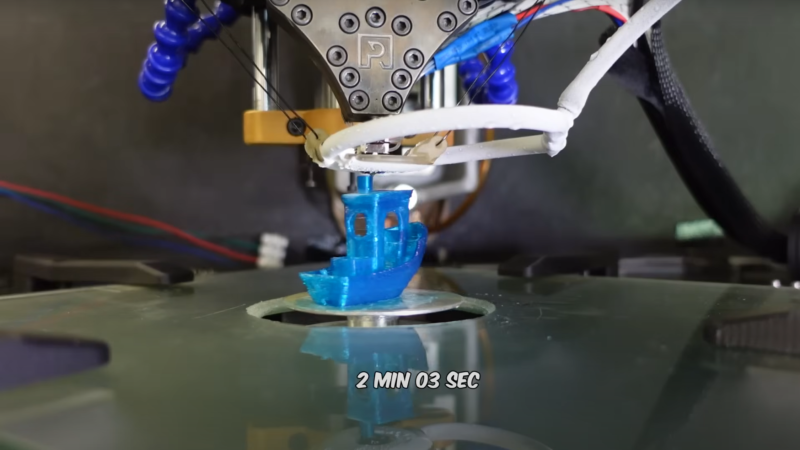
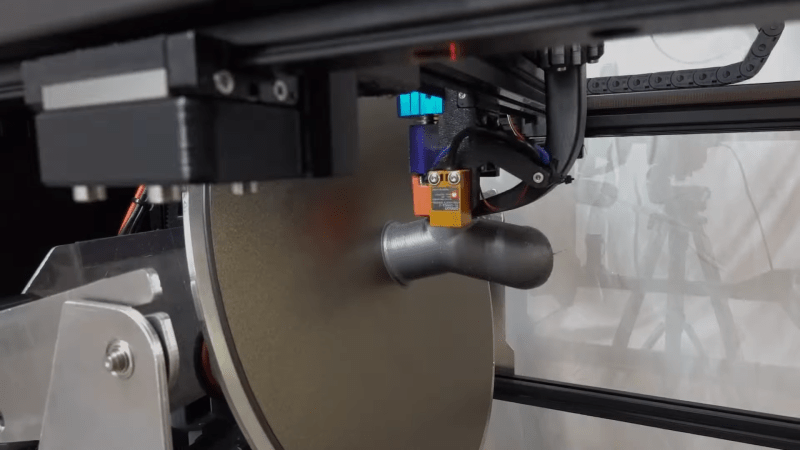
RepRap was the origin of pushing hobby 3D printing boundaries, and here we see a RepRap scaled down to the smallest detail. [Vik Olliver] over at the RepRap blog has been working on getting a printer working printing down to the level of micron accuracy.

The printer is constructed using 3D printed flexures similar to the OpenFlexure microscope. Two flexures create the XYZ movement required for the tiny movements needed for micron level printing. While still in the stages of printing simple objects, the microscopic scale of printing is incredible.

Continue reading “Jolly Wrencher Down To The Micron”

A 3D printer frame made of red plastic is shown on the left-hand side of the image. On the right-hand side, there is a large motor with a plastic frame attached to the frame. Next to the 3D printer, a blue plastic mesh is being fed through a red plastic frame.

The Most Printable 3D Printer Yet

Despite the best efforts of the RepRap community over the last twenty years, self-replicating 3D printers have remained a stubbornly elusive goal, largely due to the difficulty of printing electronics. [Brian Minnick]’s fully-printed 3D printer could eventually change that, and he’s already solved an impressive number of technical challenges in the process.

[Brian]’s first step was to make a 3D-printable motor. Instead of the more conventional stepper motors, he designed a fully 3D-printed 3-pole brushed motor. The motor coils are made from solder paste, which the printer applies using a custom syringe-based extruder. The paste is then sintered at a moderate temperature, resulting in traces with a resistivity as low as 0.001 Ω mm, low enough to make effective magnetic coils.

Continue reading “The Most Printable 3D Printer Yet”

Parametric Design Process Produces Unique Speakers

When building one-off projects, it’s common to draw up a plan on a sheet of paper or in CAD, or even wing it and hope for the best outcome without any formal plans. Each of these design philosophies has its ups and downs but both tend to be rigid, offering little flexibility as the project progresses. To solve this, designers often turn to parametric design where changes to any part of the design are automatically reflected throughout the rest, offering far greater flexibility while still maintaining an overall plan. [Cal Bryant] used this parametric method to devise a new set of speakers for an office, with excellent results.

The bulk of the speakers were designed with OpenSCAD, with the parametric design allowing for easy adjustments to accommodate different drivers and enclosure volumes. A number of the panels of the speakers are curved as well, which is more difficult with traditional speaker materials like MDF but much easier with this 3D printed design. There were a few hiccups along the way though; while the plastic used here is much denser than MDF, the amount of infill needed to be experimented with to achieve a good finish. The parametric design paid off here as well as the original didn’t fit exactly within the print bed, so without having to split up the print the speakers’ shape was slightly tweaked instead. In the end he has a finished set of speakers that look and sound like a high-end product.

There are a few other perks to a parametric design like this as well. [Cal] can take his design for smaller desk-based speakers and tweak a few dimensions and get a model designed to stand up on the floor instead. It’s a design process that adds a lot of options and although it takes a bit more up-front effort it can be worth it while prototyping or even for producing different products quickly. If you want to make something much larger than the print bed and slightly changing the design won’t cut it, [Cal] recently showed us how to easily print huge objects like arcade cabinets with fairly standard sized 3D printers.

Tiny RC Four-Wheeler Gets Chassis Upgrade For More Traction

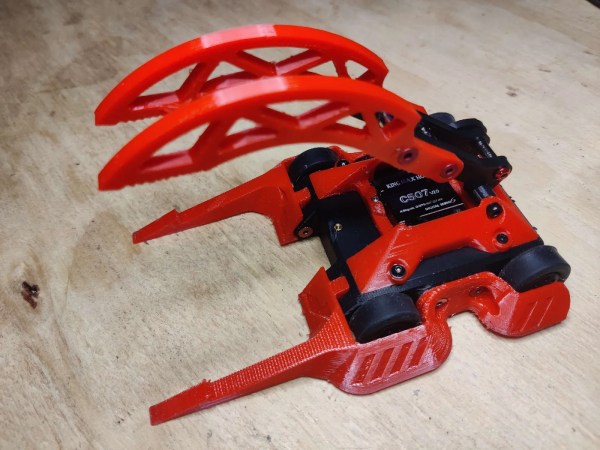
[Azpaca] purchased a fun little toy car from Tamiya, only… there was a problem. The little off-roader wasn’t up to scratch—despite its four-wheel-drive, it couldn’t get over rough ground to save its life. Thus, it was time to 3D-print a better chassis that could actually get through it!

The problem was quite obvious. With no suspension and a rigid chassis, the vehicle would tend to end up with one or more wheels on the air on rough surfaces. To rectify this, [Azpaca] created a twisting chassis which would allow the wheels to better remain in contact with the ground. The design is relatively straightforward, and reuses much of the original drivetrain, including the simple brushed motor. However, with a pivot right behind the front wheels, it has much more traction on rocks and gravel, and can traverse these terrains much more easily.

Tamiya’s motorized toys aren’t particularly well known in the West, but it’s neat to see the community that exists around modifying them around the world. Design files are available for the curious. If you’re not down with mods, perhaps you’d prefer to print your own cars from scratch. Video after the break.

Continue reading “Tiny RC Four-Wheeler Gets Chassis Upgrade For More Traction”

Could Non-Planar Infill Improve The Strength Of Your 3D Prints?

When you’re spitting out G-Code for a 3D print, you can pick all kinds of infill settings. You can choose the pattern, and the percentage… but the vast majority of slicers all have one thing in common. They all print layer by layer, infill and all. What if there was another way?

There’s been a lot of chatter in the 3D printing world about the potential of non-planar prints. Following this theme, [TenTech] has developed a system for non-planar infill. This is where the infill design is modulated with sinusoidal waves in the Z axis, such that it forms a somewhat continuous bond between what would otherwise be totally seperate layers of the print. This is intended to create a part that is stronger in the Z direction—historically a weakness of layer-by-layer FDM parts.

Files are on Github for the curious, and currently, it only works with Prusaslicer. Ultimately, it’s interesting work, and we can’t wait to see where it goes next. What we really need is a comprehensive and scientific test regime on the tensile strength of parts printed using this technique. We’ve featured some other neat work in this space before, too. Video after the break.

Continue reading “Could Non-Planar Infill Improve The Strength Of Your 3D Prints?”

Time Vs Money, 3D Printer Style

A few months ago, Hackaday’s own Al Williams convinced me to buy a couple of untested, returned-to-manufacturer 3D printers. Or rather, he convinced me to buy one, and the incredible success of the first printer spurred me on to the second. TL;DR: Lightning didn’t strike twice, but I’d still rate it as worth my time. This probably isn’t a good choice for your first printer, but if you’ve done the regular maintenance on your first printer already, I’d recommend it for your second or twelfth.

As background, Al has been volunteering with local schools to teach a 3D printing summer class, and this means outfitting them with a 3DP lab on the dirt cheap. His secret is to buy last year’s model which has all of the features he needs – most importantly for the kids, automatic bed height probing – but to buy it from the scratch-and-dent shelf at Creality. Why? Because they are mid-grade printers, relatively new, but on deep discount.

How deep? I found an essentially endless supply of printers that retail for $300 on discount for $90 each. The catch? It might work, it might not. I bought my son one, because I thought that it would at least make a good project for us to work on together. Those plans were spoiled – it worked absolutely flawlessly from the moment we bolted it together, and he runs 24-hour jobs on the thing without fear. From the look of the build plate, it had been used exactly once and returned for whatever reason. Maybe the owner just didn’t want a 3D printer?

The siren song of straightforward success was too much for me to resist, and I picked another up to replace my aging A8 which was basically a kit for a 3D printer, and not a particularly good one at that, but could be made to work. My scratch-and-dent Creality came with a defective bed-touch sensor, which manifest itself as a random absolute refusal to print.

I took it apart, but the flaw is in the design of the V1 touch sensors – the solenoid requires more current to push down than the 3DP motherboard can reliably deliver. It works 100% of the time on my bench power supply, but in situ it fails about 30% of the time, even after hitting it with graphite and making sure everything is mechanically sound. Creality knows this and offers a free trade-in, just not for me. The new version of the Creality probe costs $50 new, but you can get cheap knock-off BL Touch models for $14. Guess what I did?

And guess what bit me? The cheapo touch probe descends a bit slower than the Creality version should, and the firmware is coded to time-out in an extra-short timeframe. Thankfully, Creality’s modifications to Marlin are all open source, and I managed to tweak and flash a new firmware that made it work 100% of the time, but this was at a cost of probably eight hours of bug-hunting, part-ordering, and firmware-compiling. That said, I got some nice extra features along the way, which is the advantage of a printer running open-source firmware.

So my $300 printer cost me $105, plus eight hours of labor. I only charge one coffee per hour for fun hardware debugging tasks, but you may have a different valuation. Taken together with my son’s printer, we have $600 worth of printer for under $200 plus labor, though, which starts to sound a little better.

Is gambling on an untested return 3D printer worth it? For us, I would say it was, and I’d do it again in a few years. For now, though, we’ve got three printers running and that’s all we need. Have you gone down this perilous path?