With the benefit of decades of advances in miniaturization, looking back at the devices of yore can be entertaining. Take camcorders; did we really walk around with these massive devices resting on our shoulders just to record the family trip to Disneyworld? We did, but even if those days are long gone, the hardware remains for the picking in closets and at thrift stores.
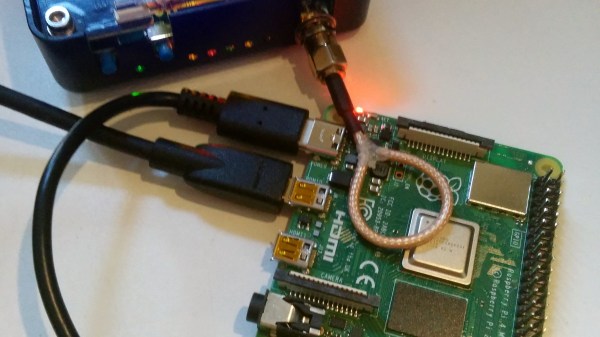
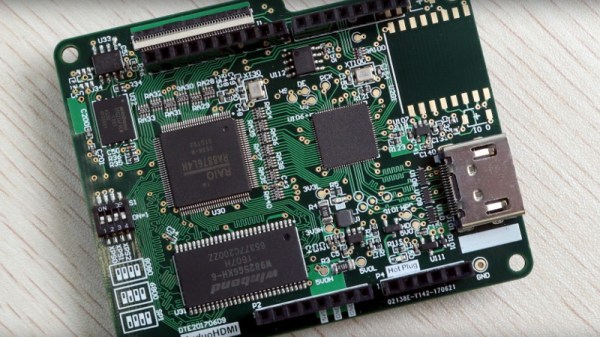
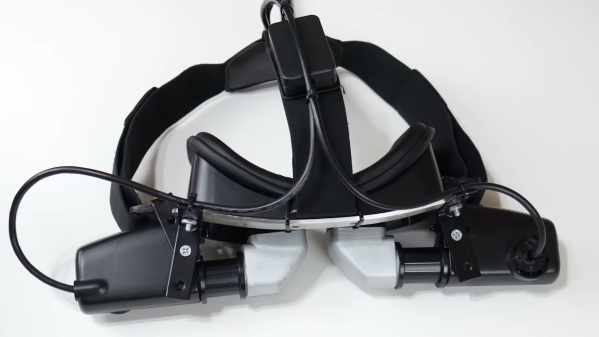
Those camcorders can be turned into cool things such as this CRT-based virtual reality headset. [Andy West] removed the viewfinders from a pair of defunct Panasonic camcorders from slightly after the “Reggievision” era, leaving their housings and optics as intact as possible. He reverse-engineered the connections and hooked up the composite video inputs to HDMI-to-composite converters, which connect to the dual HDMI ports on a Raspberry Pi 4. An LM303DLHC accelerometer provides head tracking, and everything is mounted to a bodged headset designed to use a phone for VR. The final build is surprisingly neat for the number of thick cables and large components used, and it bears a passing resemblance to one of those targeting helmets attack helicopter pilots use.
The software is an amalgam of whatever works – Three.js for browser-based 3D animation, some off-the-shelf drivers for the accelerometers, and Python and shell scripts to glue it all together. The video below shows the build and a demo; we don’t get the benefit of seeing what [Andy] is seeing in glorious monochrome SD, but he seems suitably impressed. As are we.
We’ve seen an uptick in projects using CRT viewfinders lately, including this tiny vector display. Time to scour those thrift stores before all the old camcorders are snapped up.
Continue reading “A Pair Of CRTs Drive This Virtual Reality Headset”