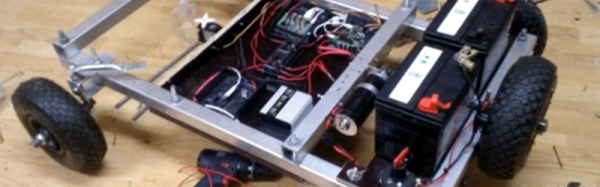
[Emil Kalstø] has a pretty solid remote control car. We don’t mean a little car with a handheld remote you can drive around the neighborhood. [Emil’s] car has a camera and a cell phone so that it can go anywhere there’s 3G or 4G networking available.
The video (see below) shows the results (along with [Emil’s] little brother acting as a safety officer). The video offers tantalizing detail you might find useful if you want to reproduce a similar vehicle. However, it stops short of providing complete details.
The two batteries onboard will power the vehicle for over 20 hours of continuous use. The 30W motor is reduced with a chain drive to go about “walking speed.” There’s a Raspberry Pi with a Huawei 3G USB dongle onboard and [Emil] uses an XBox controller to do the steering from the warmth of his living room. Of course, a Pi can’t handle a big motor like that directly, so a Phidgets USB motor controller does the hard work. The software is written using Node.js.
The camera mount can swivel 230 degrees on a servo so that the operator can scan the road ahead. The video mentions that steering the car required a heavy-duty servo with metal gears (an earlier attempt with nylon gears didn’t work out).
Overall, it looks like a solid build. We hope [Emil] will share code and more details soon. If you can’t wait (and your insurance is paid up), you might have a go at an even bigger car. Surprisingly, there’s more than one example of that.
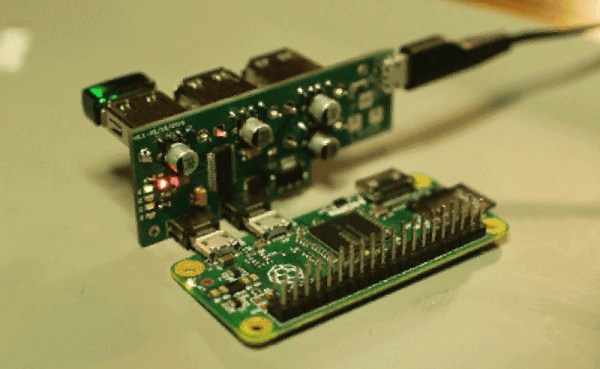
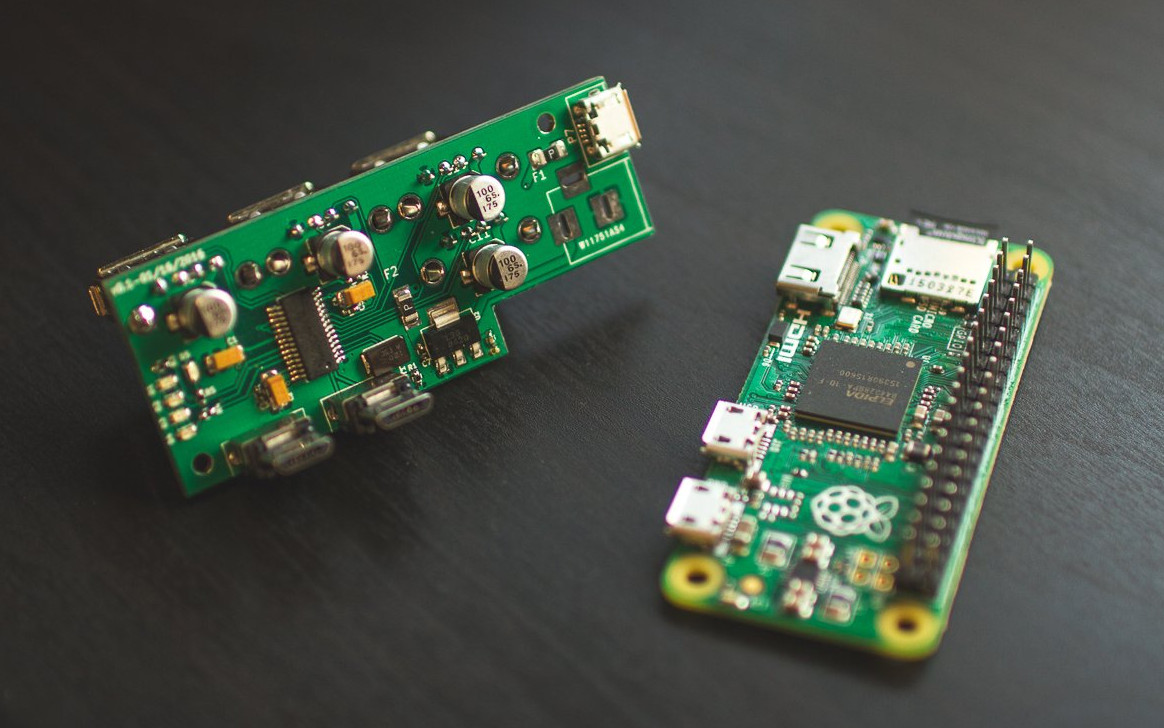 [Sean Hodgins’] acute approach is orthogonal to most of the other hubs we’ve seen. He’s mating the hub at right angles to the Zero. The hub plugs into both the on-the-go USB port and the USB power port. No extra cables or wiring needed. [Sean] plans to release the design on GitHub after his


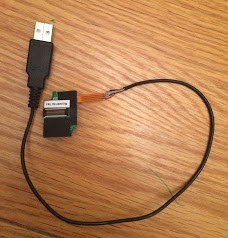 He found a cheap replacement fingerprint scanner on hacker’s heaven, also known as eBay. It had four wires attached to a 16 pin connector. Investigation on the scanner end showed the outer pair were power and ground which made [Serge] suspect it was a USB device. Wiring up a USB connector and trying it the device was recognized but with a lot of errors. He swapped the signal lines and everything was perfect. He had sudo at his finger tip.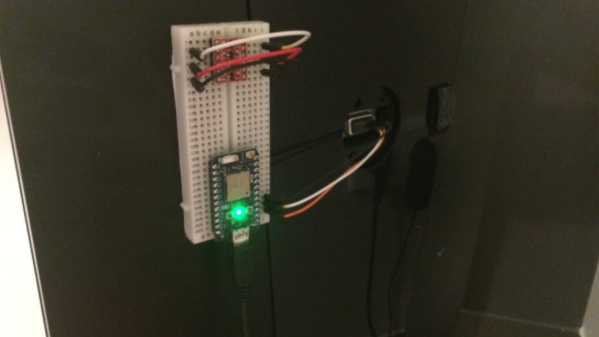
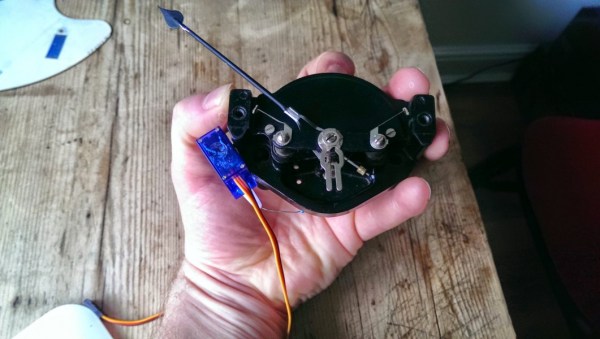
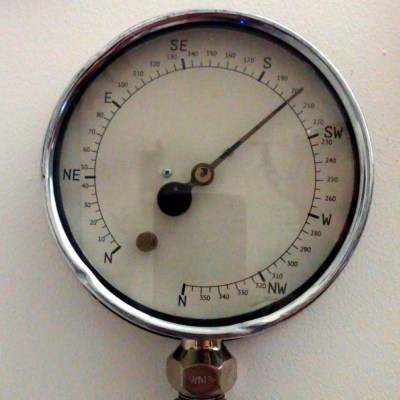 Being an aficionado of big engineering helped [mechanicalsquid] come up with a style for his gauge – big old dials and meters. We hesitate to apply the “steampunk” label to every project that retasks old technology, but it sure looks like a couple of the gauges he used could have been for steam, so the moniker probably fits here. Weather data for favorite kitesurfing and windsurfing locales is scraped from the web and applied to the gauges to indicates wind speed and direction. [mechanicalsquid] made a valiant effort to drive the voltmeter coil directly from the Raspberry Pi, but it was not to be. Servos proved inaccurate, so steppers do the job of moving the needles on both gauges. Check out the nicely detailed build log for this one, too.