The 3D Printers Of CES

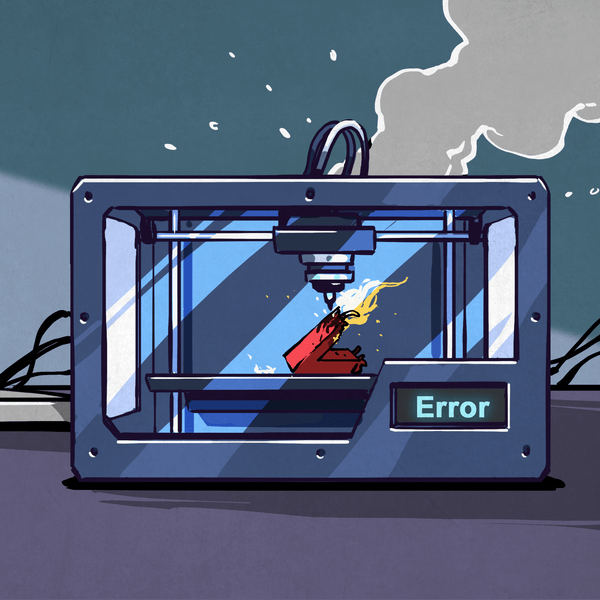
CES is over, and now we can take a step back, distance ourselves from the trade show booths, and figure out where 3D printing will be going over the next year.

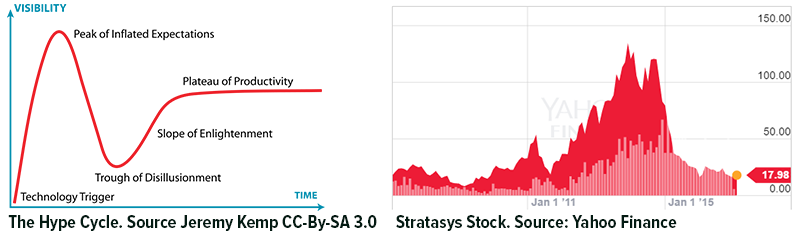
The Hype Cycle is a great way to explain trends in fads and technological advances. VR and autonomous cars are very early on the Hype Cycle right now. Smartphones are on the plateau of productivity. 3D printing is head-down in the trough of disillusionment.

For this year’s CES, 3D printing is not even a product category. In fact, the official documentation I found at Prusa’s booth listed their company in the ‘Assistive Technologies’ category. These are dark days for the public perception of 3D printing. The source of this perception can be brilliantly presented in a pair of graphs:
hype-cycle

The perception of 3D printing has been tied inexorably to Makerbot. Makerbot presented the only 3D printer on The Colbert Report. Only Makerbot had their 3D printing storefronts featured on CNN. It’s been like this for half a decade, and hopefully things will get better.

This doesn’t mean 3D printing isn’t improving. In fact, it’s the best it’s ever been. CES had the most innovative printers I’ve seen in years. I caught a glimpse of this year’s top-selling printer (and it launches in April). Resin machines are going to be very popular soon. What did CES have to offer? Check it out below.


Continue reading “The 3D Printers Of CES”

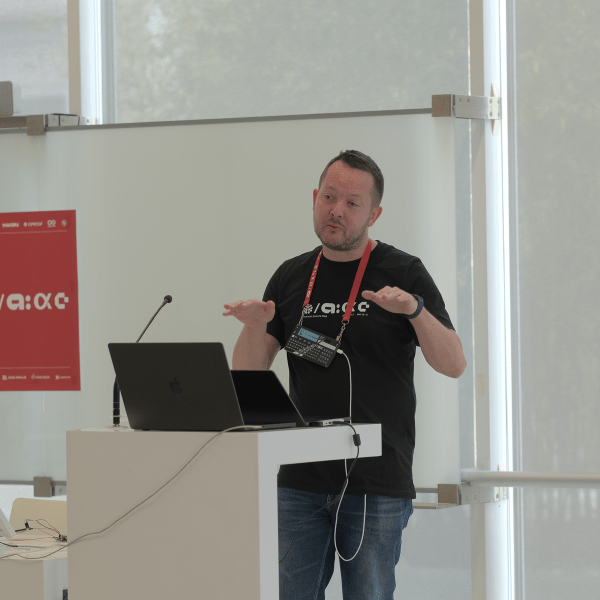
David Krum: The Revolution In Virtual Reality

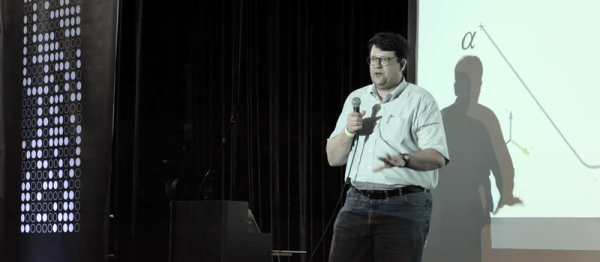
[David Krum] is associate lab director at the Mixed Reality Lab at the Institute for Creative Technologies at USC. That puts him at the intersection of science and engineering: building cool virtual reality (VR) devices, and using science to figure out what works and what doesn’t. He’s been doing VR since 1998, so he’s seen many cool ideas come and go. His lab was at the center of the modern virtual reality explosion. Come watch his talk and see why!

Continue reading “David Krum: The Revolution In Virtual Reality”

Hackaday Links: January 8, 2017

What do you get when mindless automatons with no capacity for reason or logic converse? While you discuss that in the comments, here are two chatbots on Twitch. The highlights? A few hours ago they were doing the cutesy couple, “‘I love you more!’, ‘No, I love you more!'” thing. This was ended by, “Error, cannot connect to server.” Even robot love is not eternal.

3D printer nozzles wear out. Put a few hundred hours on a brass nozzle, and you’re not going to get the same print quality as when you started. This has led to stainless and silly-con carbide nozzles. Now there’s a ruby nozzle. It’s designed by [Anders Olsson], the same guy who’s using an Ultimaker to print neutron shielding. This guy is a nuclear engineer, and he knows his stuff. This is a nozzle designed to not grind contaminants into extruded plastic, and it looks cool, too.

This is the eighth day of the year, but the guild of independent badge makers of DEF CON are already hard at work. AND!XOR is working on the DC25 badge, that promises to be bigger, badder, and more Bender. I’m loving the Hunter S. Bender theme.

Anyone can design a PCB, but how do you panelize multiple PCBs? There’s a lot to consider – routing, mouse bites, and traces for programming the board while still panelized. This is the best solution we’ve seen. It’s a GUI that allows you to organize Gerbers on a panel, rotate them, add routes and cutouts, and generally do everything a board house does. It’s all Open Source and everything is available on GitHub.

[ducksauz] found a very old ‘computer trainer’ on eBay. It’s a DEC H-500, built to explain the basics of digital electronics and semiconductors to a room full of engineering students. It is an exceptionally beautiful piece of equipment with lovely hand-drawn traces and ‘surface mounted’ 7400 chips mounted on the back side.

Creating A PCB In Everything: Creating A Custom Part In Fritzing

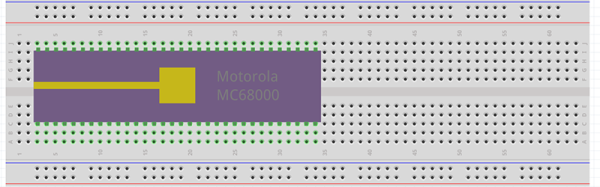
This is the continuation of a series of posts where I create a schematic and PCB in various EDA tools. Already, we’ve looked at Eagle CAD, KiCad, and took a walk down memory lane with one of the first PCB design tools for the IBM PC with Protel Autotrax. One of the more controversial of these tutorials was my post on Fritzing. Fritzing is a terrible tool that you should not use, but before I get to that, I need to back up and explain what this series of posts is all about.

The introduction to this series of posts laid it out pretty bare. For each post in this series, I will take a reference schematic for a small, USB-enabled ATtiny85 development board. I recreate the schematic, recreate the board, and build a new symbol and footprint in each piece of software. That last part — making a new symbol and footprint — is a point of contention for Fritzing users. You cannot create a completely new part in Fritzing. That’s a quote straight from the devs. For a PCB design tool, it’s a baffling decision, and I don’t know if I can call Fritzing a PCB design tool now.

Continue reading “Creating A PCB In Everything: Creating A Custom Part In Fritzing”

Visualization Of A Phased Array Antenna System

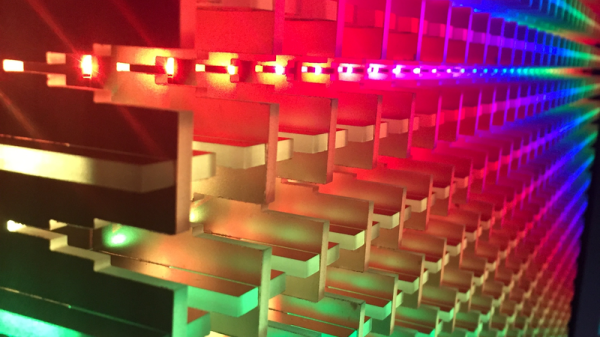
Phased array antenna systems are at the cusp of ubiquity. We now see Multiple-Input Multiple-Output (MIMO) antenna systems on WiFi routers. Soon phased array weather radar systems will help to predict the weather and keep air travel safe, and phased array base stations will be the backbone of 5G which is the next generation of wireless data communication.  But what is a phased array antenna system?  How do they work?  With the help of 1024 LEDs we’ll show you.

Continue reading “Visualization Of A Phased Array Antenna System”

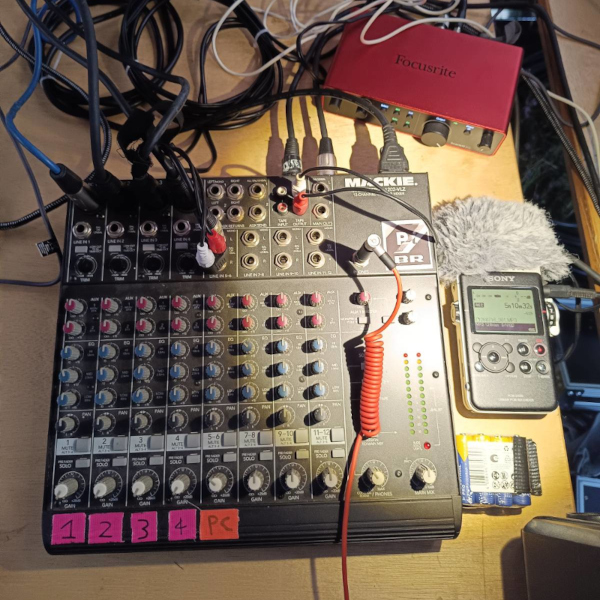
Derek Schulte: Path Planning For 3D Printers

[Derek Schulte] designed and sells a consumer 3D printer, and that gives him a lot of insight into what makes them tick. His printer, the New Matter MOD-t, is different from the 3D printer that you’re using now in a few different ways. Most interestingly, it uses closed-loop feedback and DC motors instead of steppers, and it uses a fairly beefy 32-bit ARM processor instead of the glorified Arduino Uno that’s running many printers out there.

The first of these choices meant that [Derek] had to write his own motor control and path planning software, and the second means that he has the processing to back it up. In his talk, he goes into real detail about how they ended up with the path planning system they did, and exactly how it works. If you’ve ever thought hard about how a physical printhead, with momentum, makes the infinitely sharp corners that it’s being told to in the G-code, this talk is for you. (Spoiler: it doesn’t break the laws of physics, and navigating through the curve involves math.)

Continue reading “Derek Schulte: Path Planning For 3D Printers”

Ditch OpenSCAD For C++

There’s an old saying that a picture is worth a thousand words. If you’ve ever tried to build furniture or a toy with one of those instructions sheets that contains nothing but pictures, you might disagree. 3D design is much the same for a lot of people. You think you want to draw things graphically, but once you start doing complex things and making changes, parametric modeling is the way to go. Some CAD tools let you do both, but many 3D printer users wind up using OpenSCAD which is fully parametric.

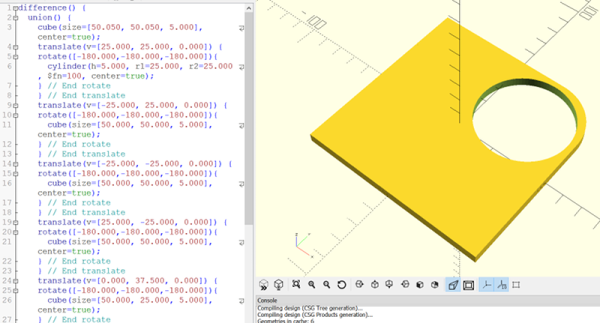
If you’ve used OpenSCAD you know that it is like a simple programming language, but with some significant differences from what you normally use. It is a good bet that most Hackaday readers can program in at least one language. So why learn something new? A real programming language is likely to have features you won’t find readily in OpenSCAD that, in theory, ought to help with reuse and managing complex designs.

I considered OpenJSCAD. It is more or less OpenSCAD for JavaScript. However, JavaScript is a bit of a scripting language itself. Sure, it has objects and some other features, but I’m more comfortable with C++. I thought about using the OpenCSG library that OpenSCAD uses, but that exposes a lot of detail.

Instead, I turned to a project that uses C++ code to generate OpenSCAD output, OOML (the Object Oriented Mechanics Language)). OpenSCAD does the rendering, exporting, and other functions. Unfortunately, the project seems to have stalled a few years back and the primary web-based documentation for it seems to be absent. However, it is very usable and if you know how to find it, there is plenty of documentation available.

Why not OpenSCAD?

Continue reading “Ditch OpenSCAD For C++”