Wooden Clock To FPGA Conversion

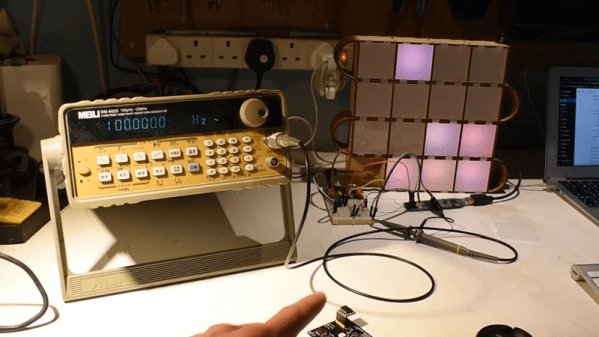
[John] wanted a project to help him learn more about FPGAs. So he started with his wooden clock — made with an Arduino — and ported it over to a Lattice FPGA using Icestorm. What’s nice is that he takes you through the steps he used to simulate the design using the Falsted simulator and then realizing it in the FPGA. Since he’s just starting out, it is a good bet he ran into the same rough edges you will (or did) and sometimes that can really help get you over the hump. You can see a video below, and the code for the project is on GitHub.

For example, after mocking up a circuit design in Falstad he realized he could make one large counter instead of several modules, and he contrasts that to a more modular approach. He also ran into a feature that was simple for the Arduino but difficult for the FPGA. He got it working, but it took some optimization effort to make everything fit in the relatively small FPGA he was using.

Continue reading “Wooden Clock To FPGA Conversion”

Open Source IDE For FPGAs As QtCreator Learns Verilog

Classic battles: PC vs Mac, Emacs vs Vi, Tastes Great vs Less Filling, and certainly one that we debate around the Hackaday watercooler: command line or IDE? There’s something to be said for using good old command line tools, and even if you like to configure your favorite editor to be nearly an IDE, at least it is one you are familiar with and presumably leverage over several different uses.

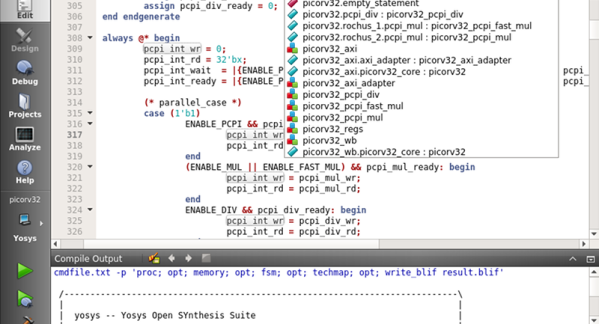
Most commercial FPGA tools come with a heavy-weight IDE. The open source tools for Lattice (IceStorm) typically is driven by the command line or a makefile. Until now. [Rochus-Keller] released VerilogCreator which is a plugin for QtCreator.

We were impressed because as IDEs go, QtCreator is both useful and lightweight, two things that don’t go together for many similar tools. [FPGAwars] has had an IDE based on Atom (apio-ide) although it hasn’t been updated in nearly a year. IceStudio sees more updates, of course, but it isn’t so much an IDE as a GUI-based code builder.

[Rochus-Keller] says there’s more to come. However, even at this early stage the IDE does syntax coloring, tooltips, inline messages, and can analyze source code allowing you to cross-reference symbols as you’d expect. There are configurations for Icarus to do simulations or you can use Verilator or Yosys — the synthesizer behind IceStorm. It appears it can also interact with Tcl-based workflows like those used by most FPGA vendor IDEs.

There’s quite a bit still on the to-do list, so we are excited to see where this is going. QtCreator isn’t hard to learn and it doesn’t’ feel as bloated as some of the big IDEs like Eclipse. If you want a quick introduction to QtCreator, we did that already. If you want to draw boxes instead of writing Verilog directly, try IceStudio.

How A Microcontroller Hiding In A USB Port Became An FPGA Hiding In The Same

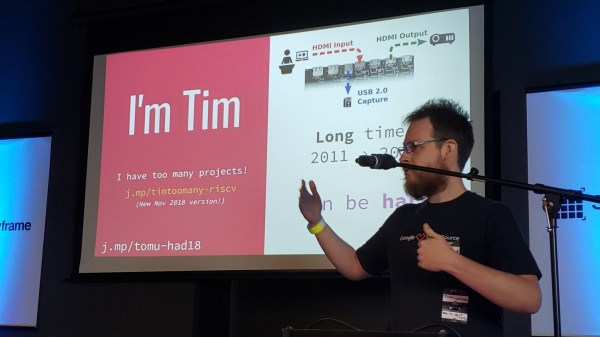
When you think of microcontroller development, you probably picture either a breadboard with a chip or a USB-connected circuit board. But Tim Ansell pictured an ARM dev board that is almost completely hidden inside of a USB port. His talk at the 2018 Hackaday Superconference tells that story and then some. Check out the newly published video, along with more details of the talk, after the break.

Continue reading “How A Microcontroller Hiding In A USB Port Became An FPGA Hiding In The Same”

Old Game Development IDE Goes FPGA

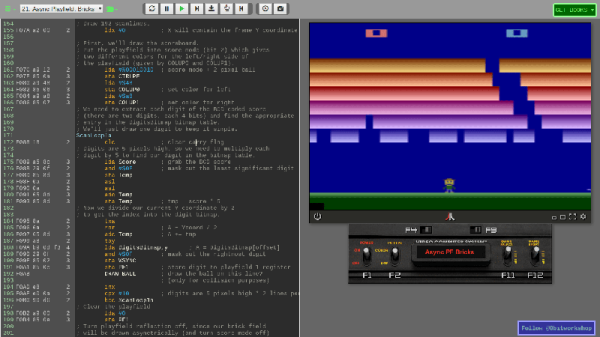
If you have a thing for old game development — things like the Atari 2600 or similar period arcade games — you might already know about the 8bitworkshop IDE. There you can develop code in your browser for those platforms. In a recent blog post, the site announced you can now also do FPGA development in the IDE.

According to the site:

Most computers are fast enough to render a game at 60 Hz, which requires simulating Verilog at almost 5 million ticks per second.

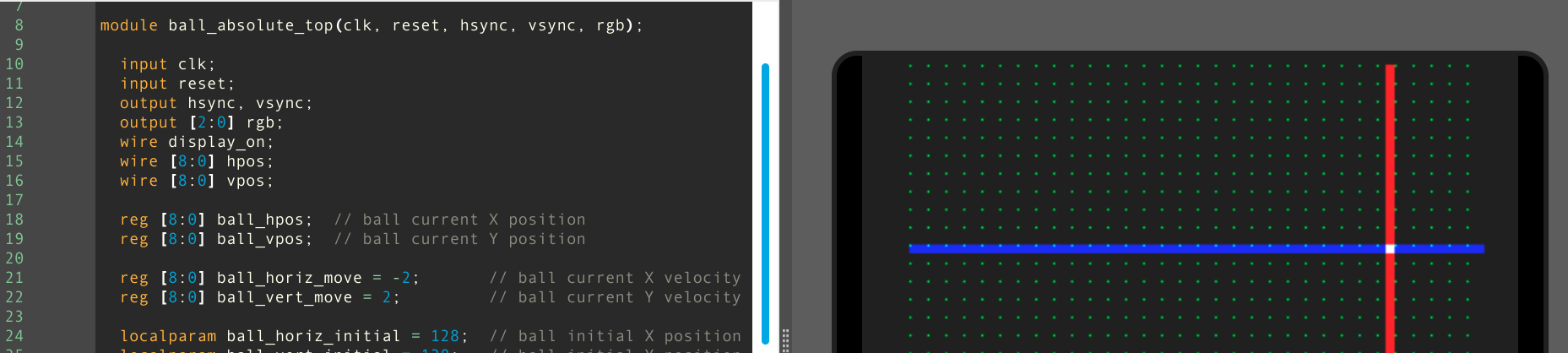
To activate Verilog, you need to select the hamburger menu to the top left, select Platform, and then under Hardware, check Verilog. What makes this different from, say, EDA Playground, is that the output can be waveforms or the output to a virtual TV monitor. For example, here’s one of the examples:

The Verilog code is generating horizontal and vertical sync along with an RGB output and the results appear on the monitor to the right. There is a handle at the bottom of the screen. If you drag it up you will see the logic analyzer output. Drag it down and you’ll see the screen again. The examples include an 8-bit and 16-bit CPU, and example games that can even read the mouse.

Honestly, we don’t think anyone would suggest using Verilog to write in-browser games. That isn’t really the point here. However, if you are trying to learn Verilog, it is great fun to be able to produce something other than just abstract waveforms from simulation. The only downside is that to move to a real piece of hardware, you’d need to duplicate the interfaces provided by the IDE. That would not be very hard, and — of course — if you are just using it to learn you can try a different project for the real world.

If you need help getting going in Verilog, we have a series of boot camps that can help. Those tutorials use EDA Playground, but they’d probably work here, too. If you try them in the IDE, be sure to let us know your experience.

FPGA Emulates A PDP-1, Breathes New Life Into Classic Video Game

If you’ve ever wanted to sit at the console of the machine that started the revolution in interactive computing, your options are extremely limited. Of the 53 PDP-1 machines that Digital Equipment Corporation made, only three are known to still exist, and just one machine is still in working order at the Computer History Museum. So a rousing game of Spacewar! on the original hardware is probably not something to put on your bucket list.

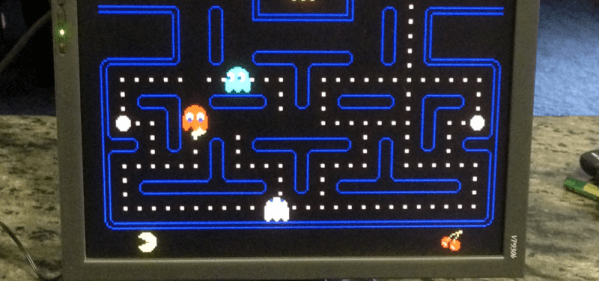
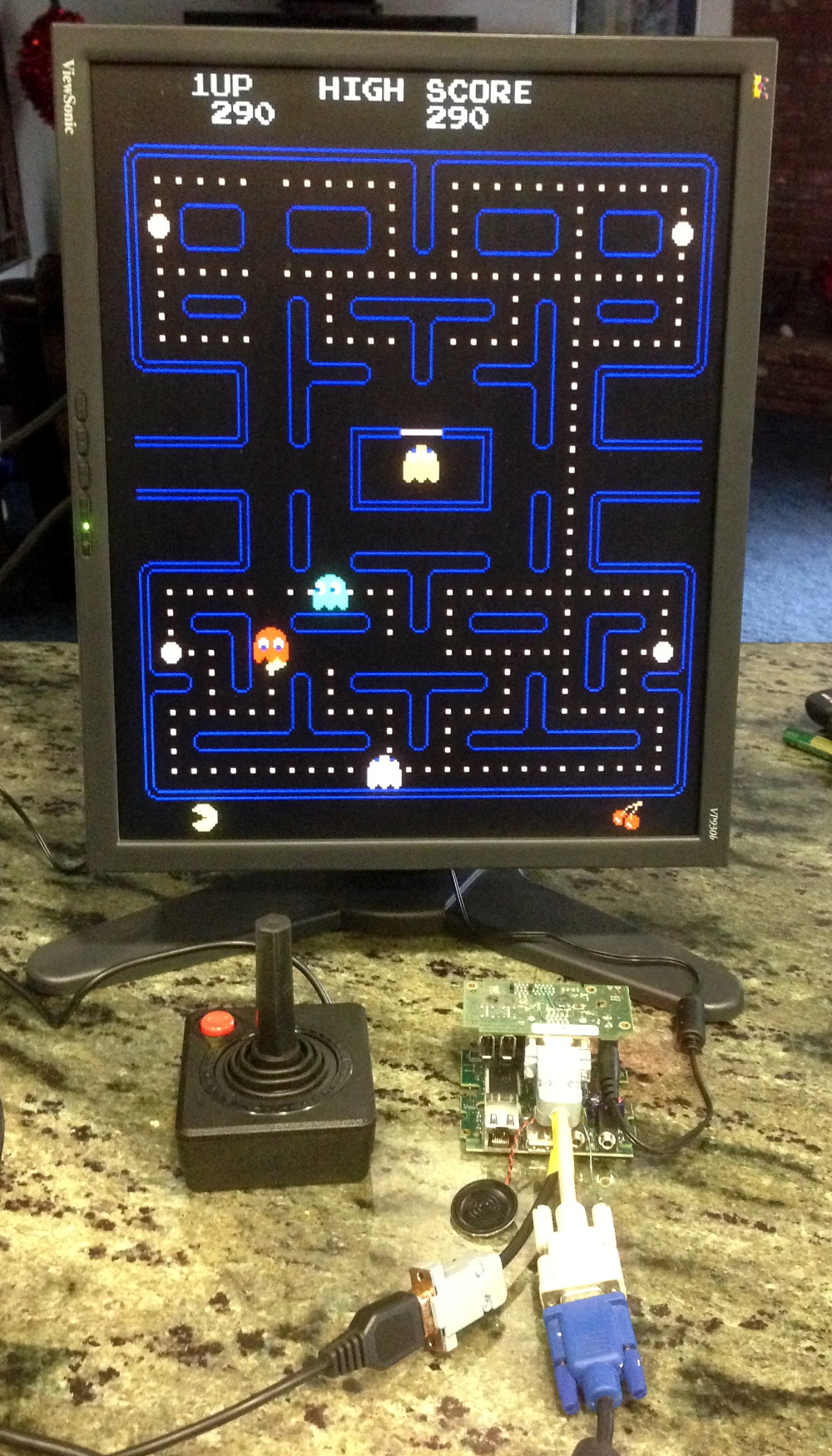
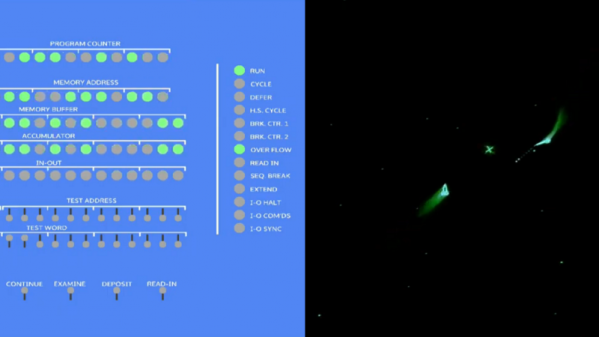
But thanks to [Hrvoje], there’s now an FPGA emulation of the PDP-1 that lets you play the granddaddy of all video games without breaking into the CHM. The project was started simply to give [Hrvoje] a sandbox for learning FPGAs and Verilog, but apparently went much further than that. The emulation features the complete PDP-1 instruction set, 4kB of core memory, and representations of the original paper tape reader, teletype, operator’s console, and the classic Type 30 CRT. All the hardware is displayed on a standard HDMI monitor, but it’s the CRT implementation that really sells this. The original Type 30 monitor used a CRT from a radar set, and had long-persistence phosphors that gave the display a very distinctive look. [Hrvoje] replicated that by storing each pixel as three values (X, Y, and brightness) in a circle of four chained shift registers. As the pixels move through the shift registers, the brightness value is decreased so it slowly fades. [Hrvoje] thinks it doesn’t look quite right, but we’ll respectfully disagree on that point.

We’ve argued before that the PDP-1 is the machine that started hacker culture, and we think this project is a fitting tribute to the machine as we enter the year in which it will turn sixty. Having the chance to play with it through this emulation is just icing on its birthday cake.

Continue reading “FPGA Emulates A PDP-1, Breathes New Life Into Classic Video Game”

A Symbiotic Partnership Between FPGA And 6502

[Kenneth Wilke] is undertaking a noble quest – to build a homebrew microcomputer, based around the venerable 6502. As a prelude to this, he set out to interface the hallowed CPU to an FPGA, and shared the process involved.

[Kenneth] is using an Arty A7 FPGA development board which is a great fit for purpose, having plenty of I/O pins and being relatively easy to work with for the home tinkerer. This is an important consideration, as many industrial strength FPGAs require software licences to use which can easily stretch into the tens of thousands of dollars.

The 6502 is placed on a breadboard, and a nest of wires connects it to the PMOD interfaces of the Arty board. Then it’s a simple job of mapping out the pins on the FPGA and you’re good to go. Due to the 6502’s design it’s possible to step through instructions one at a time, and this is particularly useful on a basic homebrew build so [Kenneth] was sure to implement this functionality.

It’s all capped off with the FPGA sending the 6502 a starting address and a series of NOPs, to demonstrate the setup is capable of running the 6502 with instructions fed from the FPGA. It’s a project that shows the fundamentals of interfacing two technologies that are widely spread out in sophistication, and acts as a great base for further experimentation.

We can’t wait to see what [Kenneth] does next, as we’ve seen great things before.

ICEBreaker, The Open Source Development Board For FPGAs

The Hackaday Superconference is over, which is a shame, but one of the great things about our conference is the people who manage to trek out to Pasadena every year to show us all the cool stuff they’re working on. One of those people was [Piotr Esden-Tempski], founder of 1 Bit Squared, and he brought some goodies that would soon be launched on a few crowdfunding platforms. The coolest of these was the iCEBreaker, an FPGA development kit that makes it easy to learn FPGAs with an Open Source toolchain.

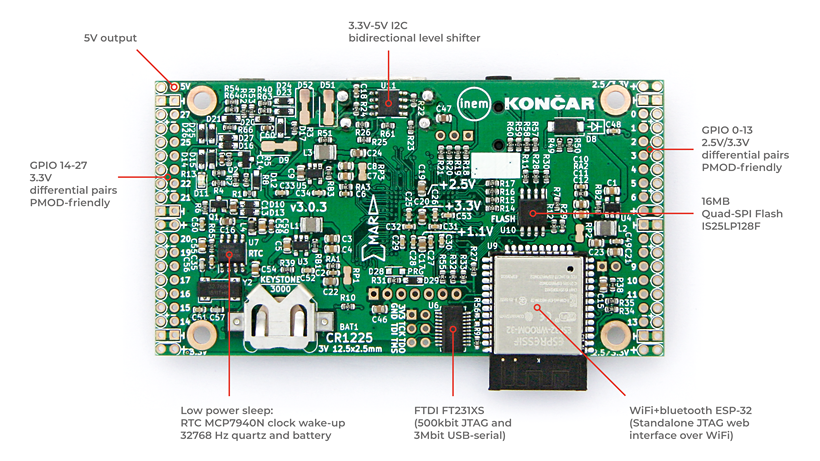
The hardware for the iCEBreaker includes the iCE40UP5K fpga with 5280 logic cells,, 120 kbit of dual-port RAM, 1 Mbit of single-port RAM, and a PLL, two SPIs and two I2Cs. Because the most interesting FPGA applications include sending bits out over pins really, really fast, there’s also 16 Megabytes of SPI Flash that allows you to stream video to a LED matrix. There are enough logic cells here to synthesize a CPU, too, and already the iCEBreaker can handle the PicoRV32, and some of the RISC-V cores. Extensibility is through PMOD connectors, and yes, there’s also an HDMI output for your vintage computing projects.

If you’re looking to get into FPGA development, there’s no better time. Joe Fitz‘s WTFpga workshop from the 2018 Hackaday Superconference has already been converted to this iCEBreaker board, and yes, the seven-segment display and DIP switches are available. Between this and the Open Source iCE toolchain, you’ve got a complete development system that’s ready to go, fun to play with, and extremely capable.