Before You Sudo Rm -rf /, Take Some Precautions

Maintaining or administering a computer system remotely is a common enough task these days, but it’s also something that can go sideways on you quickly if you aren’t careful. How many of us are guilty of executing a command, having it fail, and only then realizing that we weren’t connected to the correct computer at all? [Callan] occasionally has this issue as well, but in at least one instance, he deleted all of the contents of the wrong server by mistake. To avoid that mistake again, he uses color codes in the command line in a fairly unique way.

The solution at first seems straightforward enough. Since the terminal he’s using allows for different colors to be displayed for the user and hostname on the bash prompt, different text and background colors are used for each server. The only problem with this is that his friends also have access to these servers, and one of them is red/green colorblind, which led to another near-catastrophic mix-up. To ensure no edge cases are missed, [Callan] built a script which runs on every new server he spins up which selects two random colors, checks that they contrast well with each other, don’t create problems for the colorblind, and then applies them to the bash prompt.

For a problem most of us have had at some point or another, it’s a fairly elegant solution that helps ensure we’re sending the right commands to the right computer. This adds a layer of automation to the process and, while some color combinations do look similar, there are enough to help out most of us in some way, especially since he has released the source code on his GitHub page. For other helpful server administration tips, we’d recommend the Linux-Fu article about deploying your own dynamic DNS.

Low-Cost Display Saved By RP2040

Anyone looking for components for electronics projects, especially robotics, microcontrollers, and IoT devices, has likely heard of Waveshare. They are additionally well-known suppliers of low-cost displays with a wide range of resolutions, sizes, and capabilities, but as [Dmitry Grinberg] found, they’re not all winners. He thought the price on this 2.8-inch display might outweigh its poor design and lack of documentation, and documented his process of bringing it up to a much higher standard with a custom driver for it.

The display is a 320×240 full-color LCD which also has a touchscreen function, but out-of-the-box only provides documentation for sending data to it manually. This makes it slow and, as [Dmitry] puts it, “pure insanity”. His ultimate solution after much poking and prodding was to bit-bang an SPI bus using GPIO on an RP2040 but even this wasn’t as straightforward as it should have been because there are a bunch of other peripherals, like an SD card, which share the bus. Additionally, an interrupt is needed to handle the touchscreen since its default touch system is borderline useless as well, but after everything was neatly stitched together he has a much faster and more versatile driver for this display and is able to fully take advantage of its low price.

For anyone else attracted to the low price of these displays, at least the grunt work is done now if a usable driver is needed to get them up and running. And, if you were curious as to what [Dmitry] is going to use this for, he’s been slowly building up a PalmOS port on hardware he’s assembling himself, and this screen is the perfect size and supports a touch interface. We’ll keep up with that project as it progresses, and for some of [Dmitry]’s other wizardry with esoteric displays make sure to see what he’s done with some inexpensive e-ink displays as well.

Pushing Crates In 8-bit Color

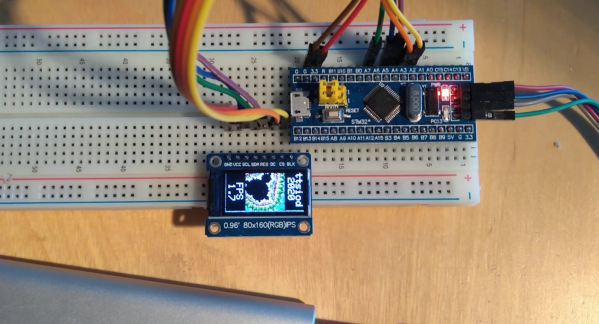
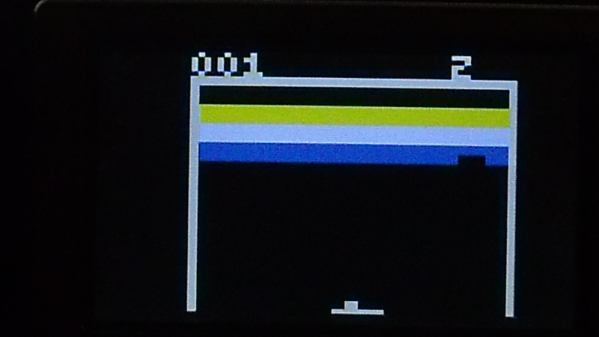
Moore’s law isn’t strictly holding anymore, but it is still true that most computing systems are at least trending towards lower cost over time, if not also slightly smaller size. This means wider access to less expensive hardware, even if that hardware is still an 8-bit microcontroller. While some move on to more powerful platforms as a result of this trend, there are others still fighting to push these platforms to the edge. [lcamtuf] has been working to this end, stretching a small AVR microcontroller to not only play a classic video game, but to display it on a color display. Continue reading “Pushing Crates In 8-bit Color”

All Your Pixels Are (Probably Not) Belong To Pantone

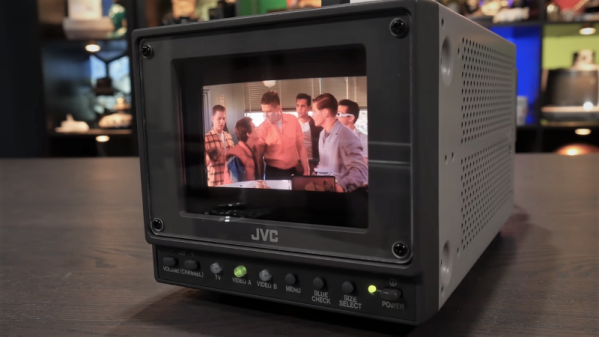
There’s a piece of news floating around the open IP and allied communities at the moment which appears to have caused some consternation. It comes from Adobe, who have announced that due to an end of their licensing deal with Pantone LLC, PSD images loaded into Photoshop will have pixels containing unlicensed Pantone colours replaced with black. What, Pantone owns colours now? Are we expected to pay a royalty every time we take a picture of a blue sky? It’s natural to react with suspicion when hearing a piece of news like this, but for once we think this might not be the unreasonable intellectual property land grab it may first appear. To illustrate this, it’s necessary to explain what Pantone does, and what they don’t do. Continue reading “All Your Pixels Are (Probably Not) Belong To Pantone”

Mechanical Color Picker Types Hex Codes For You

Hex codes are a simple, unambiguous way to designate colors in digital media. However, going from a color in your head to a hex code can be difficult for the unpracticed. [Guy Dupont] built a little gadget by the name of the Dial Toner to do it for him (Nitter).

The Dial Toner has two dials for each color channel – Red, Green, and Blue. By turning the dials, one can choose a given color in the 8-bit RGB color space, and that color is then displayed on the device’s included RGB LED. Once selected, the button can be pressed to type the selected color’s hex code into a text box. The Dial Toner runs on a Xiao RP2040 microcontroller board, and is coded in CircuitPython.

[Guy] hopes to sell the Dial Toner on Etsy in future, and is even working on a CMYK version for print addicts. We’ve featured [Guy]’s work here before, too, in the form of his extended-play HitClips cartridges. Video after the break.

Continue reading “Mechanical Color Picker Types Hex Codes For You”

Erasable Pen Ink Adds Colors To 3D Prints

Changing colors during a 3D print is notoriously difficult. Either you need multiple heads ready to go during the print which increases operating and maintenance costs for your printer, or you need to stop the print to switch the filament and then hope that everything matches up when the print is resumed. There are some workarounds to this problem, but not many of them are as smooth an effortless as this one which uses erasable pen ink to add colors to the filament on the fly.

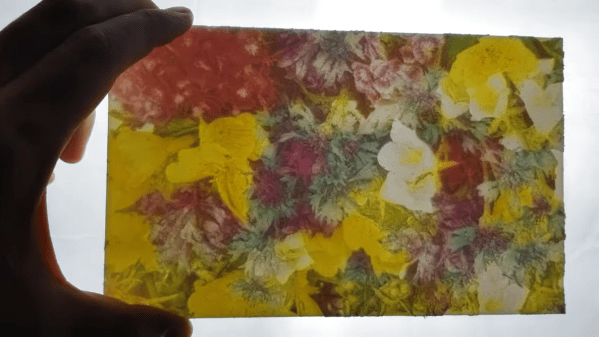
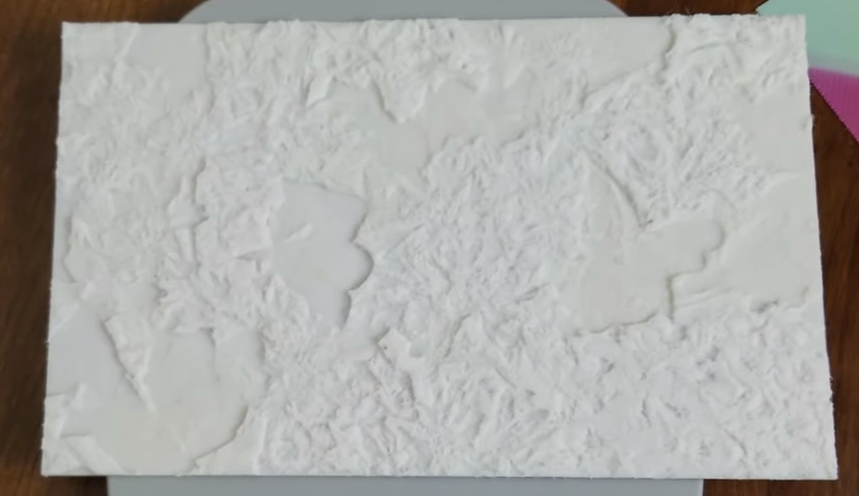
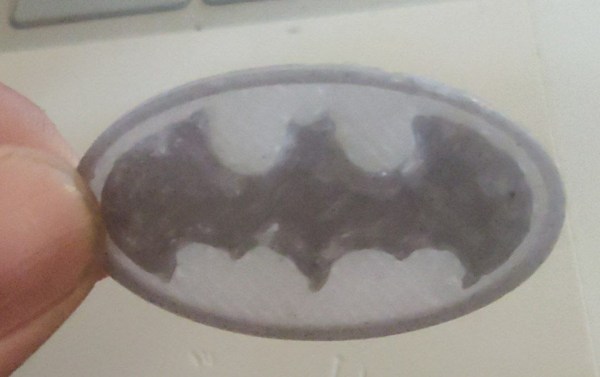
Erasable pen ink is a thermochromic material that doesn’t get removed from paper when erased like graphite from a pencil. Instead the heat from the friction of erasing causes it to become transparent. By using this property for a 3D print, the colors in the print can be manipulated simply by changing the temperature of the hot end. Of course the team at [Autodrop3d] had quite a learning curve when experimenting with this method, as they had to run the extruder at a much lower temperature than normal to have control over the ink’s color, had to run the print much slower than normal, and were using a very sticky low-temperature plastic for the print.

With all of these modifications to the print setup, there are bound to be some limitations in material and speed, but the results of the project speak for themselves. This allows for stock 3D printers to use this method with no hardware modifications, and the color changes can be done entirely in software. While everyone catches up with this new technology, there are some other benefits to a 3D printer with multiple print heads, though, and some clever ways of doing the switching without too much interruption.

Continue reading “Erasable Pen Ink Adds Colors To 3D Prints”
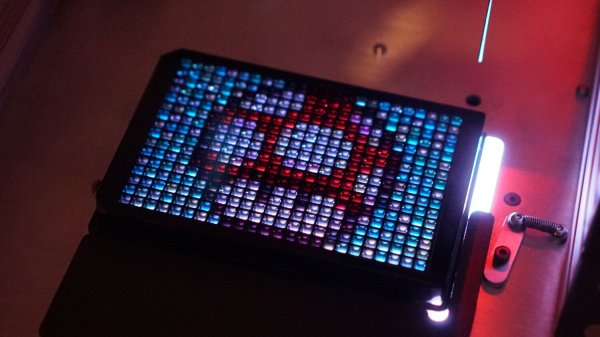
Liquid Lite Brite Robot

Liquid handling workstations are commonly used in drug development, and look like small CNC machines with droppers on the ends which can dispense liquid into any container in a grid array. They are also extraordinarily expensive, as is most specialty medical research equipment. This liquid handling workstation doesn’t create novel drugs, though, it creates art, and performs similar functions to its professional counterparts at a much lower cost in exchange for a lot of calibration and math.

The art is created by pumping a small amount of CMYK-colored liquids into a 24×16 grid, with each space in the grid able to hold a small amount of the colored liquid. The result looks similar to a Lite-Brite using liquids instead of small pieces of plastic. The creator [Zach Frew] created the robot essentially from scratch using an array of 3D printers, waterjets, and CNC machines. He was able to use less expensive parts, compared to medical-grade equipment, by using servo-controlled valves and peristaltic pumps, but makes up for their inaccuracies with some detailed math and calibration.

The results of the project are striking, especially when considering that a lot of hurdles needed to be cleared to get this kind of quality, including some physical limitations on the way that the liquids behave in the first place. It’s worth checking out not just for the art but for the amount of detail involved as well. And, for those still looking to scratch the 90s nostalgia itch, there are plenty of other projects using the Lite Brite as inspiration.

Thanks to [Thane Hunt] for the tip!