Poking Around The Wide World Of Bluetooth

Bluetooth is a technology with a very interesting history. When it first came around in the late 1990s, it promised to replace the mess of wires that was tucked behind every desk of the day. Unfortunately, the capabilities of early Bluetooth didn’t live up to the hype, and it never quite took off. It wasn’t until the rise of the smartphone more than a decade later that Bluetooth, now several versions more advanced, really started to make sense.

As [Larry Bank] explains in a recent blog post, that means there’s a whole lot to learn if you want to really understand Bluetooth hacking. For example, the Bluetooth versions that were used in the 1990s and 2000s are actually a completely different protocol from that which most modern devices are using. But the original protocol, now referred to as “Classic”, is still supported and in use.

That means to really get your head wrapped around working with Bluetooth, you need to learn about the different versions and all the tools and tricks associated with them. To that end, [Larry] does a great job of breaking down the primary versions of Bluetooth and the sort of tools you might find yourself using. That includes microcontrollers such as the ESP32 or Arduino Nano 33 BLE.

But the post isn’t just theory. [Larry] also goes over a few real-world projects of his that utilize Bluetooth, such as getting a portable printer working with his Arduino, or figuring out how to use those tiny mobile phone game controllers for his own purposes. Even if you don’t have these same devices, there’s a good chance that the methods used and lessons learned will apply to whatever Bluetooth gadgets you’ve got your eye on.

Readers may recall [Larry] from our previous coverage of his exploits, such as his efforts to increase the frame rate of the SSD1306 OLED display or his wireless bootloader for the SMART Response XE. Whenever we see his name pop up in the Tip Line, we know a fascinating hardware deep dive isn’t far behind.

ESP32-Cam Does Time Lapse

Just a few years ago, had someone asked you how much a digital camera with WiFi would cost, you probably wouldn’t have said $6. But that’s about how much [Bitluni] paid for an ESP32-CAM. He wanted to try making the little camera do time lapse, and it turns out that’s pretty easy to do.

Of course, the devil is in the details. The camera starts out needing configuration on the USB interface and that enables the set up of Arduino integration and WiFi configuration. Because it stores each frame of the image on an SD card, the board can’t take rapid-fire pictures. [Bitluni] reports a 3-second delay was about the shortest he could manage, but for most purposes, he was using at least ten seconds.

The program has a live preview window to help you set up the shot, but before your recordings start that should be turned off so as not to overload the little processor and the I/O buses. The result is a bunch of JPG images that you can easily convert to a video on a PC if you wish.

This might be a good way to fit a camera on a 3D printer, especially if the time lapse effect was desired. Otherwise, you might sync to a layer change. Now all [bitluni] needs is an orbital rig.

Continue reading “ESP32-Cam Does Time Lapse”

ESP32 Serial Interface Modernizes Old Equipment

There’s still plenty of useful hardware out there that uses an RS-232 interface, like the Behringer Ultradrive loudspeaker systems that [Lasse Lukkari] works with from time to time. Rather than ditch perfectly good gear because modern computers (to say nothing of phones or tablets) don’t have physical serial ports, he decided to come up with a WiFi adapter for these old devices that he calls SerialChiller.

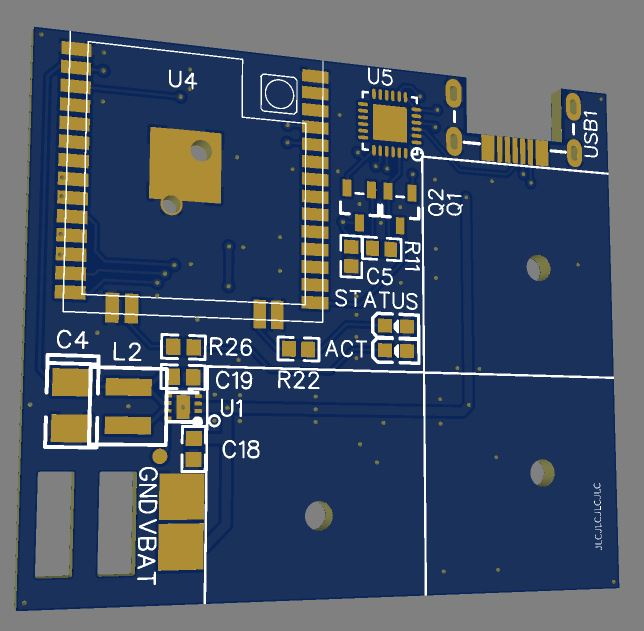
Inside the SerialChiller is an ESP32, a MAX3232 line driver, a LM1117 linear regulator, and a few passives. The professionally manufactured PCB is housed inside of an enclosure that [Lasse] has repurposed from a cheap DB15 breakout adapter. The USB cable is used to power the board and for programming, though it can also be used to turn the SerialChiller into a USB-to-serial cable as well.

The hardware for this project is pretty straightforward, but what we really like is the direction he’s taken with the software. Rather than using the SerialChiller as a simple serial to WiFi bridge, [Lasse] is actually implementing a complete web-based interface directly on the microcontroller. In the video after the break he demonstrates his firmware for controlling the aforementioned Behringer Ultradrive, but that’s just one possible application for the project. Firmware could be spun up for all sorts of classic devices, breathing new life into hardware that might otherwise be in danger of heading to the landfill.

Of course, using the ESP family of chips as serial adapters is hardly anything new. In fact, that’s what they were designed for. But developing modern user interfaces for old hardware thanks to the power of the ESP32 has some fascinating potential.

Continue reading “ESP32 Serial Interface Modernizes Old Equipment”

A Replica From WarGames, But Not The One You Think

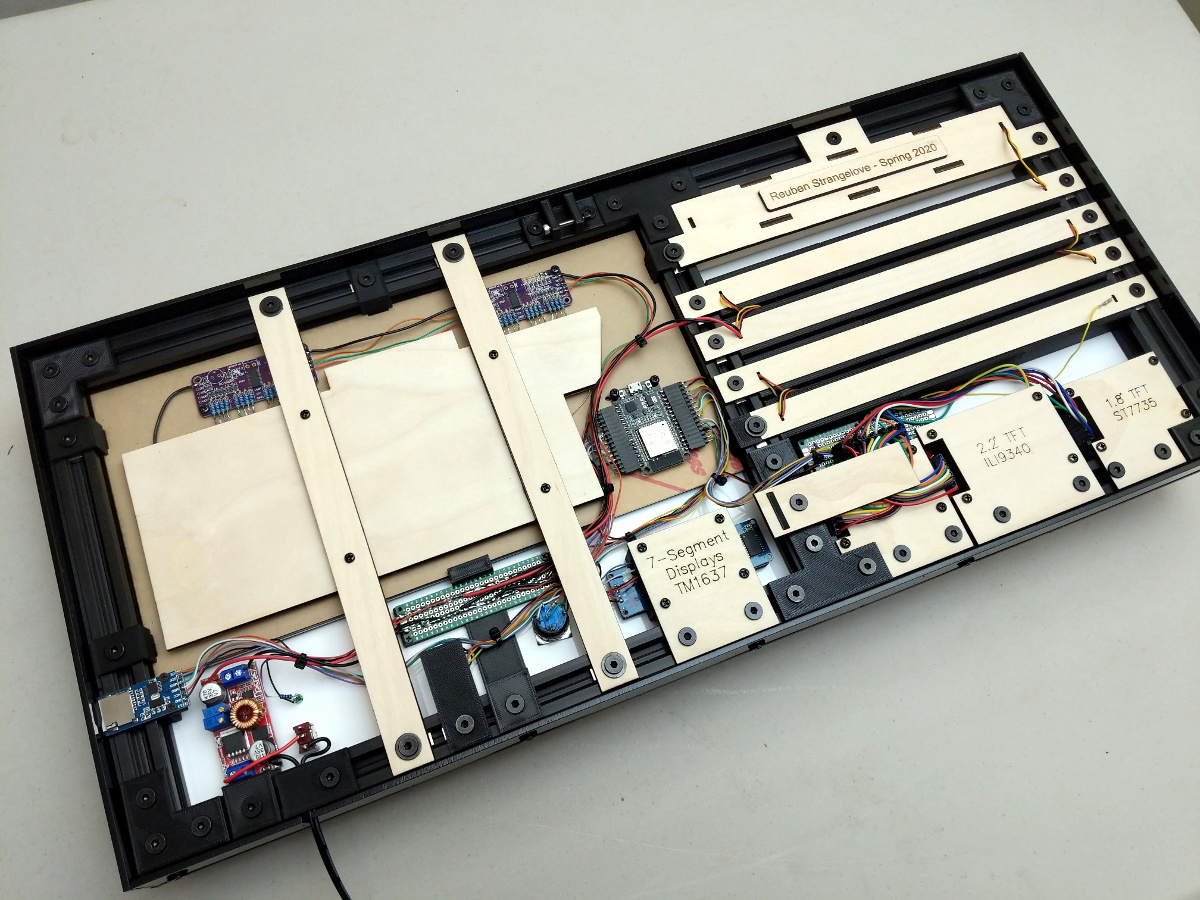
Remember the WOPR from WarGames? The fictional supercomputer that went toe-to-toe with Matthew Broderick and his acoustic coupler was like a love letter to the blinkenlight mainframes of yesteryear, and every hacker of a certain age has secretly yearned for their own scaled down model of it. Well…that’s not what this project is.

The [Unexpected Maker] is as much a WarGames fan as any of us, but he was more interested in recreating the red alphanumeric displays that ticked along as the WOPR was trying to brute force missile launch codes. These displays, complete with their thoroughly 1980s “computer” sound effects, were used to ratchet up the tension by showing how close the supercomputer was to kicking off World War III.

The display as it appeared in the film.

Of course, most us don’t have a missile silo to install his recreated display in. So when it’s not running through one of the randomized launch code decoding sequences, the display doubles as an NTP synchronized clock. With the retro fourteen segment LEDs glowing behind the smoked acrylic front panel, we think the clock itself is pretty slick even without the movie references.

Beyond the aforementioned LEDs, [Unexpected Maker] is using a ESP32 development board of his own design called the TinyPICO. An associated audio “Shield” with an integrated buzzer provides the appropriate bleeps and bloops as the display goes through the motions. Everything is held inside of an understated 3D printed enclosure that would look great on the wall or a desk.

Once you’ve got your launch code busting LED clock going in the corner, and your illuimated DEFCON display mounted on the wall, you’ll be well on the way to completing the WarGames playset we’ve been dreaming of since 1983. The only way to lose is to not play the game! (Or something like that…)

Continue reading “A Replica From WarGames, But Not The One You Think”

Node-RED Laser Shooting Gallery Goes Anywhere

When you think of a shooting gallery, you might envision a line of tin cans set up along a split-rail fence, or a few rows of ducks or bottles lined up at a carnival. But what do these have in common? You, standing in one spot, and shooting in the same general direction. You’re exposed! If those targets could shoot back, you’d be dead within seconds. Wouldn’t it be more fun if the targets were all around you in 360°? We think so, too.

So how could you possibly set up a shooting gallery this way? [Another Maker] already solved that problem for you with ESP32s and Node-RED (YouTube). Each target has an ESP32, a laser sensor, and an LED that lights up when the target is ready, and turns off once it’s been hit. They all make an enticing ‘shoot me’ sound that goes with their graphics, and a second mp3 plays upon direct hit.

The PVC gun houses an ESP8266, a laser module at the end of the barrel, and runs on a cylindrical USB battery slipped down in the secondary grip. [Another Maker] can spread the targets out far and wide, as long as they all stay in range of the localized WiFi access point.

The best part is that the Node-RED system is target-agnostic — it doesn’t care how many you have or how they’re made, and it can juggle up to 250 of them. Because of the way the target objects are programmed, it would be quite easy to add actuators that make them drop down or fall backward when hit. You could also implement [Another Maker]’s fantastic suggestion of hitting arcade buttons with NERF darts instead. Charge those lasers and fire at the break button to see the demo and walk-through video.

If you plan to knock the targets down or over in your implementation, you’ll want an easy way to reset them. Here’s a scrap-built shooting gallery that uses a windshield wiper motor to set ’em back up.

Add-On Makes ESP32 Camera Board Easier To Program

Don’t you just hate it when dev boards have some annoying little quirk that makes them harder to use than they should be? Take the ESP32-CAM, a board that started appearing on the market in early 2019. On paper, the thing is amazing: an ESP32 with support for a camera and an SD card, all for less than $10. The trouble is that programming it can be a bit of a pain, requiring extra equipment and a spare finger.

Not being one to take such challenges lying down, [Bitluni] has come up with a nice programming board for the ESP32-CAM that you might want to check out. The problem stems from the lack of a USB port on the ESP32-CAM. That design decision leaves users in need of a USB-to-serial adapter that has to be wired to the GPIO pins of the camera board so that programs can be uploaded from the Arduino IDE when the reset button is pressed. None of that is terribly complex, but it is inconvenient. His solution is called cam-prog, and it takes care of not only the USB conversion but also resetting the board. It does that by simply power cycling the camera, allowing sketches to be uploaded via USB. It looks to be a pretty handy board, which will be available on his Tindie store.

To demonstrate the add-on, he programmed his ESP32-CAM and connected it to his enormous ping pong ball video wall. The video quality is about what you’d expect from a 1,200 pixel display at 40 mm per pixel, but it’s still pretty smooth – smooth enough to make his interpretive dance moves in the last few minutes of the video pretty interesting.

Continue reading “Add-On Makes ESP32 Camera Board Easier To Program”

How Low Can An ESP32 Go?

Many of us have experimented with the ESP32 microcontroller, attracted by its combination of WiFi and a powerful processor core, but how many of us will have explored all of its many on-board features? One of the more interesting capabilities of this chip comes in the form of its ultra-low-power (ULP) co-processor, an extra core that allows an ESP32 to function while sipping tiny quantities of power with the ever-hungry main cores turned off.

It’s a feature that [Max Kern] has used to great effect in his low power ESP32 handheld computer, where he’s paired the chip with a low-power Sharp Memory LCD and used the ESP32’s ULP core to keep the display alive while the ESP cores are sleeping. Software wise the device sports basic PDA and clock functionality including an RSS parser, all of which can be seen in the video below the break. Its inspiration came from Panic’s crank-equipped Playdate console, with which it shares the Sharp display.

Seeing this device reminds us of some of the badges featuring ESP32 power that we’ve seen over the last few years. An event badge creator has a constant battle to give the device enough battery life to last the distance. It’s a problem the designers of the SHA 2017 badge solved with an e-ink unit, but perhaps the Sharp display could offer a cost-effective alternative for new designs.

Continue reading “How Low Can An ESP32 Go?”