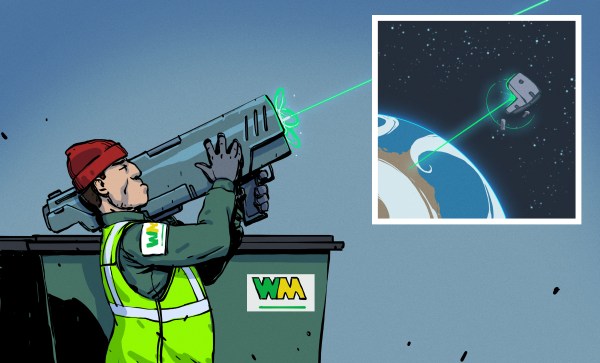
Space, as the name suggests, is mostly empty. However, since the first satellite launch in 1957, mankind began to populate the Earth orbit with all kinds of spacecraft. On the downside, space also became more and more cluttered with trash from defunct or broken up rocket stages and satellites. Moving at speeds of nearly 30,000 km/h, even the tiniest object can pierce a hole through your spacecraft. Therefore, space junk poses a real threat for both manned and unmanned spacecraft and that is why space agencies are increasing their efforts into tracking, avoiding, and getting rid of it. Continue reading “Getting Rid Of All The Space Junk In Earth’s Backyard”→
If you are even a casual Linux user, you probably know how to use grep. Even if you aren’t a regular expression guru, it is easy to use grep to search for lines in a file that match anything from simple strings to complex patterns. Of course, grep is fine for looking, but what if you want to find things and change them. Maybe you want to change each instance of “HackADay” to “Hackaday,” for example. You might use sed, but it is somewhat hard to use. You could use awk, but as a general-purpose language, it seems a bit of overkill for such a simple and common task. That’s the idea behind ripgrep which actually has the command name rg. Using rg, you can do things that grep can do using more modern regular expressions and also do replacements.
A Note on Installing Ripgrep
Your best bet is to get ripgrep from your repositories. When I tried running KDE Neon, it helpfully told me that I could install a version using apt or take a Snap version that was newer. I usually hate installing a snap, but I did anyway. It informed me that I had to add –classic to the install line because ripgrep could affect files outside the Snap sandbox. Since the whole purpose of the program is to change files, I didn’t think that was too surprising, so I did the install.
Most standardized tests have a fee: the SAT costs $50, the GRE costs $200, and the NY Bar Exam costs $250. This year, the bar exam came at a much larger cost for recent law school graduates — their privacy.
Many in-person events have had to find ways to move to the internet this year, and exams are no exception. We’d like to think that online exams shouldn’t be a big deal. It’s 2020. We have a pretty good grasp on how security and privacy should work, and it shouldn’t be too hard to implement sensible anti-cheating features.
It shouldn’t be a big deal, but for one software firm, it really is.
The NY State Board of Law Examiners (NY BOLE), along with several other state exam boards, chose to administer this year’s bar exam via ExamSoft’s Examplify. If you’ve missed out on the Examplify Saga, following the Diploma Privilege for New York account on Twitter will get you caught up pretty quickly. Essentially, according to its users, Examplify is an unmitigated disaster. Let’s start with something that should have been settled twenty years ago.
Decades ago, Einstein predicted the existence of something he didn’t believe in — black holes. Ever since then, people have been trying to get a glimpse of these collapsed stars that represent the limits of our understanding of physics.
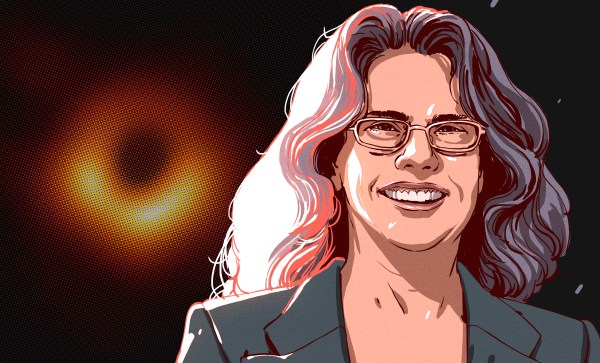
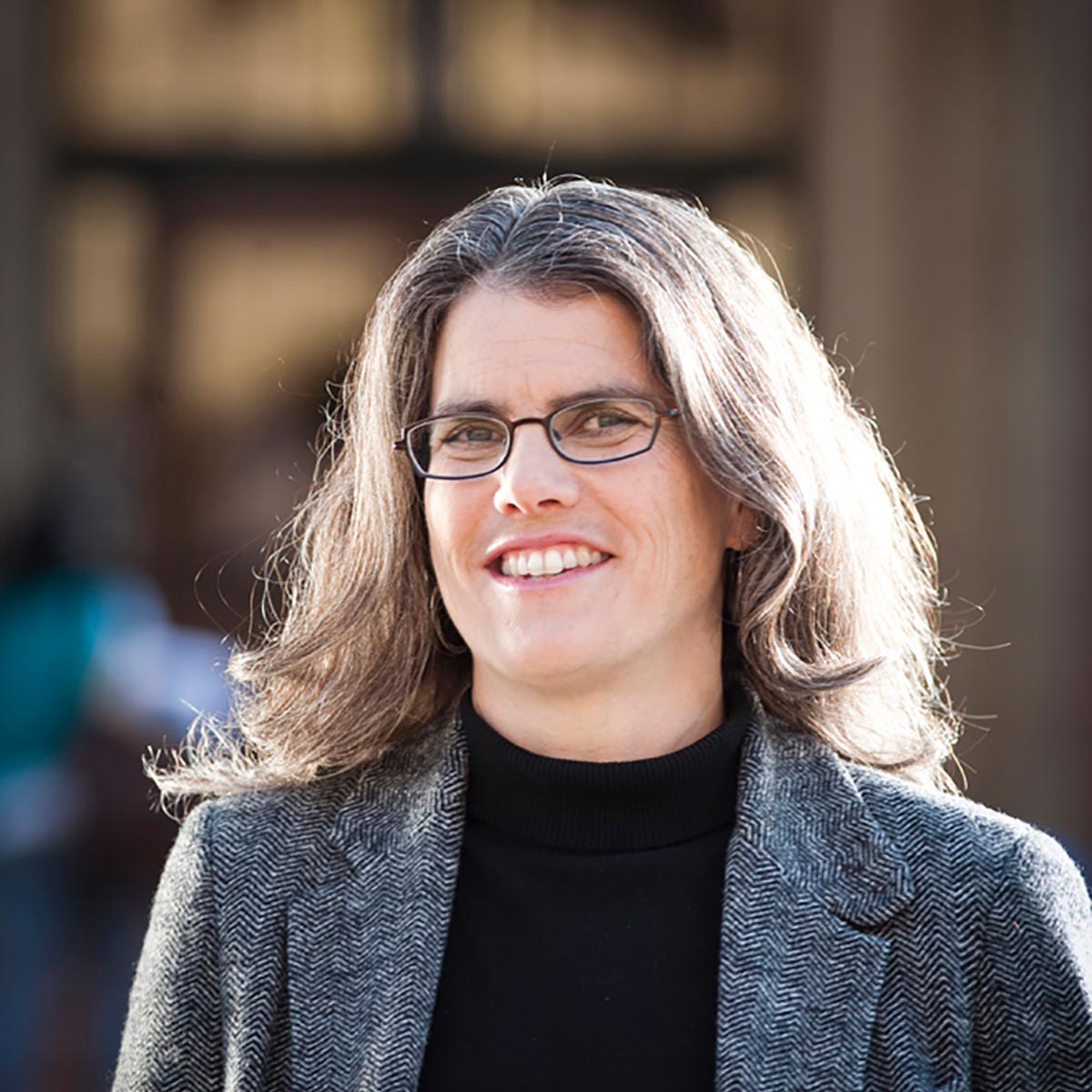
For the last 25 years, Andrea Ghez has had her sights set on the black hole at the center of our galaxy known as Sagittarius A*, trying to conclusively prove it exists. In the early days, her proposal was dismissed entirely. Then she started getting lauded for it. Andrea earned a MacArthur Fellowship in 2008. In 2012, she was the first woman to receive the Crafoord Prize from the Royal Swedish Academy of Sciences.
Now Andrea has become the fourth woman ever to receive a Nobel Prize in Physics for her discovery. She shares the prize with Roger Penrose and Reinhard Genzel for discoveries relating to black holes. UCLA posted her gracious reaction to becoming a Nobel Laureate.
A Star is Born
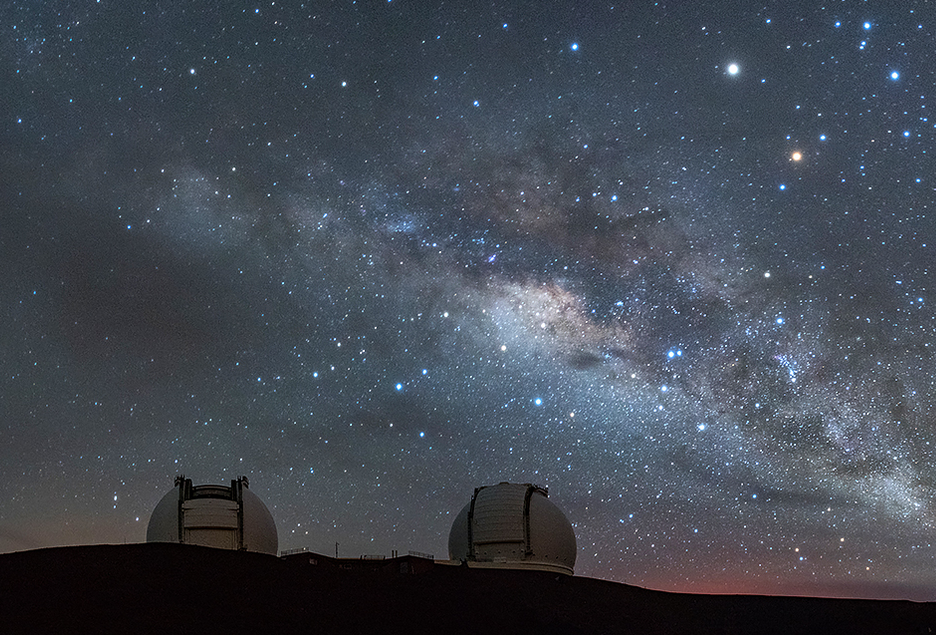
Andrea Mia Ghez was born June 16th, 1965 in New York City, but grew up in the Hyde Park area of Chicago. Her love of astronomy was launched right along with Apollo program. Once she saw the moon landing, she told her parents that she wanted to be the first female astronaut. They bought her a telescope, and she’s had her eye on the stars ever since. Now Andrea visits the Keck telescopes — the world’s largest — six times a year.
Andrea was always interested in math and science growing up, and could usually be found asking big questions about the universe. She earned a BS from MIT in 1987 and a PhD from Caltech in 1992. While she was still in graduate school, she made a major discovery concerning star formation — that most stars are born with companion star. After graduating from Caltech, Andrea became a professor of physics and astronomy at UCLA so she could get access to the Keck telescope in Mauna Kea, Hawaii.
The Keck telescopes and the Milky Way. Image via Flickr
The Center of the Galaxy
Since 1995, Andrea has pointed the Keck telescopes toward the center of our galaxy, some 25,000 light years away. There’s a lot of gas and dust clouding the view, so she and her team had to get creative with something called adaptive optics. This method works by deforming the telescope’s mirror in real time in order to overcome fluctuations in the atmosphere.
Thanks to adaptive optics, Andrea and her team were able to capture images that were 10-30 times clearer than what was previously possible. By studying the orbits of stars that hang out near the center, she was able to determine that a supermassive black hole with four millions times the mass of the sun must lie there. Thanks to this telescope hack, Andrea and other scientists will be able to study the effects of black holes on gravity and galaxies right here at home. You can watch her explain her work briefly in the video after the break. Congratulations, Dr. Ghez, and here’s to another 25 years of fruitful research.
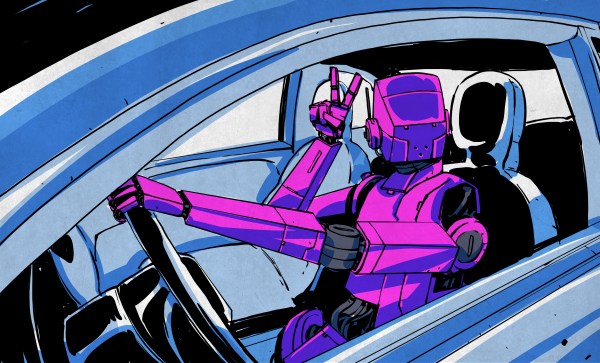
Currently, if you want to use the Autopilot or Self-Driving modes on a Tesla vehicle you need to keep your hands on the wheel at all times. That’s because, ultimately, the human driver is still the responsible party. Tesla is adamant about the fact that functions which allow the car to steer itself within a lane, avoid obstacles, and intelligently adjust its speed to match traffic all constitute a driver assistance system. If somebody figures out how to fool the wheel sensor and take a nap while their shiny new electric car is hurtling down the freeway, they want no part of it.
So it makes sense that the company’s official line regarding the driver-facing camera in the Model 3 and Model Y is that it’s there to record what the driver was doing in the seconds leading up to an impact. As explained in the release notes of the June 2020 firmware update, Tesla owners can opt-in to providing this data:
Help Tesla continue to develop safer vehicles by sharing camera data from your vehicle. This update will allow you to enable the built-in cabin camera above the rearview mirror. If enabled, Tesla will automatically capture images and a short video clip just prior to a collision or safety event to help engineers develop safety features and enhancements in the future.
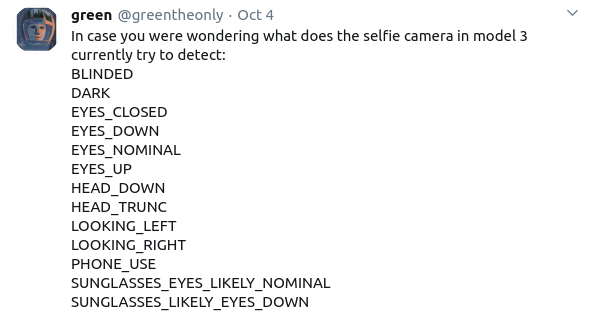
But [green], who’s spent the last several years poking and prodding at the Tesla’s firmware and self-driving capabilities, recently found some compelling hints that there’s more to the story. As part of the vehicle’s image recognition system, which usually is tasked with picking up other vehicles or pedestrians, they found several interesting classes that don’t seem necessary given the official explanation of what the cabin camera is doing.
If all Tesla wanted was a few seconds of video uploaded to their offices each time one of their vehicles got into an accident, they wouldn’t need to be running image recognition configured to detect distracted drivers against it in real-time. While you could make the argument that this data would be useful to them, there would still be no reason to do it in the vehicle when it could be analyzed as part of the crash investigation. It seems far more likely that Tesla is laying the groundwork for a system that could give the vehicle another way of determining if the driver is paying attention.
I can’t remember how exactly I came across the OrbiTouch keyboard, but it’s been on my list to clack about for a long time. Launched in 2003, the OrbiTouch is a keyboard and mouse in one. It’s designed for people who can’t keyboard regularly, or simply want a different kind of experience.
The OrbiTouch was conceived of by a PhD student who started to experience carpal tunnel while writing papers. He spent fifteen years developing the OrbiTouch and found that it could assist many people who have various upper body deficiencies. So, how does it work?
It’s Like Playing Air Hockey with Both Hands
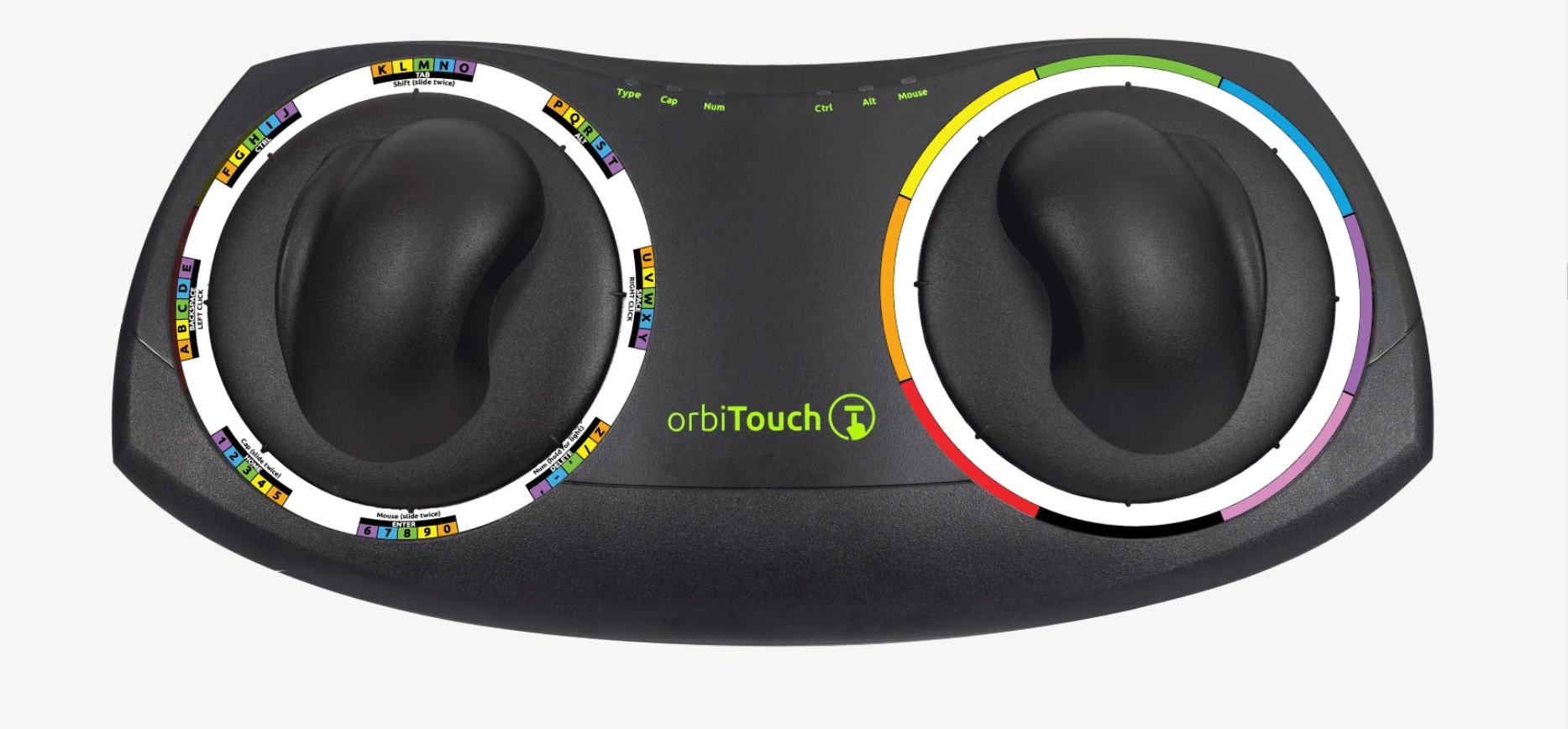
To use this keyboard, you put both hands on the sliders and move them around. They are identical eight-way joysticks or D-pads, essentially. The grips sort of resemble a mouse and have what looks like a special resting place for your pinky.
One slider points to groups of letters, numbers, and special characters, and the other chooses a color from a special OrbiTouch rainbow. Pink includes things like parentheses and their cousins along with tilde, colon and semi-colon. Black is for the modifiers like Tab, Alt, Ctrl, Shift, and Backspace. These special characters and modifiers aren’t shown on the hieroglyphs slider, you just have to keep the guide handy until you memorize the placement of everything around the circle.
You’re gonna need a decent amount of desk space for this. Image via OrbiTouch
The alphabet is divided up into groups of five letters which are color-coded in rainbow order that starts with orange, because red is reserved for the F keys. So for instance, A is orange, B is yellow, C is green, D is blue, E is purple, then it starts back over with F at orange. If you wanted to type cab, for instance, you would start by moving the hieroglyph slider to the first alphabet group and the color slider to green.
It’s one of the great cliches in the hacker world: the hardware type and the software type. You can tell which of these two you are quite easily. When a project is actually 20% done, but you think it’s 90% done, and you say to yourself “And the rest is a simple matter of software”, you’re a hardware type. Ask anyone who has read my code, and they’ll tell you, I’m a hardware type.
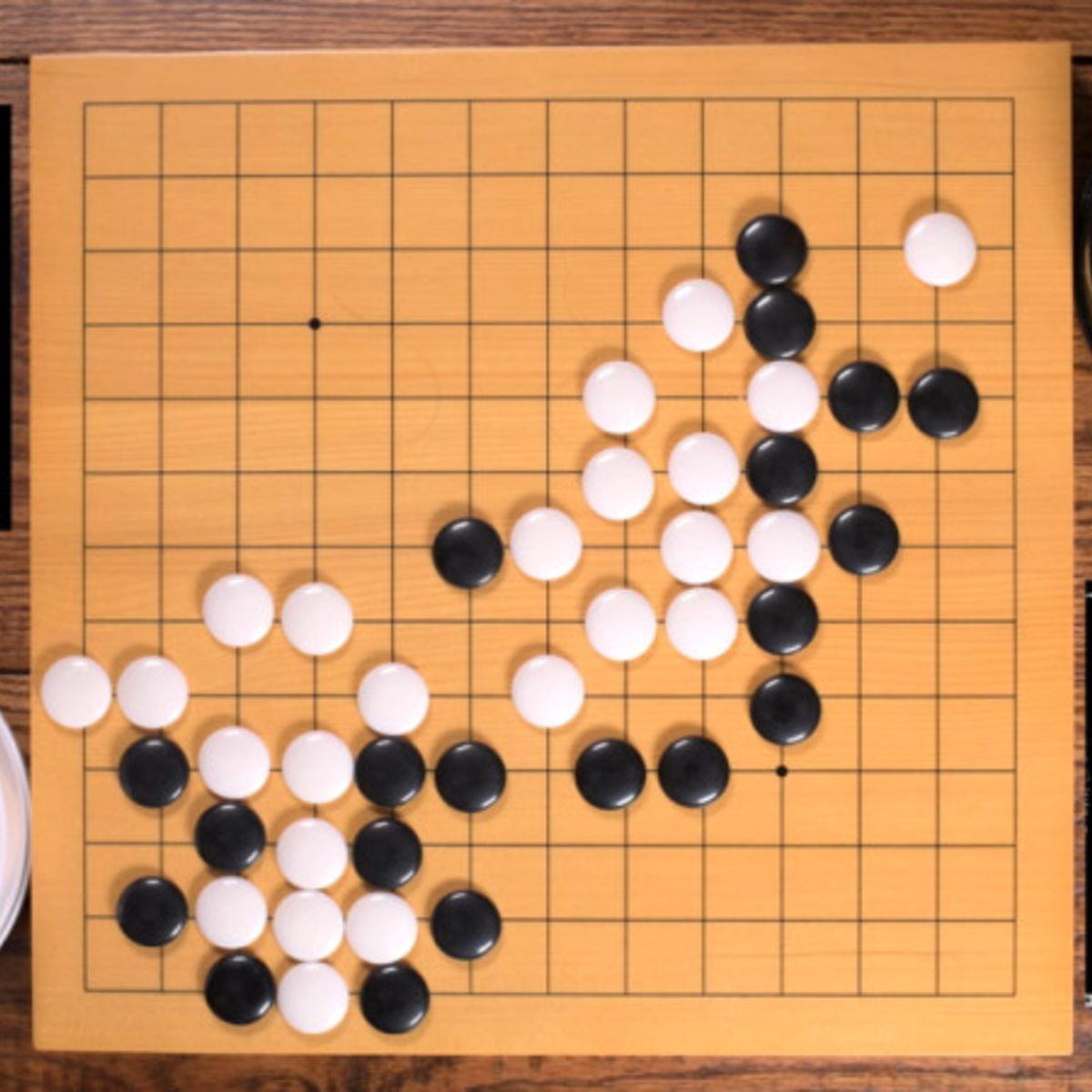
Along with my blindness to the difficulties of getting the code right, I’ve also admittedly got an underappreciation of what powers lie in the dark typing arts. But I am not too proud to tip my hat when I see an awesome application of the soft stuff. Case in point: this Go board sequencer that we ran last week. An overhead webcam parses players’ moves as they put black and white stones down while playing the game of Go, and turns this into music.
The pure software type will be saying “but there’s a webcam and a Go board”. And indeed, that’s true. There are physical elements to this project that anchor it in the shared reality of the two people playing. But a hardware project this isn’t; it’s OpenCV and Max/MSP that make it work.
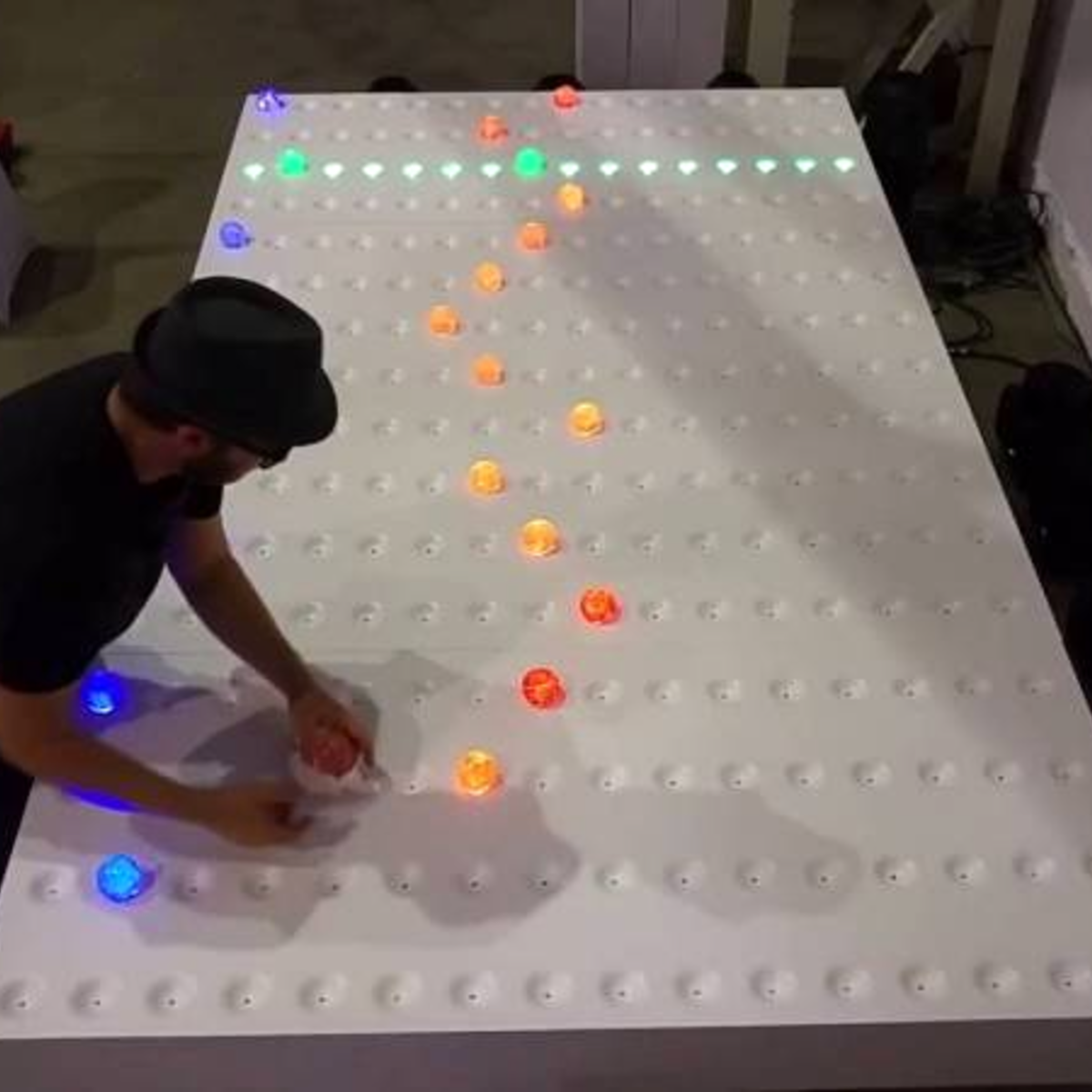
For comparison, look at the complexity of this similar physical sequencer. It’s got a 16 x 16 array of LEDs and switches and a CNC milled, primed, and painted surface that’s the size of a twin bed. Sawdust and hand-soldering: that’s a hardware project.
What I love about the Go sequencer is that it uses software just right. The piece is still physical. It could have just as easily been a VR world, where the two people would interact with each other only inside their goggles. But somehow that’s not quite as human as putting stones on a wooden board, sitting across from, and maybe even looking at, your opponent. The players aren’t forced to think about the software. They don’t feel like they’re playing a video game.
But at the same time, the software side of things makes all of the horrible hardware problems go away. Nobody is soldering a rat’s nest of 169 switches. There’s a webcam plugged into the USB port of a laptop. There’s a deep simplicity there.
Should you always trade out arcade buttons for OpenCV? Absolutely not! But is it worth considering the soft side when doing it in hardware is just too, well, hard? I’m open.
This article is part of the Hackaday.com newsletter, delivered every seven days for each of the last 200+ weeks. It also includes our favorite articles from the last seven days that you can see on the web version of the newsletter.
Want this type of article to hit your inbox every Friday morning? You should sign up!