A Look Back On A Decade Of Kerbal Space Program

Just a few weeks before Atlantis embarked on the final flight of the Space Shuttle program in 2011, a small Mexican company by the name of Squad quietly released Kerbal Space Program (KSP) onto an unsuspecting world. Until that point the company had only developed websites and multi-media installations. Kerbal wasn’t even an official company initiative, it started as a side project by one of their employees, Felipe Falanghe. The sandbox game allowed players to cobble together rockets from an inventory of modular components and attempt to put them into orbit around the planet Kerbin. It was immediately addictive.

There was no story to follow, or enemies to battle. The closest thing to a score counter was the altimeter that showed how far your craft was above the planet’s surface, and the only way to “win” was to put its little green occupant, the titular Kerbal, back on the ground in one piece. The game’s challenge came not from puzzles or scripted events, but from the game’s accurate (if slightly simplified) application of orbital mechanics and Newtonian dynamics. Building a rocket and getting it into orbit in KSP isn’t difficult because the developers baked some arbitrary limitations into their virtual world; the game is hard for the same reasons putting a rocket into orbit around the Earth is hard.

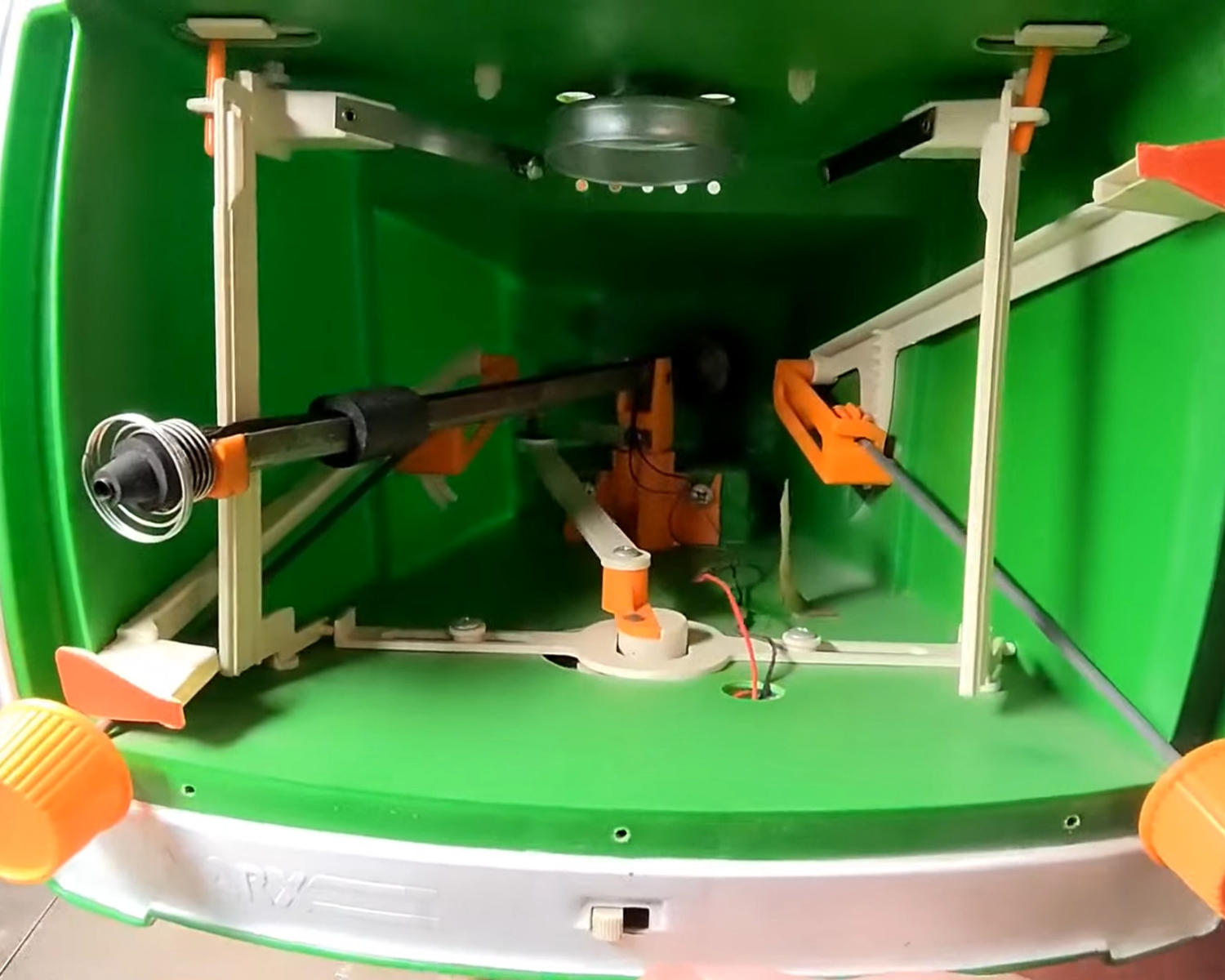
One of my early rockets, circa 2013.

Over the years official updates added new components for players to build with and planets to explore, and an incredible array of community developed add-ons and modifications expanded the scope of the game even further. KSP would go on to be played by millions, and seeing a valuable opportunity to connect with future engineers, both NASA and the ESA helped develop expansions for the game that allowed players to recreate their real-world vehicles and missions.

But now after a decade of continuous development, with ports to multiple operating systems and game consoles, Squad is bringing this chapter of the KSP adventure to a close. To celebrate the game’s 10th anniversary on June 24th, they released “On Final Approach”, the game’s last official update. Attention will now be focused on the game’s ambitious sequel, which will expand the basic formula with the addition of interstellar travel and planetary colonies, currently slated for release in 2022.

Of course, this isn’t the end. Millions of “classic” KSP players will still be slinging their Kerbals into Hohmann transfer orbits for years to come, and the talented community of mod developers will undoubtedly help keep the game fresh with unofficial updates. But the end of official support is a major turning point, and it seems a perfect time to reminisce on the impact this revolutionary game has had on the engineering and space communities.

Continue reading “A Look Back On A Decade Of Kerbal Space Program

Control An IRL Home From Minecraft

Minecraft seems to be a game in which anything is possible, both in the virtual world and in the real one. As a sandbox-style game, we’ve seen all kinds of things implemented in it including arithmetic logic units and microcontroller emulators. On the other end of reality we’ve also seen a lot of projects in which real-world interfaces impact the virtual world in some way. As a game, the lines between these two worlds often seem to blur, and that’s no different for this project that allows for control of a smart home from within the game itself.

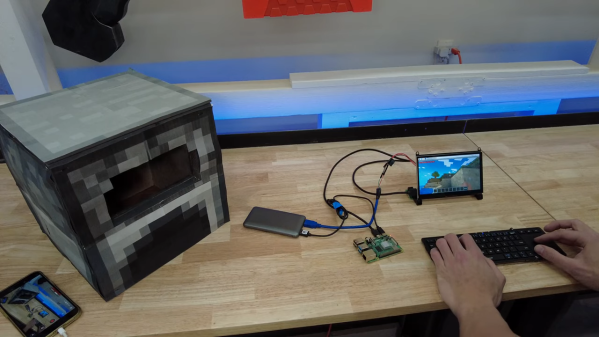
The project is called HomeAssistantMC and is built with Forge. The mod interfaces directly with a Minecraft game. From within the game, players can create a model of their home complete with light switches and other control interfaces. A WebSocket API listens to the game for changes to these devices, and interfaces with real-world controllers which control the home in real life. The game uses special state blocks to handle the control, and the entire control system can be configured in-game once all of the appropriate software has been installed.

For anyone willing to experiment with this software, all of the code for this project is available on its GitHub page. One of the other interesting things about this project is the ability to use other creations within Minecraft for home automation. For example, building logic gates allows for nuanced control of the home automation setup with creations we’ve already seen in Minecraft before. And, if you really want to go deep into the weeds, you could even build a complete 6502 processor from within the game as well.

But Does It Run TOOM?

id Software’s iconic 1993 first-person shooter game Doom was the game to play on your 486 (or fast 386) and was for many their first introduction to immersive 3D environments in gaming. Its eventual release as open-source gave it a new life, and now it’s a rite of passage for newly-reverse-engineered devices: Will it run Doom?

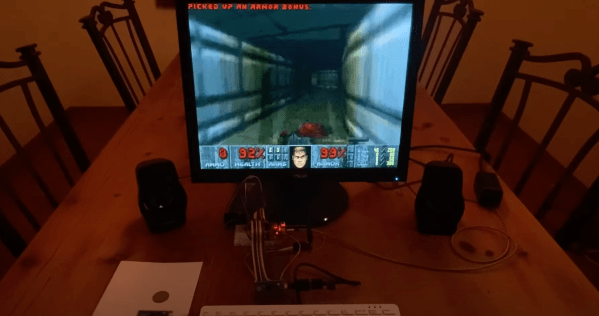
One type of platform that never ran Doom though was the classic arcade cabinet with its portrait-aligned screen. This is something [Matt Phillips] has addressed with Toom, a PC Doom port that — finally — runs on a portrait screen.

To enter the world of a UAC space marine in glorious portrait mode, simply take an installation of Doom 1.9 for DOS, and copy the Toom files from the GitHub repository over the top of it. The minimum spec is a 486 so period hardware will be fine, all you’ll need is a monitor that can be tipped on its side.

Doom consumed far too many hours for gamers of a certain age, and while it may look quaint to modern eyes it can’t be overstated what a giant step it was compared to what had gone before. If any of you install Toom and give it a go, prepare to see its monsters when you close your eyes.

We’ve shown you Doom on all sorts of devices over the years, perhaps the most intriguing is a no-software version in FPGA hardware.

Internet Chess On A Real Chessboard

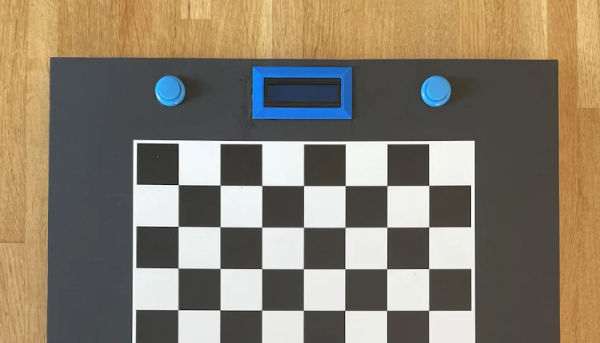
The Internet teaches us that we can accept stand-ins for the real world. We have an avatar that looks like us. We have virtual mailboxes to read messages out of make-believe envelopes. If you want to play chess, you can play with anyone in the world, but on a virtual board. Or, you can use [karayaman’s] software to play virtual games on real boards.

The Python program uses a webcam. You point it at an empty board and calibrate. After that, the program will track your moves on the real board in the online world. You can see a video of a test game below.

Continue reading “Internet Chess On A Real Chessboard”

Modifying A SNES Rom To Be Widescreen

Turning a game like Super Mario World for SNES into a widescreen game is not a small task, but [Vitor Vilela] accomplished just that. [Vitor] has a long list of incredible patches such as optimizing code for better frame rates and adding code to take advantage of the SA-1 accelerator chip, so out of anyone he has the know-how to pull a widescreen mod off. This patch represents a true labor of love as many levels were designed with a specific screen width in mind. [Vitor] went through each of these single-screen width levels and expanded them by writing the extra assembly needed.

On a technical level, this hack was achieved by using the panning feature built into the game. The left and right shoulder buttons allowed a player to pan the camera to the left and right. The viewport is considered to be two times the screen resolution and so items will be rendered within the widescreen resolution. By taking away the panning feature and render a larger section of the viewport to the screen, you get a widescreen view. However, to save cycles, enemies and items don’t start moving until they get close to the screen edge. So how do you make a game widescreen without ruining the timing of every enemy that spawns? Suddenly the hours of muscle memory that fans have drilled in over the years is a disadvantage rather than a strength. The answer is a significant time investment and an eye for detail.

All the code is available on GitHub. A video of a playthrough of the mod is after the break.

Continue reading “Modifying A SNES Rom To Be Widescreen”

A Smart Light Bulb Running Doom Is A Pretty Bright Idea

A light bulb might seem like an unlikely platform for gaming, but we’re living in the future now, so anything is possible. And with enough know-how, it turns out that an RGB light bulb can indeed be modified to run Doom.

[Ed note: The project pages and video got pulled right when this went to press. Nicola received a takedown notice.  We’ll let you know more when we do. The main link has been updated to the Wayback Machine.]

That’s not to say that the Ikea TRÅDFRI light bulb is the only thing [Nicola Wrachien] needed to accomplish the hack. But the bulb, specifically this addressable GU10 RGB LEB bulb, donated the most critical component, a Silicon Labs MGM210L wireless microcontroller, with enough processing power to run vanilla Doom. Added to the microcontroller was a TFT display, a controller made from a handful of buttons and a shift register, and a few odds and ends to stitch it all together. Some more memory was needed, though, so [Nicola] used an 8 MB QSPI flash memory and a couple of neat tricks to reduce latency and improve bandwidth. There are a lot of neat tricks with this one, but the coolest thing might just be that the whole footprint of the build isn’t that much bigger than the original bulb. Check out the surprisingly smooth gameplay in the video below.

This is a nice addition to the seemingly neverending “Will it Doom?” series. We’ve seen the classic game ported to everything from a GPS to a kitchen “bump bar” computer and even to an oscilloscope.

Continue reading “A Smart Light Bulb Running Doom Is A Pretty Bright Idea”

An Emulator That Only Plays One Game

[Ben Smith] had previously implemented a GameBoy Color emulator but decided to make a new emulator that to play just one game called pokegb. The game is, of course, the popular blue edition of Pokemon. While this emulator could play other GameBoy games, the way it was implemented was to support only the opcodes and features that Pokemon Blue used. What’s perhaps even more amazing is that this full emulator is just 582 lines of C++ (using SDL for graphics and input). There is also an obfuscated version that comes in at just 68 lines and in the shape of three Pokeballs. All the code for pokegb can be found on GitHub.

[Ben] goes through a detailed listing of each opcode of the processor, memory, the graphics unit (PPU), and how it interacts with a modern operating system. We love the idea of implementing each opcode one by one and gradually seeing the emulator make it farther and farther through the ROM. The only feature that’s noticeably absent is sound, which would require a significant amount of code to emulate properly.

If you’re interested in a deep dive into the audio chips inside a Gameboy Color, [Ken Shirriff] has already done the research for you.