SprayPrinter Paints Your Wall, One Pixel At A Time

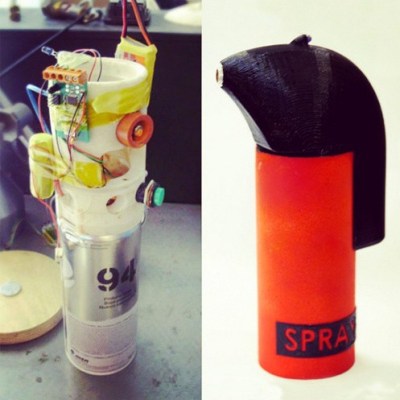
SprayPrinter is a neat idea. You download a cellphone app, point the camera at a wall, and sweep the wall with a spray can fitted with a (Bluetooth? WiFi?) remote-controlled valve. The phone knows where the nozzle is, and sprays a dot whenever it needs to “paint” the picture of your choosing on the wall.

sprayprinter-estonia-designboom-002-818x500While we’re not sure that we have the patience to paint our walls this way, it’s a cool effect. But even more, we love the idea of using the cellphone camera for location sensing. Many robotics applications do just this with an overhead camera.
Of course, we’d love more detail about how it’s done, but it’s not hard to guess that it’s either a bit of machine vision in the phone, or simpler still, that the spray-can housing has IR LEDs inside that the phone can lock onto. Indeed, the prototype version of the product shown here does look like it has an LED on the opposite side from the orange nozzle.

It wouldn’t be hard to take this to the next level, by adding enough IR LEDs that the camera in your phone can sense orientation as well as location. Heck, by measuring the distances between LEDs, you could probably even get a rough measure of depth. This could open up the use of different nozzles.

Thanks [Itay] for the tip! Some images courtesy SprayPrinter, via designboom.


3D Printing Pen And CNC Machine Yields Cheap 3D Printer

3D printers are ubiquitous now, but they’re still prohibitively expensive for some people. Some printers cost thousands, but even more inexpensive options aren’t exactly cheap. [Daniel] decided that this was unacceptable, and set out to make a basic 3D printer for under $100 by including only the bare essentials needed for creating anything out of melted plastic.

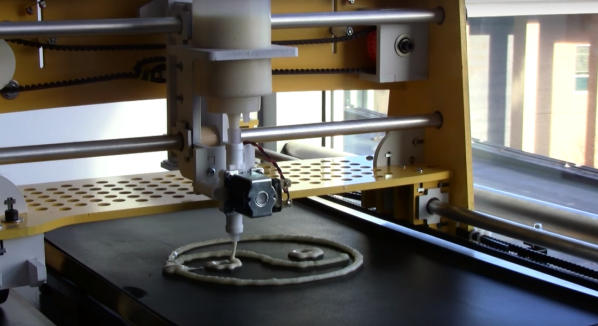
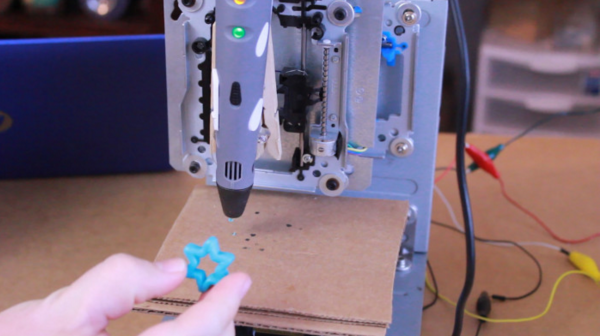
3D printers are essentially four parts: a bed, filament, and a hot end and extruder. In a previous project, [Daniel] used parts from old CD drives to create a three-axis CNC machine which he uses for the bed. To take care of the hot end and extruder, he is using a 3D printing pen which he mounts to the CNC machine and voila: a 3D printer!

It’s not quite as simple as just strapping a 3D printing pen to a CNC machine, though. The pen and the CNC machine have to communicate with each other so that the pen knows when to place filament and the CNC machine knows when to move. For that, [Daniel] went with a trusty Arduino in order to switch the pen on and off. Once it’s working, it’s time to start printing!

[Daniel] does note that this is a design that’s relatively limited in terms of print size and resolution, but for the price it can’t be beat. If you’re interested in getting started with 3D printing, a setup like this would be perfect. 3D pens are a pretty new idea too, and it’s interesting to see them used in different ways like this.

Peripherals Behind The Iron Curtain

The article Home Computers Behind the Iron Curtain sparked a lot of interest, which made me very happy. Therefore, I decided to introduce more computer curiosities from the Iron Curtain period, especially from the former Czechoslovakia (CSSR).

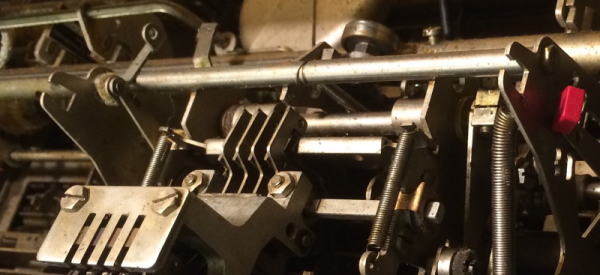
As I mentioned in the previous article, the lack of spare parts, literature and technology in Czechoslovakia forced geeks to solve it themselves: by improvisation and what we would today call “hacking.”  Hobbyist projects of one person or a small party was eventually taken over by a state-owned enterprise, which then began to manufacture and deliver to stores with some minor modifications. These projects most often involved a variety of peripherals that could only be found in the Czechoslovakia with great difficulty.

Much like the production of components, the production of peripherals was also distributed throughout the eastern block so that each country was specializing in certain types of peripherals. For example, East Germany produced matrix printers, and Bulgaria made floppy disks drives. This meant industrial enterprises had to wait for vital computer parts, because the production in another country was not sufficient to cover even the local requirements, let alone the home user.

Continue reading “Peripherals Behind The Iron Curtain”

TwitterPrinter Keeps Track Of 2015 Hack-A-Day Prize

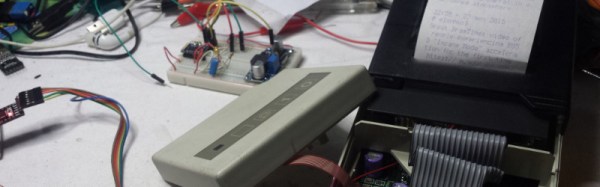
[Mastro Gippo] is getting to be somewhat of a Hackaday legend. He didn’t win the 2014 Hackaday prize but was in attendance at the event in Munich, and to make sure he keeps up with this year’s Prize, he built this old-school printer that prints all of the updates from the Hackaday Prize Twitter account.

The device uses the now-famous ESP8266 module for connecting the printer to the Internet. It doesn’t scrape data straight from Twitter though, it looks at [Mastro Gippo]’s own server to avoid getting inundated with too many tweets at once. The program splits the tweets into a format that is suitable for the printer (plain text) and then the printer can parse the data onto the paper. The rest of the design incorporates a 3.3V regulator for power and some transistors to turn the printer on and off. Be sure to check out the video of the device in action after the break!

[Mastro Gippo] notes that this eliminates the need to have a smartphone in order to keep up with the 2015 Hackaday Prize, which is ironic because his entry into the Trinket Everyday Carry Contest was a smarter-than-average phone. We’ll be expecting something that doesn’t waste quite as much paper for his official contest entry, though!

Continue reading “TwitterPrinter Keeps Track Of 2015 Hack-A-Day Prize”

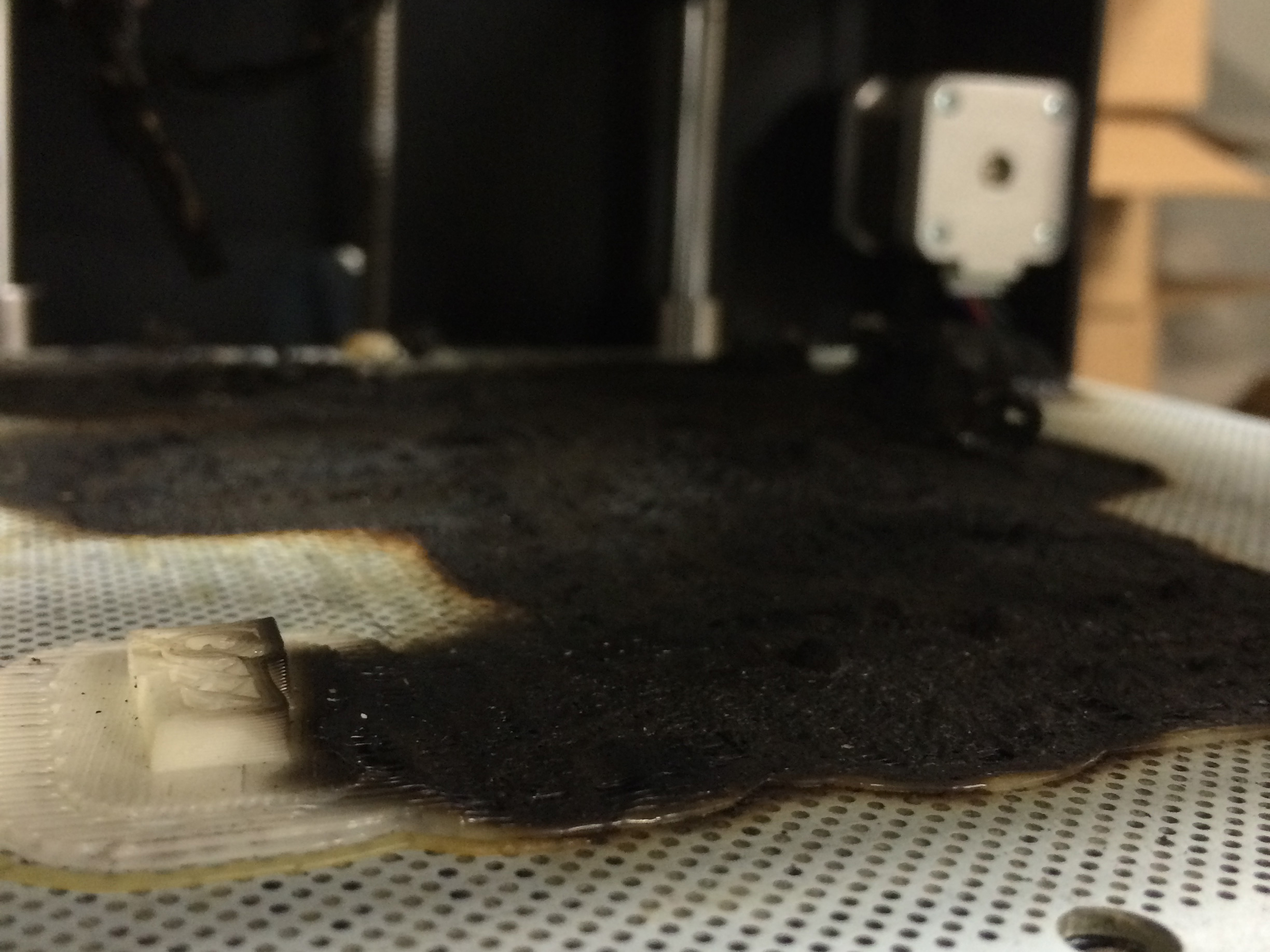
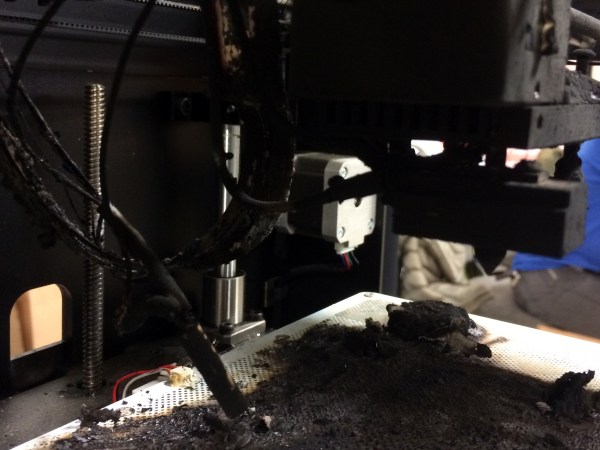
How I Learned To Stop Worrying And Love My 3D Printer

So, you’re thinking about finally buying a 3D printer? All the cool kids have one. Plus, how hard can it be anyways? Well, before you pull the trigger, it might be best to read this cautionary tale of one user’s experience in getting started with his first 3D printer.

[Scott Hanselman] is a programmer and teacher who started out with zero knowledge of 3D printing. In his informative (and somewhat humorous) blog post, you can follow along with [Scott] hour-by-hour as he unravels the some of the common mysteries that almost everyone will encounter with their first 3D printer.

His adventure begins with the frustration of z-axis calibration, an important part of any 3D printer. Some of the newer printers are automating this step (as well as bed-leveling) with sensors and clever software, but even then it might need small tweaks to lay down the all-important first layer. By hour five with his new printer, this slight annoyance turns into disgruntlement, as he finds that although there is tons of documentation on-line, a lot of it can be outdated or simply unhelpful.

In the end, [Scott] got his printer up and running, and learned a lot along the way.  We bet you can too – with a little effort that is. As the quality of printers on the market keeps going up, and the price continuing to fall for an entry-level printer, now might be the perfect time for you to get started. But you might want to read [Scott’s] journey to help manage your out-of-the-box expectations.

Unjettisoned Inkjet Turned Tumbler

printer parts tumblerDon’t throw out that old printer! Not that you would, but even if you’ve already scavenged it for parts, you can use the shell and the rollers to make a rock/coin/what-have-you tumbler. If your printer is part scanner, it might end up looking as cool as [th3_jungle_inv3ntor]’s. You’ll have to laser-cut your own arachnid to supervise from above, though.

Somewhere between having an irreparable printer, being inspired by another tumbler, and the desire to make a mancala set for his sister-in-law, [th3_jungle_inv3ntor] was sufficiently motivated to get out his hacksaw and gut the printer. He used the main paper roller and its motor to do the tumblin’, and a smaller roller to help accommodate different jar sizes.

Aside from adding those sweet blue LEDs, he wired in a toggle switch, a speed control pot, and an LM317 to govern the tumbling rate. Unfortunately, the rocks in [th3_jungle_inv3ntor]’s town are too soft and crumbly, so he can’t make that mancala set after all. But hey, (almost) free stuff tumbler.

No dead printers lying around? If you have a drill and a vise, you could always make a tumbler that way, and nothing is compromised but the peaches jar.

WirePrint

WirePrint Is A Physical ‘Print Preview’ For 3D Printers

3D printers may be old news to most of us, but that’s not stopping creative individuals from finding new ways to improve on the technology. Your average consumer budget 3D printer uses an extrusion technology, whereby plastic is melted and extruded onto a platform. The printer draws a single two-dimensional image of the print and then moves up layer by layer. It’s an effective and inexpensive method for turning a computer design into a physical object. Unfortunately, it’s also very slow.

That’s why Hasso Plattner Institute and Cornell University teamed up to develop WirePrint. WirePrint can slice your three-dimensional model into a wire frame version that is capable of being printed on an extrusion printer. You won’t end up with a strong final product, but WirePrint will help you get a feel for the overall size and shape of your print. The best part is it will do it in a fraction of the time it would take to print the actual object.

This is a similar idea to reducing the amount of fill that your print has, only WirePrint takes it a step further. The software tells your printer to extrude plastic in vertical lines, then pauses for just enough time for it to cool and harden in that vertical position. The result is much cleaner than if this same wire frame model were printed layer by layer. It also requires less overall movement of the print head and is therefore faster.

The best part about this project is that it’s a software hack. This means that it can likely be used on any 3D printers that use extrusion technology. Check out a video of the process below to see how it works. Continue reading “WirePrint Is A Physical ‘Print Preview’ For 3D Printers”