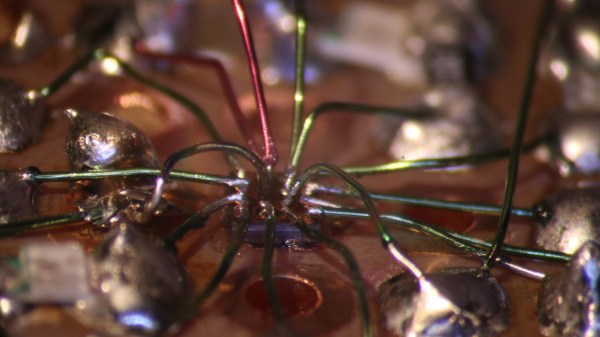
RFM9x module held in an adapter board with flexipins

FlexyPins Might Help With Those Pesky Castellated Modules

[SolderParty] just announced FlexyPins (Twitter, alternative view) – bent springy clips that let you connect modules with castellated pins. With such clips, you can quickly connect and disconnect any castellated module, swapping them without soldering as you’re prototyping, testing things out, or pre-flashing modules before assembly. They’re reportedly gold-plated, and a pack of ~100 will set you back 6EUR, shipping not included.

Of course, this is basically “fancy pieces of wire”, purpose-shaped, gold-plated and, hopefully, made out of material that is springy enough and doesn’t snap easily after bending a few times. We’ve seen this concept used for prototyping before, with random pieces of wire doing a pretty good job of maintaining connectivity, but these clips bring it that much closer to production-grade. It also makes us wonder – just how hard it is to solder 30-40 of them into a circuit? Do they self-align enough with the footprints given, or do you have to hold them with tweezers at a peculiar angle as you solder them? Time will tell, of course.

Continue reading “FlexyPins Might Help With Those Pesky Castellated Modules”

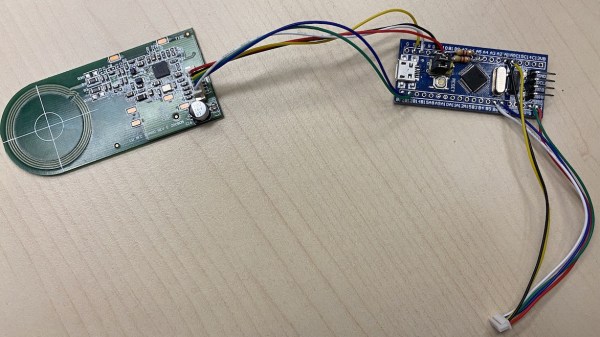
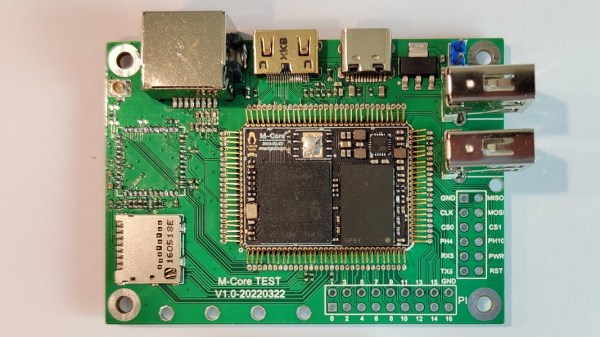
Top side of the VL670 breakout board, with two USB connectors and the VL670 chip in the center.

A Chip To Bridge The USB 2 – USB 3 Divide

On Twitter, [whitequark] hasĀ  found and highlighted an intriguing design – a breakout board for the VL670, accompanied by an extensive yet very easy to digest write-up about its usefulness and inner workings. The VL670 is a chip that addresses a surprising problem – converting USB 2.0 signals into USB 3.0.

If you have a USB 2.0 device and a host with only USB 3.0 signals available, this chip is for you. It might be puzzling – why is this even needed? It’s about the little-known dark secret of USB3, that anyone can deduce if they ever have to deal with a 9-pin USB 3.0 connector where one of the three differential pairs doesn’t quite make contact.

When you see a blue “3.0” port, it’s actually USB 2 and USB 3 — two separate interfaces joined into a single connector. USB 3 uses two single-directional differential pairs, akin to PCI-E, whereas USB 2 uses a single bidirectional one, and the two interfaces on a blue connector operate basically independently of each other. There’s many implications to this that are counterintuitive if you simply take “USB 3.0” for “faster backwards-compatible USB”, and they have painful consequences.

For instance, USB 3 hub ICs have two separate hub entities inside – one for USB 3 and one for USB 2. Even if you have a USB 3 hub plugged into a USB 3 port, multiple USB 2 devices plugged into it still cannot break through the USB 2 uplink limit of 480 MBps. If you ever thought that a faster hub with a faster uplink would fix your USB 2 device speed problems – USB-IF engineers, apparently, thought differently; and you might have to find a workaround for your “many cheap SDRs and Pi 4 in a box” setup. Continue reading “A Chip To Bridge The USB 2 – USB 3 Divide”

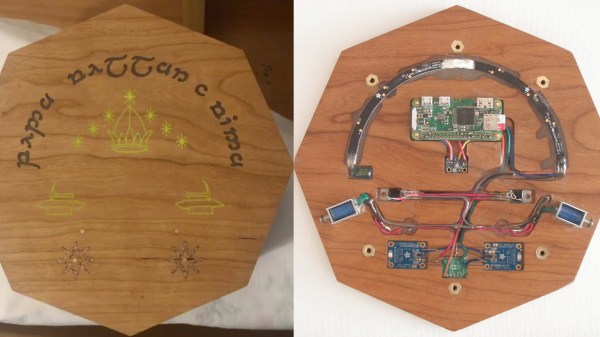
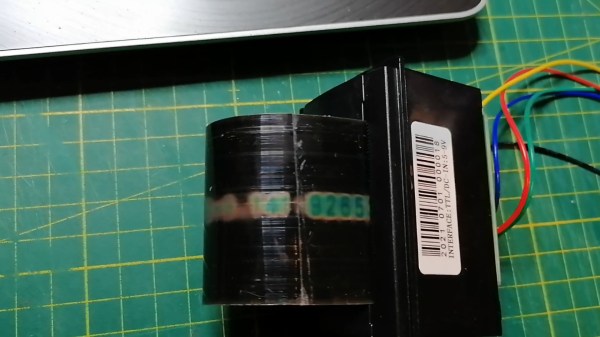
Modules described in the article (two copies of the challenge shown, so, two lines of modules)

Spaceship Repair CTF Covers Hardware Hacker Essentials

At even vaguely infosec-related conferences, CTFs are a staple. For KernelCon 2021, [Tyler Rosonke] resolved to create a challenge breaking the traditions, entertaining and teaching people in a different way, while satisfying the constraints of that year’s remote participation plans. His imagination went wild in all the right places, and a beautifully executed multi-step hardware challenge was built – only in two copies!

Story behind the challenge? Your broken spaceship has to be repaired so that you can escape the planet you’re stuck on. The idea was to get a skilled, seasoned hacker solving challenges for our learning and amusement – and that turned out to be none other than [Joe “Kingpin” Grand]!

The modules themselves are what caught our attention. Designed to cover a wide array of hardware hacker skills, they cover soldering, signal sniffing, logic gates, EEPROM dumping and more – and you have to apply all of these successfully for liftoff. If you thought “there’s gotta be a 555 involved”, you weren’t wrong, either, there’s a module where you have to reconfigure a circuit with one!

KernelCon is a volunteer-driven infosec conference in Omaha, and its 2022 installment starts in a month – we can’t wait to see what it brings! Anyone doing hardware CTFs will have something to learn from their stories, it seems. The hacking session, from start to finish, was recorded for our viewing pleasure; linked below as an hour and a half video, it should be a great background for your own evening of reverse-engineering for leisure!

This isn’t the first time we’ve covered [Tyler]’s handiwork, either. In 2020, he programmed a batch of KernelCon badges while employing clothespins as ISP clips. Security conferences have most certainly learned just how much fun you can have with hardware, and if you ever need a case study for that, our review of 2019 CypherCon won’t leave you hanging.

Continue reading “Spaceship Repair CTF Covers Hardware Hacker Essentials”

A soil moisture sensor with silkscreen chipped and copper corroded

Soil Moisture Sensor Coating Lessons Learned The Hard Way

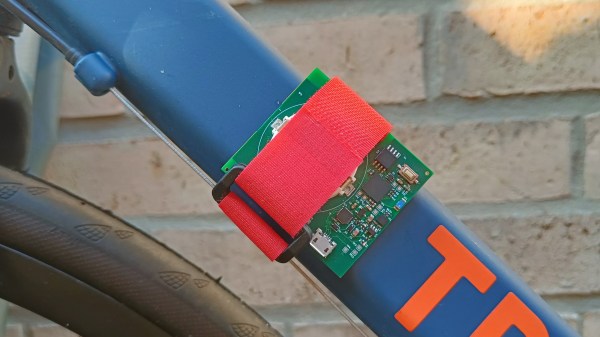
Ever wanted to measure soil moisture? Common “soil moisture meter module arduino raspberry compatible free shipping” PCBs might deceive you with their ascetic looks. Today, [Raphael (@rbaron_)] is here to teach us (Twitter, unrolled) what it takes to build a soil-embedded sensor that can actually survive contact with a plant.

As the picture might hint, waterproofing is of paramount importance, and soldermask doesn’t quite cut it. Raphael describes his journey of figuring out approaches and coatings that would last, starting from simply using nail polish, and ending with the current option – a rotisserie-like device that rotates sensors as the coating applied to them dries, mitigating a certain kind of structural failure observed long-term. With plenty of illustrative pictures and even a video of the rotisserie device in action, you’ll quickly learn things that took time and effort for Raphael to figure out.

This isn’t the first time Raphael shares some design battlefield stories and lessons with us – he has taught us about overall capacitive moisture sensor principles, too! If that interests you, we’ve covered quite a few moisture sensor designs, from cheap but hardy two-nails designs to flip-dot-equipped ones, and some of us take the commercial designs and upgrade them!

We thank [Chaos] for sharing this with us!

Continue reading “Soil Moisture Sensor Coating Lessons Learned The Hard Way”

Screenshot of Pulseview showing capture and decode of some digital channels

Need A Logic Analyzer? Use Your Pico!

There’s a slew of hardware hacker problems that a logic analyzer is in a perfect position to solve. Whether you’re trying to understand why an SPI LCD screen doesn’t initialize, what’s up with your I2C bus, or determine the speed of an UART connection, you’ll really want to have a logic analyzer on hand. People have been using a Pi Pico as a logic analyzer in a pinch, and now [pico-coder] has shared a sigrok driver that adds proper support for a Pico to beloved tools like Pulseview.

The specs offered are impressive. Compared to the $10 “Saleae” clone analyzers we are so used to, this thing boasts 21 digital channels with up to 120 MHz capture speed, 3 ADC channels at up to 500 KHz, and hardware-based triggers. The GitHub repository linked above stores the driver files out-of-tree, but provides build instructions together with an easily flash-able uf2 firmware. It’s likely that you’ll soon see this driver in a stock Pulseview installation, however, given the submitter-friendly attitude we’ve witnessed on the sigrok mailing list. However, if you need a logic analyzer ASAP, you should follow the caringly offered quickstart guide.

We’ve covered Pulseview being used in combination with cheap accessible analyzers before — a must-watch if you need to get yourself up to speed on the value they provide to a hobbyist. If an oscilloscope is what you need and a smartphone is what you have, perhaps you’ll enjoy the Scoppy firmware for the Pico.

We thank [mip] for sharing this with us!

The teeny tiny MCU mentioned in the article, merely a blimp on a giant devboard

New Part Day: Smallest ARM MCU Uproots Competition, Needs Research

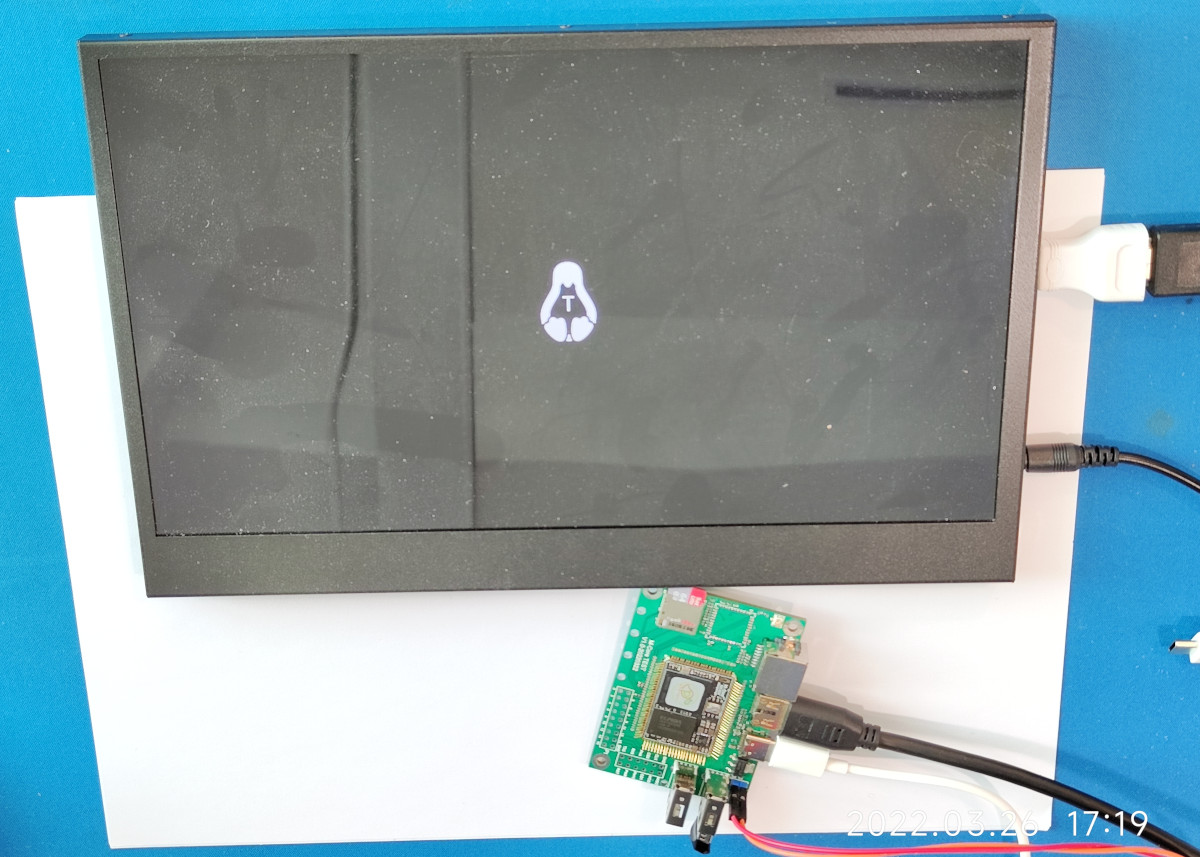
We’ve been contacted by [Cedric], telling us about the smallest ARM MCU he’s ever seen – Huada HC32L110. For those of us into miniature products, this Cortex-M0+ package packs a punch (PDF datasheet), with low-power, high capabilities and rich peripherals packed into an 1.6mm x 1.4mm piece of solderable silicon.

This is matchstick head scale computing, with way more power than we previously could access at such a scale, waiting to be wrangled. Compared to an 8-bit ATTiny20 also available in WLCSP package, this is a notable increase in specs, with a way more powerful CPU, 16 times as much RAM and 8-16 times the flash! Not to mention that it’s $1 a piece in QTY1, which is about what an ATTiny20 goes for. Being a 0.35mm pitch 16-pin BGA, your typical board house might not be quite happy with you, but once you get a board fabbed and delivered from a fab worth their salt, a bit of stenciling and reflow will get you to a devboard in no time.

Drawbacks? No English datasheet or Arduino port, and the 67-page PDF we found doesn’t have some things like register mappings. LILYGO promised that they will start selling the devboards soon, but we’re sure it wouldn’t be hard for us to develop our own. From there, we’d hope for an ESP8266-like effect – missing information pieced together, translated and made accessible, bit by bit.

When it comes to soldering such small packages, we highly recommend reflow. However, if you decide to go the magnet wire route, we wouldn’t dare object – just make sure to send us pictures. After all, seems like miniature microcontrollers like ATTiny20 are attractive enough of a proposition that people will pick the craziest route possible just to play with one. They say, the madness of the brave is the wisdom of life.

We thank [Cedric] for sharing this with us!

Soldering iron tip heating up a piece of wire wrapped around the metal parts of a MicroUSB socket, with melted solder heating up all the important parts.

Desoldering Without Hot Air: Piece Of Wire Edition

Quite a few hackers nowadays share their tips and tricks on Twitter – it’s easy to do so, and provided either an existing audience or a bit of effort to get one, you’ll get at least a few notifications telling you that people appreciated what you had to share. Today, we’re covering two desoldering hacks highlighted there that will be useful some day, exactly when you need them. Both of them use a piece of wire and, in a way, extend the reach of your soldering iron’s tip. Copper wire would work better because of superior thermal conductivity, but other types of solid core wire will work in a pinch.

First hack is brought to us by [Erin Rose] – desoldering a microUSB socket. You need to heat up the entire shield and the pins at the same time, which the wire acts as a thermal gateway for. As long as there are melted solder bridges from sections of the wire to all the copper-to-part connection points, it should be easy to pump enough heat into the solder joints for all of them to eventually melt and give in at once.

Second hack is brought to us by [arturo182]. A piece of thick wire acts, again, as a heat conductor to desolder a 0.5mm pitch TQFP-100 package IC. You have to bend the wire into a correct shape, so that it’s as close to the pins of the TQFP as possible. In this situation, the wire performs two functions: first, transferring the heat from the iron’s tip to different points along the wire, then, as a barrier that helps solder not escape too far away from the pins. Copious amounts of flux likely desired for this one!

Hopefully, this comes handy if you ever need to replace an all-SMD part ASAP but don’t have a hot air gun or a hotplate handy. After getting this concept down to an art, we are sure you won’t limit yourself to TQFP parts and MicroUSB sockets. We’ve talked about desoldering practices before as part of our newsletter, and using lots of melted solder for part removal is not a foreign concept to us, either.

Continue reading “Desoldering Without Hot Air: Piece Of Wire Edition”