Raspberry Pi Becomes Cycle Exact Commodore Drive Emulator

The Commodore 1541 disk drive is unlike anything you’ll ever see in modern computer hardware. At launch, the 1541 cost almost as much as the Commodore 64 it was attached to ($400, or about $1040 at today’s value). This drive had a CPU, and had its own built-in operating system. Of course, anyone using a Commodore 64 now doesn’t deal with this drive these days — you can buy an SD2IEC for twenty dollars and load all your C64 games off an SD card. If you’re cheap, there’s always the tape drive interface and a ten dollar Apple Lightning to 3.5mm headphone adapter.

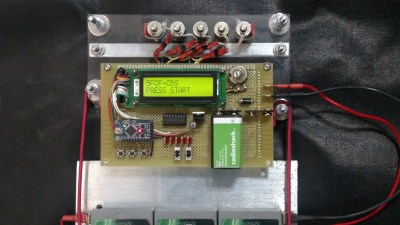
But the SD2IEC isn’t compatible with everything, and hacking something together using the tape drive doesn’t have the panache required of serious Commodoring. What’s really needed is a cycle-accurate emulation of the 1541 disk drive, emulating the 6502 CPU and the two 6522 VIAs in this ancient disk drive. The Raspberry Pi comes to the rescue. [Steve White] created the Pi1541, an emulation of the Commodore 1541 disk drive that runs on the Raspberry Pi 3B.

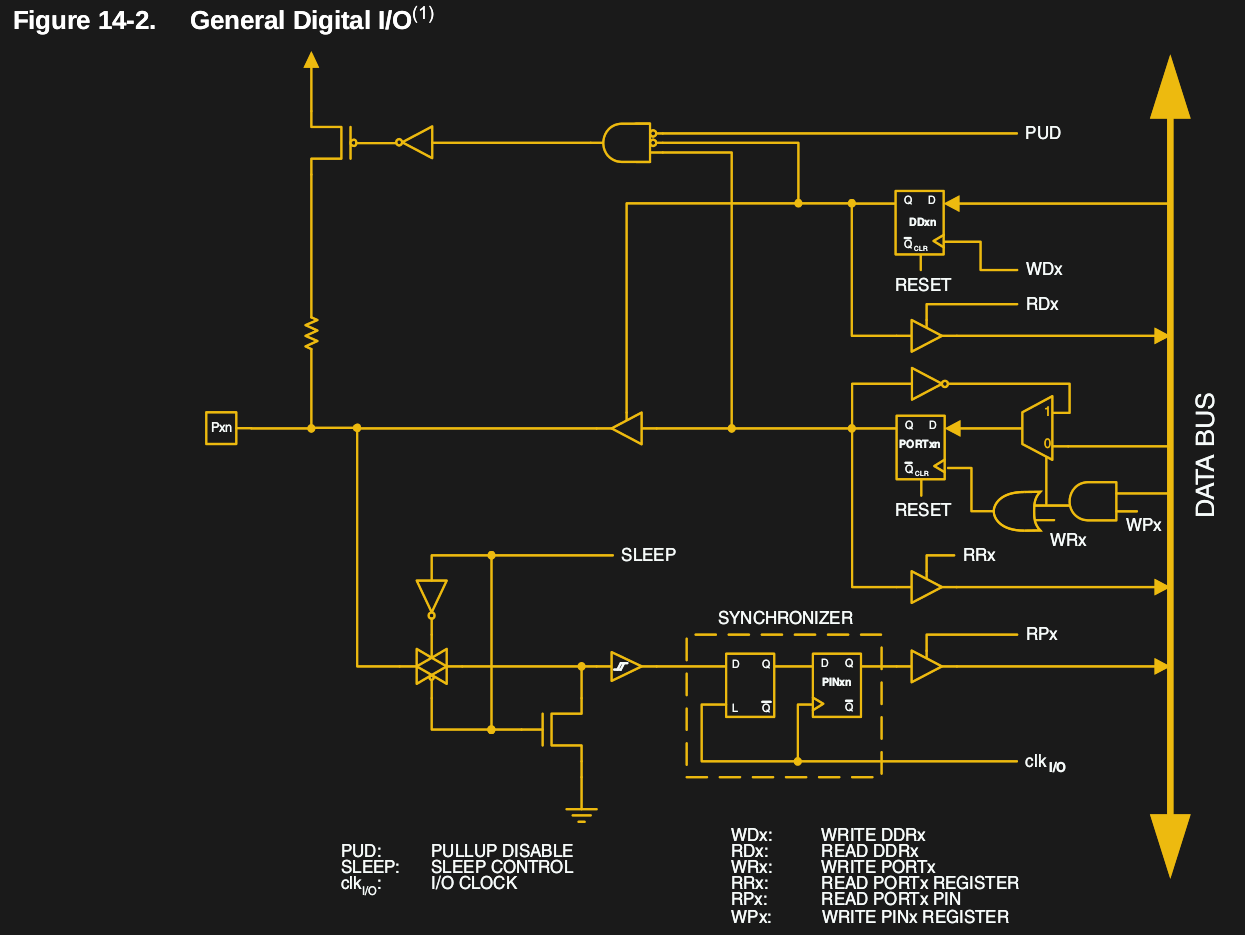
Pi1541 is a complete emulation of the 6502 and two 6522s found inside the Commodore 1541 disk drive. It runs the same code the disk drive does, and supports all the fast loaders, demos, and copy protected original disk images that can be used with an original drive.

The only hardware required to turn a Raspberry Pi 3 into a 1541 are a few transistors in the form of a bi-directional logic level shifter, and a plug for a six-pin serial port cable. This can easily be constructed out of some Sparkfun, Adafruit, Amazon, or AliExpress parts, although we suspect anyone could whip up a Raspberry Pi hat with the same circuit in under an hour. The binaries necessary to run Pi1541 on the Raspberry Pi are available on [Steve]’s website, and he’ll be releasing the source soon.

This is a great project for the retrocomputing scene, although there is one slight drawback. Pi1541 requires a Raspberry Pi 3, and doesn’t work on the Raspberry Pi Zero. That would be an amazing bit of software, as ten dollars in parts could serve as a complete emulation of a Commodore disk drive. That said, you’re still likely to be under $50 in parts and you’re not going to find a better drive emulator around.

Continue reading “Raspberry Pi Becomes Cycle Exact Commodore Drive Emulator”

Printed It: Toolbag Essentials

While complex devices assembled from 3D printed components are certainly impressive, it’s the simple prints that have always held the most appeal to me personally. Being able to pick an object up off the bed of your printer and immediately put it to use with little to no additional work is about as close as we can get to Star Trek style replicators. It’s a great demonstration to show off the utility of your 3D printer, but more importantly, having immediate access to some of these tools and gadgets might get you out of a jam one day.

With that in mind, I thought we’d do things a little differently for this installment of Printed It. Rather than focusing on a single 3D model, we’ll be taking a look at a handful of prints which you can put to practical work immediately. I started by selecting models based on the idea that they should be useful to the average electronic hobbyist in some way or another, and relatively quick to print. Each one was then printed and evaluated to determine its real-world utility. Not all made the grade.

Each model presented here is well designed, easy to print, and most critically, legitimately useful. I can confidently say that each one has entered into my standard “bag of tricks” in some capacity, and I’m willing to bet a few will find their way into yours as well.

Continue reading “Printed It: Toolbag Essentials”

The Aluminum Wiring Fiasco

Someone who decides to build a house faces a daunting task. It’s hard enough to act as the general contractor for someone else, but when you decide to build your own house, as my parents did in the early 1970s, it’s even tougher. There are a million decisions to make in an information-poor and rapidly changing environment, and one wrong step can literally cast in stone something you’ll have to live with forever. Add in the shoestring budget that my folks had to work with, and it’s a wonder they were able to succeed as well as they did.

It was a close call in a few spots, though. I can recall my dad agonizing over the wiring for the house. It would have been far cheaper to go with aluminum wiring, with the price of copper wire having recently skyrocketed. He bit the bullet and had the electrician install copper instead, which ended up being a wise choice, as houses that had succumbed to the siren call of cheaper wiring would start burning down all over the United States soon thereafter.

What happened in the late 60s and early 70s in the residential and commercial electrical trades was an expensive and in some cases tragic lesson in failure engineering. Let’s take a look at how it all happened.

Continue reading “The Aluminum Wiring Fiasco”

Giving An LED Bulb Some Smarts

How many of your projects been spawned purely out of bored daydreaming? For want of something more productive to do, [dantheflipman] hacked a standard LED bulb from Wal-Mart into a smart bulb.

After pulling it apart, they soldered wires to the threaded socket and added a connector for a Hi-Link hlk-pm01 power module. The output caps at 5 V and 600 mA, but who says this was going to be a searchlight? A Wemos D1 Mini clone slides nicely beside the power module, and stacked on top is a NeoPixel Jewel 7. [dantheflipman] admits he has yet to add a capacitor to ahead of the Jewel, so we’ll see how long the LEDs last. Crammed back together, the bulb is controlled via a prototype Blynk app. Good enough for a quick hack.

[dantheflipman] is upfront about messing with mains voltages: don’t do it unless you absolutely know what you’re doing. In this case, he has taken care with their soldering and epoxied all wire and solder joints to be sure nothing will come loose and short, and a ‘stress test’ is forthcoming.

Smart bulbs are cool no matter how you slice it, so a little more insight into how smart bulbs work with some of the nitty gritty that goes into hacking them might sate your thirst for knowledge.

[Via /r/arduino]

Biasing That Transistor: The Common Emitter Amplifier

If you open up the perennial favourite electronics textbook The Art Of Electronics and turn to the section on transistors, you will see a little cartoon. A transistor is shown as a room in which “transistor man” stands watching a dial showing the base current, while adjusting a potentiometer that limits the collector current. If you apply a little more base current, he pushes up the collector a bit. If you wind back the base current, he drops it back. It’s a simple but effective way of explaining the basic operation of a transistor, but it stops short of some of the nuances of how a transistor works.

Of course the base-emitter junction is a diode and it is not a simple potentiometer that sits between collector and emitter. The “better” description of these aspects of the device fills the heads of first-year electronic engineering students until they never want to hear about an h-paramater or the Ebers-Moll model of transistor function again in their entire lives. Fortunately it is possible to work with transistors without such an in-depth understanding of their operation, but before selecting the components surrounding a device it is still necessary to go a little way beyond transistor man.

Continue reading “Biasing That Transistor: The Common Emitter Amplifier”

Ask Hackaday: Whatever Happened To Wire Wrapping?

Back in the 70s when I started getting interested in electronics, tons of magazines catered to the hobbyist market. Popular Electronics was my favorite, and I think I remember the advertisements more than anything, probably because they outnumbered articles by a large margin. Looking back, it seemed like a lot of ad space was sold to companies hawking the tools and materials needed for wire wrapping, which was very popular for prototyping in the days before solderless breadboards were readily available. I remember beauty shots of neat rows of small, gold posts, with stripped wires wrapped evenly around them.

To the budding hobbyist, wire wrapping looked like the skill to have. With a huge selection of posts, terminals, and sockets for ICs and discrete components, as well as a wide range of manual and powered wrapping tools, it seemed like you could build anything with wire wrapping. But fast forward just a decade or so, and wire wrapping seemed to drop out of favor. And today — well, does anyone even wire wrap anymore?

Continue reading “Ask Hackaday: Whatever Happened To Wire Wrapping?”

Directly Executing Chunks Of Memory: Function Pointers In C

In the first part of this series, we covered the basics of pointers in C, and went on to more complex arrangements and pointer arithmetic in the second part. Both times, we focused solely on pointers representing data in memory.

But data isn’t the only thing residing in memory. All the program code is accessible through either the RAM or some other executable type of memory, giving each function a specific address inside that memory as entry point. Once again, pointers are simply memory addresses, and to fully utilize this similarity, C provides the concept of function pointers. Function pointers provide us with ways to make conditional code execution faster, implement callbacks to make code more modular, and even provide a foothold into the running machine code itself for reverse engineering or exploitation. So read on!

Function Pointers

In general, function pointers aren’t any more mysterious than data pointers: the main difference is that one references variables and the other references functions. If you recall from last time how arrays decay into pointers to their first element, a function equally decays into a pointer to the address of its entry point, with the () operator executing whatever is at that address. As a result, we can declare a function pointer variable fptr and assign a function func() to it: fptr = func;. Calling fptr(); will then resolve to the entry point of function func() and execute it.

Admittedly, the idea of turning a function into a variable may seem strange at first and might require some getting used to, but it gets easier with time and it can be a very useful idiom. The same is true for the function pointer syntax, which can be intimidating and confusing in the beginning. But let’s have a look at that ourselves.

Continue reading “Directly Executing Chunks Of Memory: Function Pointers In C”