If you stay up to date with niche software news, your ears may recently have twitched at the release of a new programming language: V. New hobby-project programming languages are released all the time, you would correctly argue; what makes this one special? The answer is a number of design choices which promote speed and safety: V is tiny and very fast. It’s also in a self-proclaimed alpha state, and though it’s already been used to build some interesting projects, is still at an early stage.
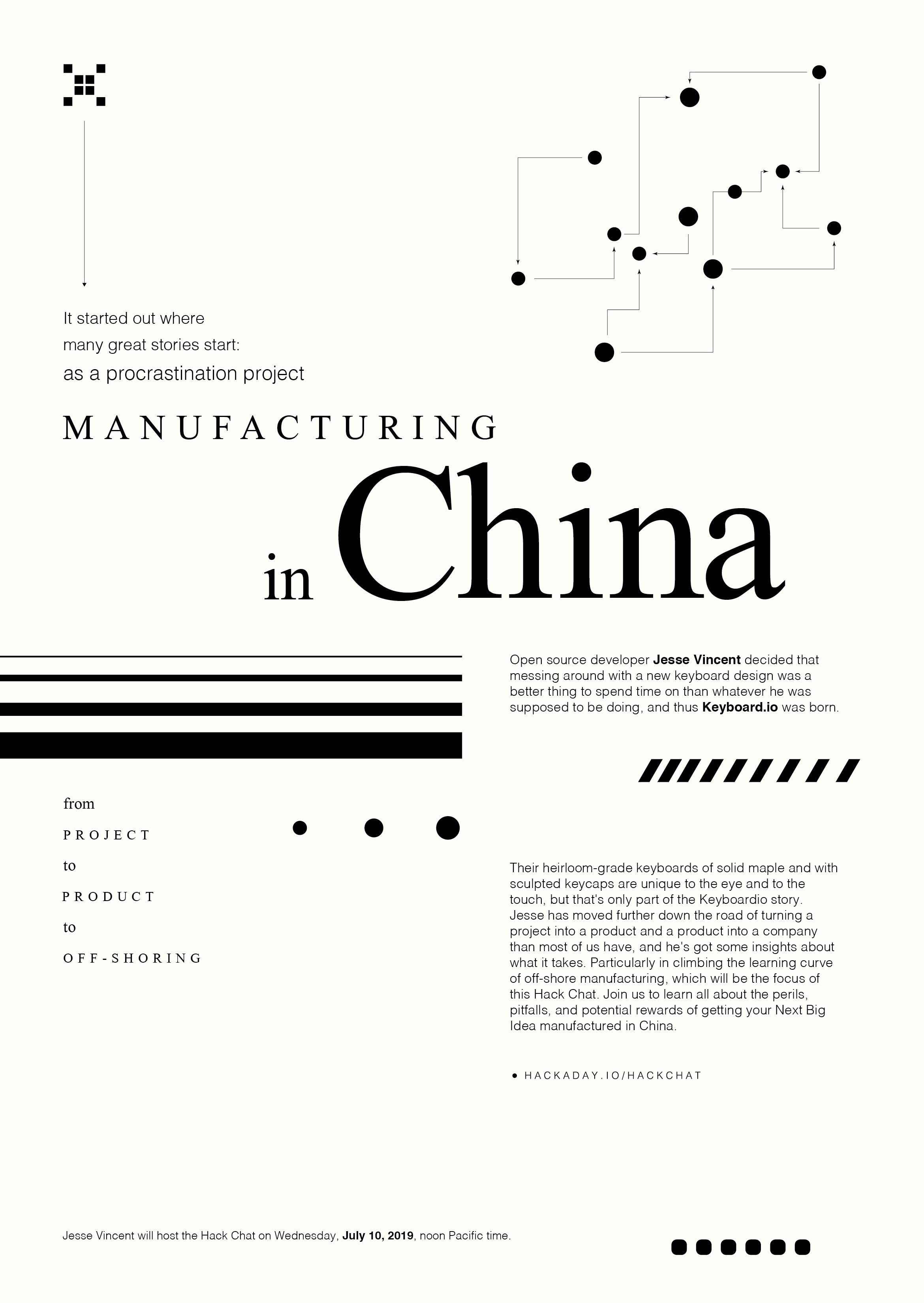
It started out where many great stories start: as a procrastination project. Open source developer Jesse Vincent decided that messing around with a new keyboard design was a better thing to spend time on than whatever he was supposed to be doing, and thus Keyboardio was born.
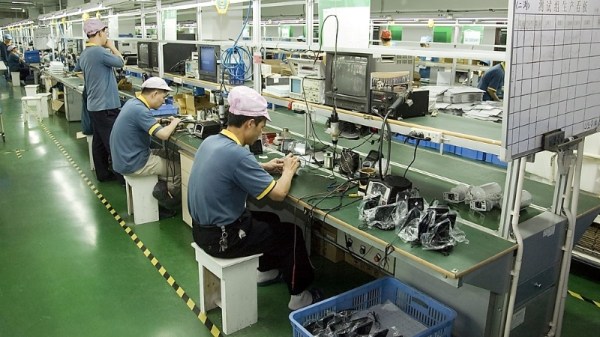
Their heirloom-grade keyboards of solid maple and with sculpted keycaps are unique to the eye and to the touch, but that’s only part of the Keyboardio story. Jesse has moved further down the road of turning a project into a product and a product into a company than most of us have, and he’s got some insights about what it takes. Particularly in climbing the learning curve of off-shore manufacturing, which will be the focus of this Hack Chat. Join us to learn all about the perils, pitfalls, and potential rewards of getting your Next Big Idea manufactured in China.
Click that speech bubble to the right, and you’ll be taken directly to the Hack Chat group on Hackaday.io. You don’t have to wait until Wednesday; join whenever you want and you can see what the community is talking about.
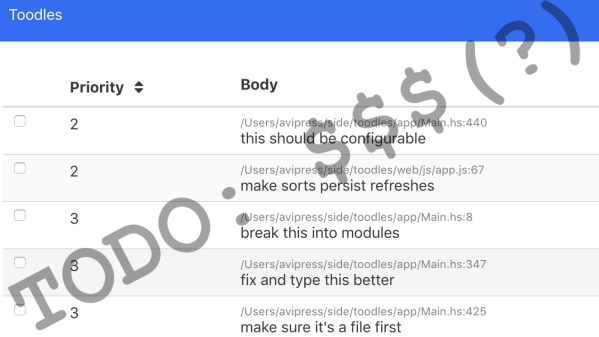
[Avi Press] recently made a Medium post sharing his thoughts on a failed effort to allow for paid users of an open source project. [Avi] is the author of Toodles, a tool to help organize and manage TODO items in software development. Toodles enjoyed unexpected popularity, and some of its users were large organizations. It seemed that Toodles was of value to people who could afford to pay, and they might even be willing to do so if [Avi] provided a way for them to do it. It turned out that the monetizing process was far from simple, and he ultimately wasn’t successful.
Before he even started, [Avi] thought carefully about things and found that even basic and preliminary questions were difficult to answer, such as:
How many people were actually using the software on a regular basis? Were they gaining quantifiable value from it?
What exactly would someone be buying? How would they pay, and how would it get delivered to them?
How could companies be charged for the tool while still offering it freely to individuals?
Is it even ethical to accept money for a project to which others have contributed? How could money be shared with contributors? How to fairly decide who gets how much?
In short, [Avi] discovered that much of the data he felt he needed in order to make these decisions didn’t exist, wasn’t easily accessible, or couldn’t be reliably measured. His experiment in adding a license and payment system (which always seemed to need more work than it should) yielded no fruit, as there were zero paid users anyway.
Regardless of whether “difficulty in shoehorning a paid license system into an open source project” should be filed under “Feature, not Bug” [Avi] does thoughtfully present the issues he encountered. Open source and getting paid are not necessarily mutually exclusive. Octoprint is one example of an open source project that eventually navigated these waters, but that doesn’t mean it was easy, nor does it mean there are established tools and processes.
By pretty much any metric you care to use, the last couple of decades has been very good for the open source movement. There was plenty of pushback in the early days, back when the only people passionate about the idea were the Graybeards in the IT department. But as time went on, more and more developers and eventually companies saw the benefit of sharing what they were working on. Today, open source is effectively the law of the land in many fields, and you don’t have to look far to find the community openly denouncing groups who are keeping their source under lock and key.
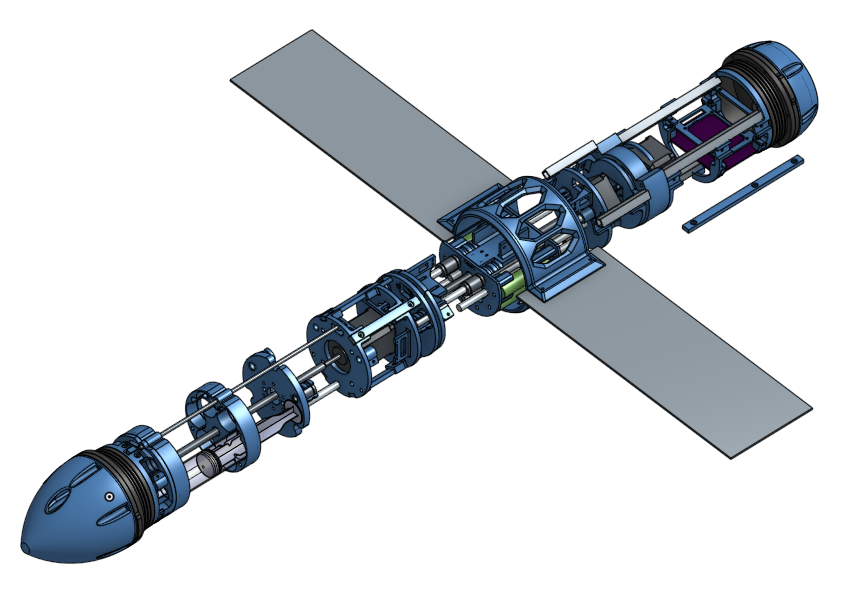
In the last few years, we’ve even seen the idea gain traction in the hardware field. While it’s not nearly as prevalent as opening up the software side of things, today it’s not uncommon to see hardware schematics and PCB design files included in project documentation. So not only can you download an open source operating system, web browser, and office suite, but you can also pull down all the information you need to build everything from a handheld game system to an autonomous submarine.
With so many projects pulling back the curtain, it’s not unreasonable to wonder where the limits are. There’s understandably some concerns about the emerging field of biohacking, and anyone with a decent 3D printer can download the files necessary to produce a rudimentary firearm. Now that the open source genie is out of the bottle, it seems there’s precious little that you can’t download from your favorite repository.
Scratching an exceptionally surprising entry off that list is Transatomic, who late last year uploaded the design for their TAP-520 nuclear reactor to GitHub. That’s right, now anyone with git, some uranium, and a few billion dollars of seed money can have their very own Molten Salt Reactor (MSR). Well, that was the idea at least.
So six months after Transatomic dumped a little under 100 MB worth of reactor documentation on GitHub, is the world any closer to forkable nuclear power? Let’s find out.
While it might be nice to use a $4,000 oscilloscope in a lab at a university or well-funded corporate environment, a good portion of us won’t have access to that kind of equipment in our own home shops. There are a few ways of getting a working oscilloscope without breaking the bank, though. One option is to find old CRT-based unit for maybe $50 on craigslist which might still have 60% of its original 1970s-era equipment still operational. A more reliable, and similarly-priced, way of getting an oscilloscope is to just convert a device you already have.
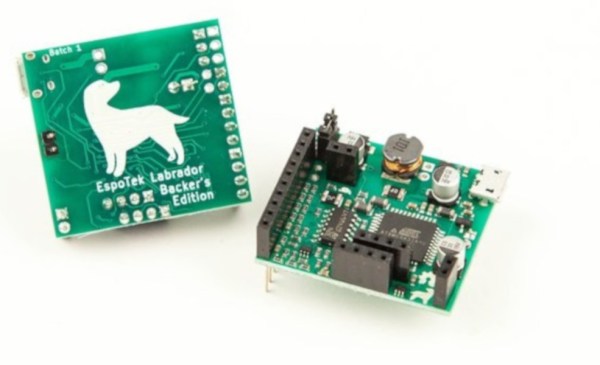
The EspoTek Labrador is an open-source way of converting a Raspberry Pi, Android device, or even a regular run-of-the-mill computer into a working oscilloscope. It’s a small USB device with about a two square inch PCB footprint that includes some other features as well like a signal generator and logic analyzer. It’s based on an ATxmega which is your standard Arduino-style AVR microcontroller but geared for low power usage. It looks as though it is pretty simple to use as well, and the only requirements are that you can install the software needed for the device on whatever computing platform you decide to use.
While the Labrador is available for sale at their website, it is definitely a bonus when companies offer products like this but also release the hardware and software as open source. That’s certainly a good way to get our attention, at least. You can build your own if you’d like, but if you’d rather save the time you have pre-built options. And it doesn’t hurt that most of the reviews of this product seem to be very favorable (although we haven’t tried one out ourselves). If you’d prefer an option without a company backing it, though, we have you covered there too.
If you own a 3D printer, you’ve heard of Thingiverse. The MakerBot-operated site has been the de facto model repository for 3D printable models since the dawn of desktop 3D printing, but over the years it’s fallen into a state of disrepair. Dated and plagued with performance issues, many in the community have been wondering how long MakerBot is still going to pay to keep the lights on. Alternatives have popped up occasionally, but so far none of them have been able to amass a large enough userbase to offer any sort of real competition.
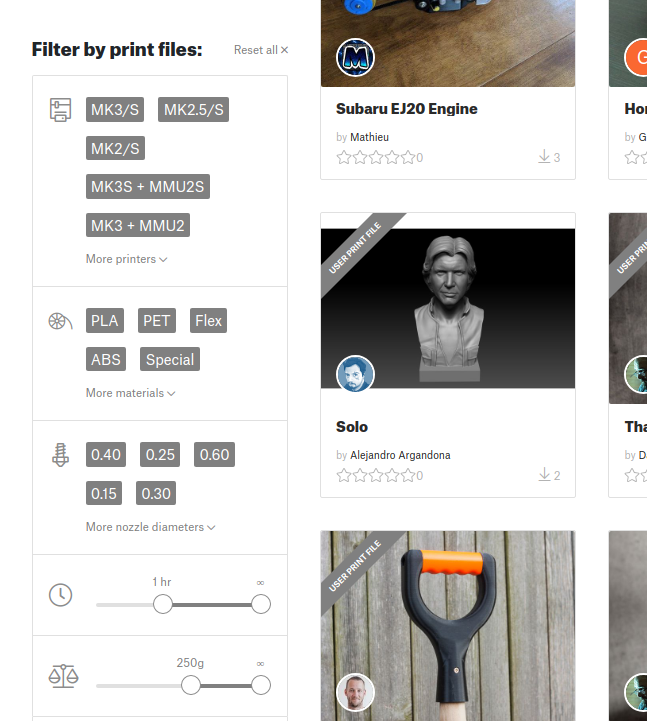
Sorting models by print time and material required.
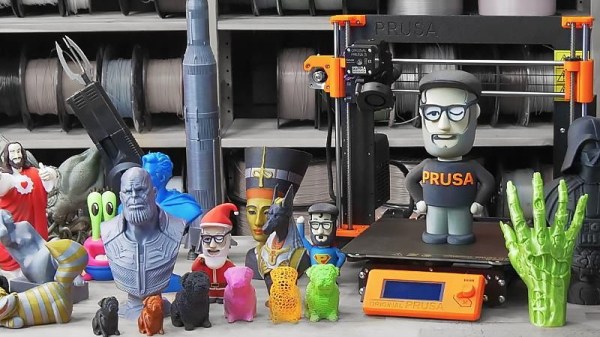
But that might soon change. [Josef Průša] has announced a revamped community for owners of his 3D printers which includes a brand-new model repository. While clearly geared towards owners of Prusa FDM printers (support for the new SLA printer is coming at a later date), the repository is not exclusive to them. The immense popularity of Prusa’s products, plus the fact that the repository launched with a selection of models created by well known designers, might be enough to finally give Thingiverse a run for its money. Even if it just convinces MakerBot to make some improvements to their own service, it would be a win for the community.
The pessimists out there will say a Prusa-run model database is ultimately not far off from one where MakerBot is pulling the strings; and indeed, a model repository that wasn’t tied to a particular 3D printer manufacturer would be ideal. But given the passion for open development demonstrated by [Josef] and his eponymous company, we’re willing to bet that the site is never going to keep owners of other printers from joining in on the fun.
That being said, knowing that the users of your repository have the same printer (or a variant, at least) as those providing the designs does have its benefits. It allows for some neat tricks like being able to sort designs by their estimated print time, and even offers the ability to upload and download pre-sliced GCode files in place of traditional STLs. In fact, [Josef] boasts that this is the world’s only repository for ready-to-print GCode that you can just drop onto an SD card and print.
Fritzing is a very nice Open Source design tool for PCBs, electrical sketches, and schematics for designers and artists to move from a prototype to real hardware. Over the years, we’ve seen fantastic projects built with Fritzing. Fritzing has been the subject of books, lectures, and educational courses, and the impact of Fritzing has been huge. Open up a book on electronics from O’Reilly, and you’ll probably see a schematic or drawing created in Fritzing.
However, and there’s always a however, Fritzing is in trouble. The project is giving every appearance of having died. You can’t register on the site, you can’t update parts, the official site lacks HTTPS, the Twitter account has been inactive for 1,200 days, there have been no blog posts for a year, and the last commit to GitHub was on March 13th. There are problems, but there is hope: [Patrick Franken], one of the developers of Fritzing and the president of the PCB firm Aisler which runs the Fritzing Fab, recently gave a talk at FOSDEM concerning the future of Fritzing. (That’s a direct FTP download, so have fun).