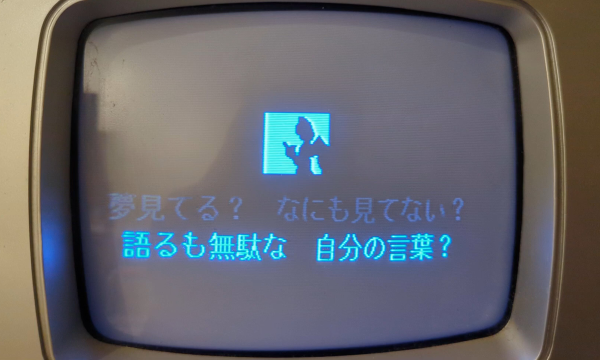
Bad Apple On A Karaoke Machine

CD+Graphics was a format that never really caught on. It let music discs pack some graphics, maybe liner notes, and mostly song lyrics into the otherwise empty space on a CD. It was never intended for displaying full-motion video, but that didn’t stop [Adam Gashlin] from getting a Bad Apple, with lyrics, running on any device that will play CD+G.

The main challenge is that CD+G gives you 300 screen commands per second, which is plenty for updating text on the 48×16 blocks as the lyrics scroll by. But if you want to send custom blocks and draw images, that’s 2.5 seconds per screen: a lousy framerate.

[Adam]’s first trick is to drop the resolution way down, which gets him into the 8 FPS range. Only update the blocks that change pushes this up to a respectable 17-20 FPS. But you can see the updates, and that’s distracting. It really needed buffering.

If you don’t know Bad Apple, it’s in black and white. And like many old graphics engines of the day, CD+G uses a dynamic palette of colors. [Adam] uses this to pack four frames into one, switching between them using palette swapping. (Absolutely check out his “rainbow” version of the video to see how the palette-swapping trick works.)

In the end, his demo has audio, triple-buffered video, and lyrics at 16.3 FPS. It’s slower than the fastest video-only version, but it looks so good, and [Adam]’s explanation of all of the graphics tricks he uses to get there is the real star of the show.

If you want to see Bad Apple running on yet more minimal hardware, how about a 16×2 LCD? Or a much more ridiculous implementation? How’s regexes in Vim for absurd? Got any Bad Apple hacks of your own? Let us know in the comments or the tips line. You can never have too many.
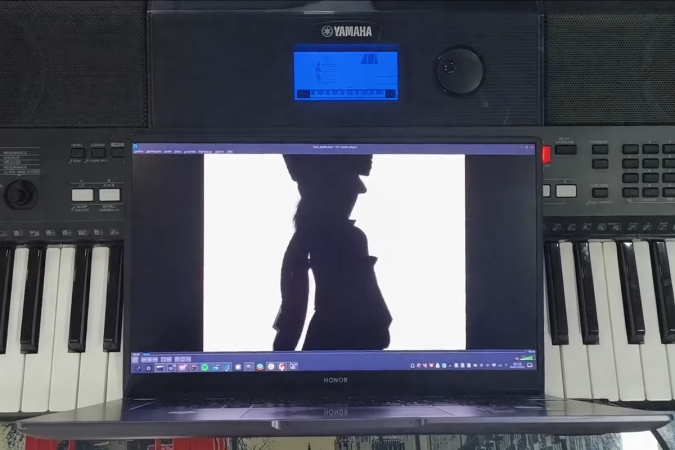
Shellcode Over MIDI? Bad Apple On A PSR-E433, Kinda

If hacking on consumer hardware is about figuring out what it can do, and pushing it in directions that the manufacturer never dared to dream, then this is a very fine hack indeed. [Portasynthica3] takes on the Yamaha PSR-E433, a cheap beginner keyboard, discovers a shell baked into it, and takes it from there.

[Portasynthinca3] reverse engineered the firmware, wrote shellcode for the device, embedded the escape in a MIDI note stream, and even ended up writing some simple LCD driver software totally decent refresh rate on the dot-matrix display, all to support the lofty goal of displaying arbitrary graphics on the keyboard’s dot-matrix character display.

Now, we want you to be prepared for a low-res video extravaganza here. You might have to squint a bit to make out what’s going on in the video, but keep in mind that it’s being sent over a music data protocol from the 1980s, running at 31.25 kbps, displayed in the custom character RAM of an LCD.

As always, the hack starts with research. Identifying the microcontroller CPU lead to JTAG and OpenOCD. (We love the technique of looking at the draw on a bench power meter to determine if the chip is responding to pause commands.) Dumping the code and tossing it into Ghidra lead to the unexpected discovery that Yamaha had put a live shell in the device that communicates over MIDI, presumably for testing and development purposes. This shell had PEEK and POKE, which meant that OpenOCD could go sit back on the shelf. Poking “Hello World” into some free RAM space over MIDI sysex was the first proof-of-concept.

The final hack to get video up and running was to dig deep into the custom character-generation RAM, write some code to disable the normal character display, and then fool the CPU into calling this code instead of the shell, in order to increase the update rate. All of this for a thin slice of Bad Apple over MIDI, but more importantly, for the glory. And this hack is glorious! Go check it out in full.

MIDI is entirely hacker friendly, and it’s likely you can hack together a musical controller that would wow your audience just with stuff in your junk box. If you’re at all into music, and you’ve never built your own MIDI devices, you have your weekend project.

Continue reading “Shellcode Over MIDI? Bad Apple On A PSR-E433, Kinda”

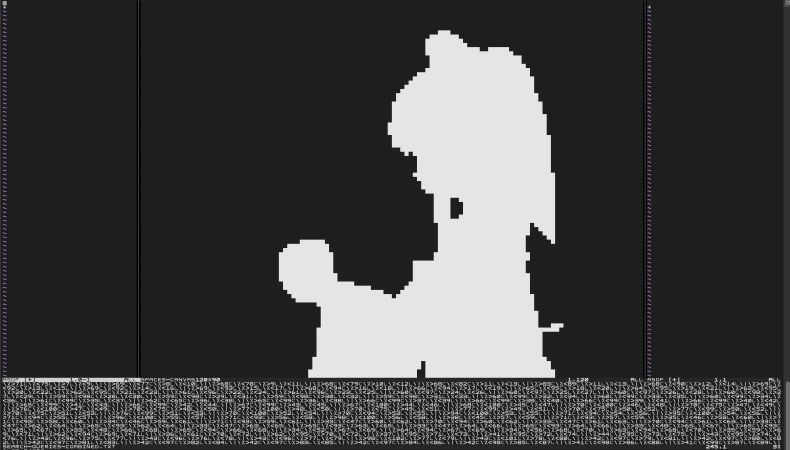
Bad Apple But It’s 6,500 Regex Searches In Vim

In the world of showing off, there is alongside ‘Does it play Doom?’ that other classic of ‘Does it play Bad Apple?’. Whereas either would be quaint in the context of the Vim editor, this didn’t deter [Nolen Royalty] from making Vim play the Bad Apple video. As this is a purely black and white video, this means that it’s possible to convert each frame into a collection of pixels, with regular expression based search and custom highlighting allowing each frame to be rendered in the Vim window.

The fun part about this hack is that it doesn’t require any hacking or patching of Vim, but leans on its insane levels of built-in search features by line and column, adjusting the default highlight features and using a square font to get proper pixels rather than rectangles. The font is (unsurprisingly) called Square and targets roguelike games with a specific aesthetic.

First 6,500 frames are fed through ffmpeg to get PNGs, which are converted these into pixel arrays using scripts on the GitHub project. Then the regex search combined with Vim macros allowed the video to be played at real-time speed, albeit at 120 x 90 resolution to give the PC a fighting chance. The highlighting provides the contrast with the unlit pixels, creating a rather nice result as can be seen in the embedded video.

Continue reading “Bad Apple But It’s 6,500 Regex Searches In Vim”

Pushing The Limits Of A 16×2 LCD With Bad Apple!!

While low-contrast, blue-on-slightly-less-blue 16-character by 2-line LCDs are extremely popular, they really are made specifically for alphanumeric use. They do an admirable job of displaying a few characters, but they don’t exactly spring to mind as a display for non-character purposes. But displaying video on a 16×2 LCD is possible, as long as you’re willing to stretch the definition of “video” a bit and use some imagination while watching.

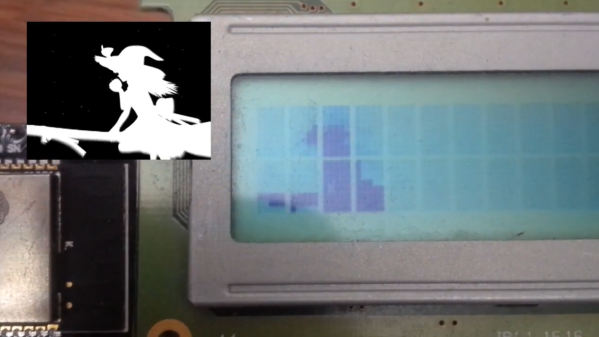
Normally, a 16×2 display can only display a single character in each spot, chosen from a fixed character set. But [arduinocelantano] was able to leverage the eight custom character slots the display allows to build up images from arbitrary 5×8 pixel bitmaps. After using ffmpeg to scale the original video to a viewport of eight characters, a Python program was used to turn every frame of the scaled video into code to generate the custom bitmaps for each chunk of the viewport. Even with the low refresh rate of the display and the shrunken frame size, the result is a recognizable video, helped no doubt by the choice of the shadow-puppet Bad Apple!! video. Check it out after the break to see how it looks.

We saw a similar rendering of the same video on LCD a while back; that effort was amazing in that it was an EEPROM-only implementation, along with a somewhat bigger LCD with better contrast. That project served as inspiration for [arduinocelantano]’s build here, which in some ways we think looks a bit better — perhaps it’s the inverted pixels. Either way, hats off to both builders for pushing past the normal constraints and teaching us something interesting.

Continue reading “Pushing The Limits Of A 16×2 LCD With Bad Apple!!

Barely HDMI Display Gets A Steampunk-Inspired Enclosure

It’s an interesting question: What does one do for a follow-up to building the world’s worst HDMI display? Simple — stick it in a cool steampunk-inspired case and call it a day.

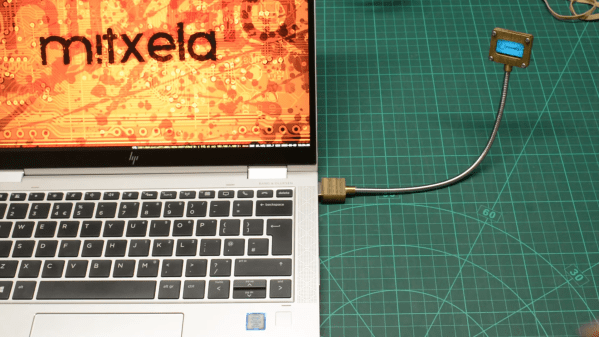
That seems to have been [mitxela]’s solution, and please don’t take our assessment as a knock on either the original build or this follow-up. [mitxela] himself expresses a bit of wonder at the attention garnered by his “rather stupid project,” which used the I2C interface in an HDMI interface to drive a tiny monochrome OLED screen. Low refresh rate, poor resolution — it has everything you don’t want in a display, but was still a cool hack that deserved the attention it got.

The present work, which creates an enclosure for the dodgy display, is far heavier on metalworking than anything else, as the video below reveals. The display itself goes in a small box that’s machined from brass, while the HDMI plug gets a sturdy-looking brass housing that makes the more common molded plastic plug look unforgivably flimsy — hot glue notwithstanding. Connecting the two is a flexible stalk, allowing it to plug into a computer’s HDMI port and giving the user the flexibility to position the nearly useless display where it can be seen best.

But again, we may be too harsh in our judgment; while DOOM is basically unplayable on the tiny display, “Bad Apple!!” is quite watchable, especially when accompanied by [mitxela]’s servo-controlled MIDI music box. And since when has usability been a criterion for judging a hack’s coolness, anyway?

Continue reading “Barely HDMI Display Gets A Steampunk-Inspired Enclosure”

It’s Bad Apple, But On A 32K EPROM

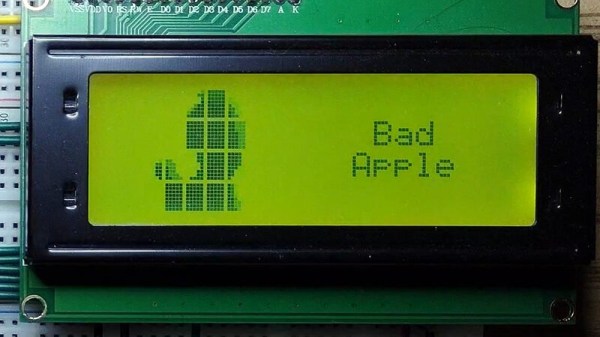
The Bad Apple!! video with its silhouette animation style has long been a staple graphics demo for low-end hardware, a more stylish alternative to the question “Will it run DOOM?”. It’s normal for it to be rendered onto a screen by a small microcomputer or similar but as [Ian Ward] demonstrates in an unusual project, it’s possible to display the video without any processor being involved. Instead he’s used a clever arrangement involving a 32K byte EPROM driving a HD44780-compatible parallel alphanumeric LCD display.

While 32K bytes would have seemed enormous back in the days of 8-bit computing, even when driving only a small section of an alphanumeric LCD it’s still something of a struggle to express the required graphics characters. This feat is achieved by the use of a second EPROM, which carries a look-up table.

It’s fair to say that the result which can be seen in the video below the break isn’t the most accomplished rendition of Bad Apple!! that we’ve seen, but given the rudimentary hardware upon which it’s playing we think that shouldn’t matter. Why didn’t we think of doing this in 1988!

Continue reading “It’s Bad Apple, But On A 32K EPROM”

Several frames from Bad Apple

PineTime Smartwatch And Good Code Play Bad Apple

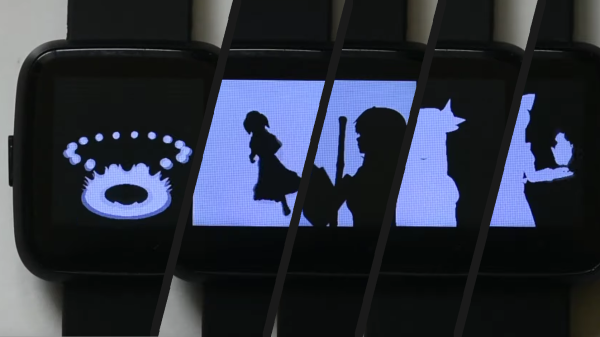
PineTime is the open smartwatch from our friends at Pine64. [TT-392] wanted to prove the hardware can play a full-motion music video, and they are correct, to a point. When you watch the video below, you should notice the monochromatic animation maintaining a healthy framerate, and there lies all the hard work. Without any modifications, video would top out at approximately eight frames per second.

To convert an MP4, you need to break it down into images, which will strip out the sound. Next, you load them into the Linux-only video processor, which looks for clusters of pixels that need changing and ignores the static ones. Relevant pixel selection takes some of the load off the data running to the display and boosts the fps since you don’t waste time reminding it that a block of black pixels should stay the way they are. Lastly, the process will compress everything to fit it into the watch’s onboard memory. Even though it is a few minutes of black and white pictures, compiling can take a couple of hours.

You will need access to the watch’s innards, so hopefully, you have the developer kit or don’t mind cracking the seal. Who are we kidding, you aren’t here for intact warranties. The video resides in the flash chip and you have to transfer blocks one at a time. Bad Apple needs fourteen, so you may want to practice on a shorter video. Lastly, the core memory needs some updating to play correctly. Now you can sit back and…watch.

Pine64 had a rough start with the single-board computers, but they’re earning our trust with things like soldering irons and Google-less Linux mobile phones.

Continue reading “PineTime Smartwatch And Good Code Play Bad Apple”