A Homemade Tube Amplifier Featuring Homemade Tubes

With the wealth of cheap and highly integrated audio amplifier modules on the market today, it takes a special dedication to roll your own from parts. Especially when those parts include vacuum tubes, and doubly so when you make the vacuum tubes from scratch too.

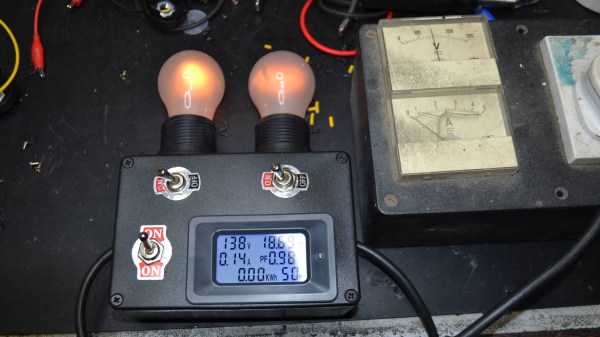
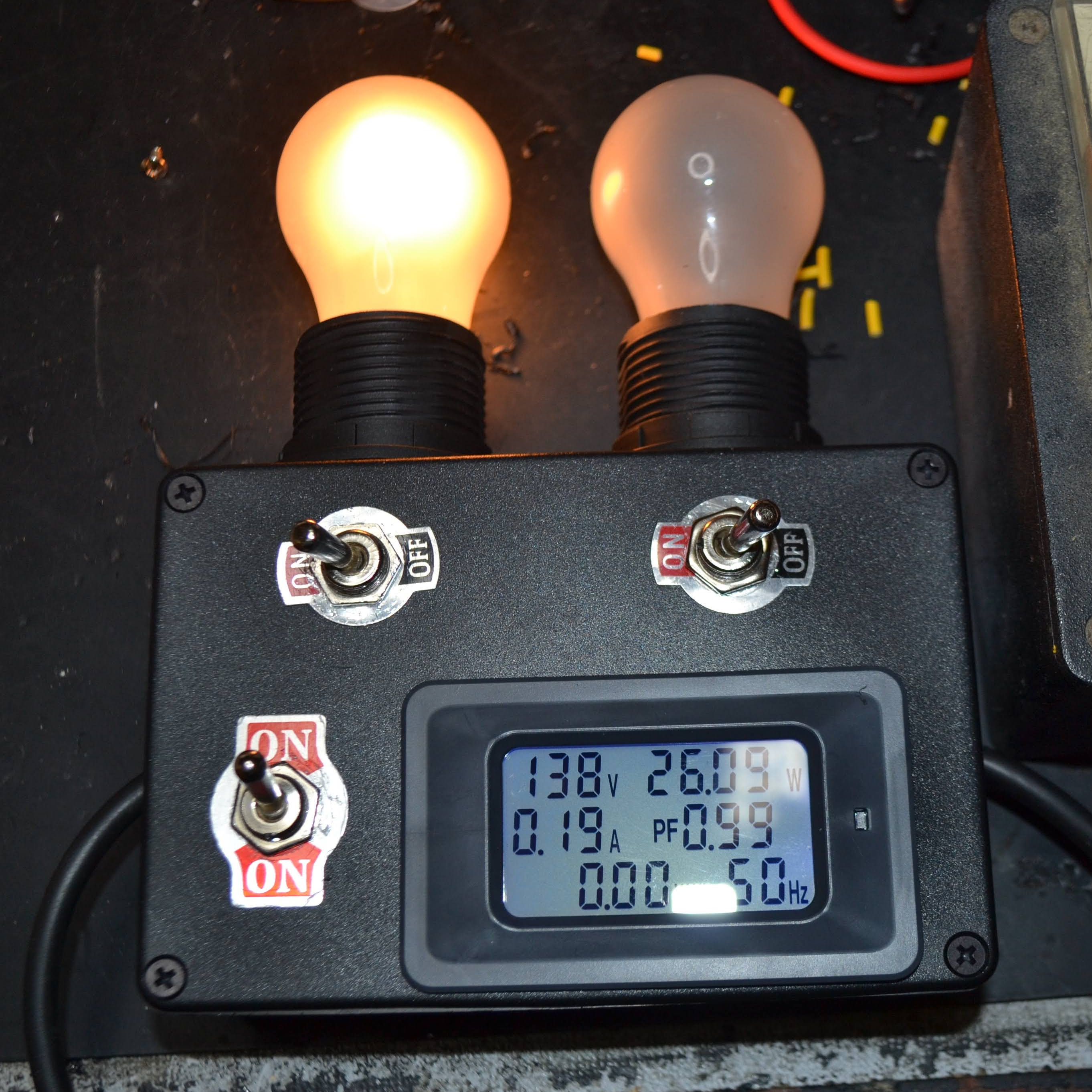
Now, we get it — some readers are going to find it hard to invest an hour in watching [jdflyback] make a pair of triodes to build his amplifier. But really, you’ve got to check this out. Making vacuum tubes with all the proper equipment — glassblower’s lathe, various kinds of oxy-fuel torches, all the right hand tools — is hard enough. But when your lathe is a cordless drill, and you’re using a spot welder that looks like it’s cobbled together from junk, your tube-making game gets a lot harder. Given all that, you’d expect the tubes to look a lot rougher than they are, but even with plain tungsten wire heaters and grids made from thick copper wire, they actually work pretty well. Sure, the heaters glow as bright as light bulbs, but that’s all part of the charm.

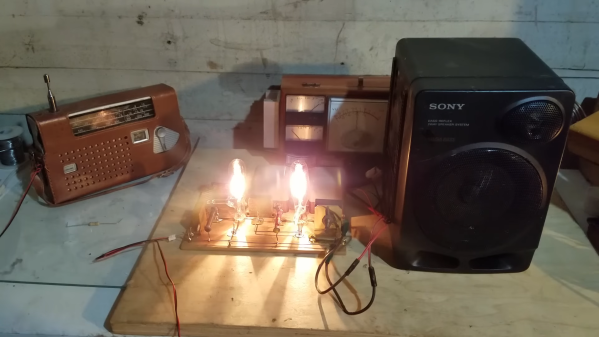
Speaking of charm, we just love the amp these tubes went into. Built in 1920s breadboard-style, the features some beautiful vintage mica capacitors and wirewound resistors, plus a variable resistor the likes of which we’ve never seen. The one nod to modernity is the clever use of doorbell transformers, one for a choke and one for the speaker transformer. They don’t sound great, but there’s no doubt they work.

We may have seen other homemade vacuum tubes before — we even recently featured a DIY X-ray tube — but there’s something about [jdflyback]’s tubes that really gets us going.

Continue reading “A Homemade Tube Amplifier Featuring Homemade Tubes”

Everything You Wanted To See About Restoring A 1956 Radio

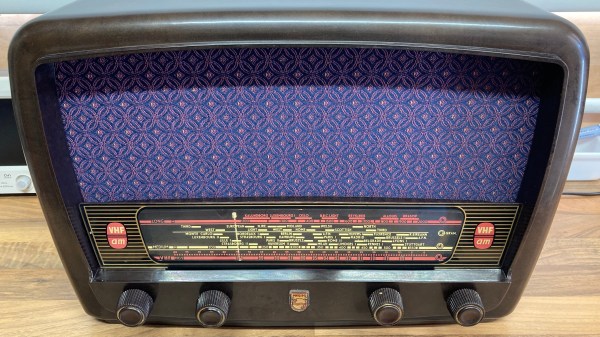
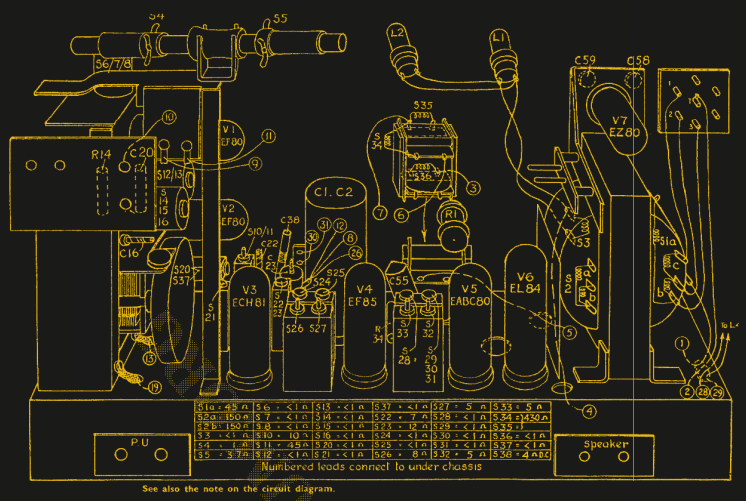
Ever wanted a good, good look at the insides of a 1950s radio, along with fantastic commentary on the internals and the purpose of various components? Then don’t miss [Adam Wilson]’s repair and restoration of a 1956 Philips 353A, a task made easier by a digitized copy of the service manual. [Adam] provides loads of great pictures, as well as tips on what it takes to bring vintage electronics back to life. What’s not to like?

Vintage electronics like this are often chock-full of components that deteriorate with age, so one doesn’t simply apply power to see if it still works as a first step. These devices need to be inspected and serviced before power is ever applied. Even then, powerup should be done with a current-controlled source that can be shut down if anything seems amiss.

Thank goodness for high quality, digitized service manuals.

Devices like these largely predate printed circuit boards, so one can expect to see plenty of point-to-point soldering. Vacuum tubes did much of the hard work, so they are present instead of integrated circuits and transistors. Capacitors in the microfarads were much larger compared to their modern equivalents, and paper/wax capacitors (literally made from rolled-up paper covered in wax) handled capacitances in the nanofarad range instead of the little ceramic disk caps of today.

One thing that helped immensely is the previously-mentioned Philips 353A service manual, which includes not only a chassis and component layout, but even has servicing procedures such as cord replacement for the tuning dial. Back then, a tuning dial was an electromechanical assembly that used a winding of cord to rotate the tuning capacitor, and replacing it was a fiddly process. If only all hardware was documented so well!

The end result looks wonderful and still has great sound. As a final tweak, [Adam] added an external audio input cable as a nod to the modern age. Now, we have in the past seen a small LED screen integrated convincingly into an antique, but in this case [Adam] kept the original look completely intact. You can see it in action, playing some Frank Sinatra in the short video embedded below.
Continue reading “Everything You Wanted To See About Restoring A 1956 Radio”

Mac 128K Emulator Gets DIY Ceramic Enclosure

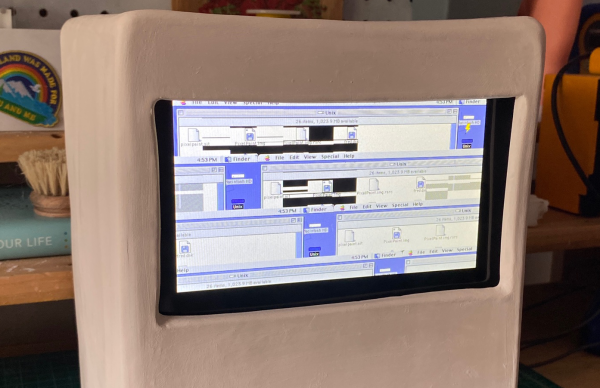
Creative technologist [Joselyn McDonald] wanted to hone her ceramic skills by building an iconic Macintosh 128K sculpture, complete with a fully functional operating system.

At first, she was determined to use Processing to create an interface for her sculpture by recreating the UI visually and adding some touch controls. However, she soon abandoned this tedious task after discovering MacintoshPi, which steps you through installing Mac OS 7, 8, and 9 emulators on a Raspberry Pi. [Joselyn] has also installed several retro games, including DOOM II, Carmen Sandiego, and Sim City, thanks to sites like Macintosh Garden and Macintosh Repository. 

Next, [Joselyn] hopes to set it up to display her and her partner’s schedules, and to let friends play around with nostalgic games. This piece was made using hand building, but other cool ceramic techniques like this slip cast dog bowl and this stone 3D printer have us thinking about what other types of enclosures could be built!

TRS-80 Gains Multiple Monitor Support, And High-Resolution Graphics

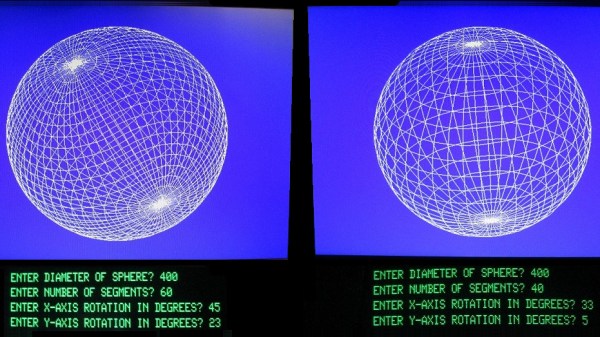
To call [Glen Kleinschmidt] a vintage computing enthusiast would be an understatement. Who else would add the ability to control and address multiple VGA monitors to a rack-mounted TRS-80 Model 1? Multiple 64-color 640×480 monitors might not be considered particularly amazing by today’s standards, but for 70s-era computing, it’s a different story.

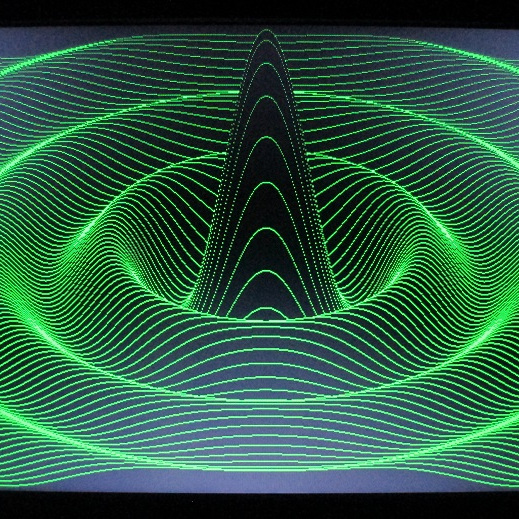
Drawing this sin(x)/x ripple surface can be done in only 17 lines of BASIC.

How does a TRS-80 even manage to output anything useful to these monitors? [Glen] wrote his own low-level driver in machine code to handle that. The driver even has useful routines that are callable from within BASIC, meaning that programs written on the TRS-80 are granted powerful drawing abilities. Oh, and did we mention that the VGA graphics cards themselves were designed and made by [Glen]?

Interested in making your own? [Glen] provides all the resources you’ll need to re-create his work, including machine code drivers and demonstration BASIC programs as downloadable audio files, just as they would have been on original cassette tapes.

Watch things in action in the videos embedded below. The first draws a Land Rover, and the second plots a simple Moiré pattern star. Not bad for 70s-era hardware and 74xx logic!

Continue reading “TRS-80 Gains Multiple Monitor Support, And High-Resolution Graphics”

TRS-80 Model II Lives Again

A lot of people had a Radio Shack TRS-80 Model I. This was a “home computer” built into a keyboard that needed an external monitor or TV set. Later, Radio Shack would update the computer to a model III which was a popular “all in one” option with a monitor and even space for — gasp — floppy disks. But the Model II was not nearly as common. The reason? It was aimed at businesses and priced accordingly. [Adrian] got a Model II that was in terrible shape and has been bringing it back to life. You can see the video of how he’s done with it, below.

The Model II was similar to the older “Trash 80” which had been used — to Radio Shack’s surprise — quite often by businesses. But it had more sophisticated features including a 4MHz CPU — blistering speed for those days. It also had an 80×25 text display and a 500K 8-inch floppy drive. There were also serial and printer ports standard.

There were a few interesting features. The floppy drive’s spindle ran on AC power and if the computer was on, the disk was spinning. In addition, there was bank switching so you could go beyond 64K and also you didn’t have to share your running memory with the video display. In theory, the machine could go beyond 64K since half the memory was bank switchable. In practice, the early models didn’t have enough expansion space to handle more than 64K physically.

Continue reading “TRS-80 Model II Lives Again”

This Vintage Alphanumeric Display Was Huge, Hot, Heavy, And Expensive

It’s easy to take display technology for granted nowadays, but the ability to display data in a human-readable way was not always easy. This is demonstrated well by the Pinlite 30003 Alphanumeric Display Module, a four-character display that was pure luxury for its time.

Each display is a rectangular vacuum tube containing 17 incandescent light filaments.

Not only were the 17 segments that make up each display capable of showing any letter or number, but they were even daylight-readable! Each of those 17 segments is an incandescent lamp filament, which is how the required brightness was achieved. The sturdy module shown here holds four such displays, each of which is on its own pluggable board with a dedicated character decoder chip directly behind it.

As [AnubisTTL] points out, the resulting unit is bulky, has terrible character spacing, and was no doubt very costly. By today’s standards, it is almost unimaginably heavy, hot, and impractical. But before high-brightness LEDs were a thing, a daylight-readable alphanumeric character display was really something special. It would absolutely have been worth the money and effort to the right people.

Before small and efficient displays were commonplace, the solution to the problem of how to display data efficiently and in an easy-to-read format took a lot of really unusual (and clever) turns as engineers worked around the limitations of the time. This resulted in oddities like the SD-11 Sphericular Display, which is mostly empty space on the inside. Another great example is the Eidophor, a projector from before projectors were even a thing.

Integrated Circuit Manufacturing At Bell Labs In 1983

With the never ending march of technological progress, arguably the most complex technologies become so close to magic as to be impenetrable to those outside the industry in which they operate. We’ve seen walkthrough video snapshots of just a small part of the operation of modern semiconductor fabs, but let’s face it, everything you see is pretty guarded, hidden away inside large sealed boxes for environmental control reasons, among others, and it’s hard to really see what’s going on inside.

Let’s step back in time a few decades to 1983, with an interesting tour of the IC manufacturing facility at Bell Labs at Murray Hill (video, embedded below) and you can get a bit more of an idea of how the process works, albeit at a time when chips hosted mere tens of thousands of active devices, compared with the countless billions of today. This fab operates on three inch wafers, producing about 100 die each, with every one handled and processed by hand whereas modern wafers are much bigger, die often much smaller with the total die per wafer in the thousands and are never handled by a filthy human.

Particle counts of 100 per cubic foot might seem laughable by modern standards, but device geometries back then were comparatively large and the defect rate due to it was not so serious. We did chuckle somewhat seeing the operator staff all climb into their protective over suits, but open-faced with beards-a-plenty poking out into the breeze. Quite simply, full-on bunny suits were simply not necessary. Anyway, whilst the over suits were mostly for the environment, we did spot the occasional shot of an operator wearing some proper protective face shielding when performing some of the higher risk tasks, such as wafer cleaning, after all as the narrator says “these acids are strong enough to eat through the skin” and that would certainly ruin your afternoon.

No story about integrated circuit processing would be complete without mentioning the progress of [Sam Zeloof] and his DIY approach to making chips, and whilst he’s only managing device counts in the hundreds, this can only improve given time.

Continue reading “Integrated Circuit Manufacturing At Bell Labs In 1983”