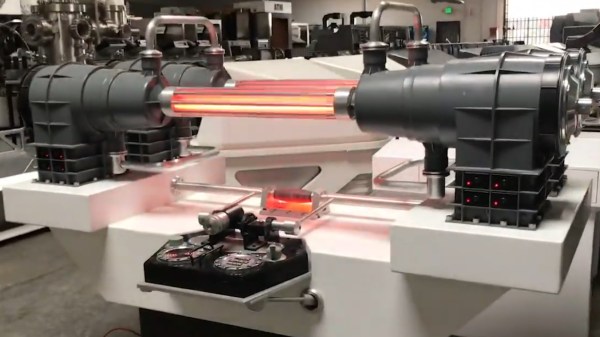
High-Tech Paperweight Shows Off Working 60s-era Thin-Film Electronics

[Ken Shirriff]’s analysis of a fascinating high-tech paperweight created by GE at the height of the space race is as informative as it is fun to look at. This device was created to show off GE’s thin-film electronics technology, and while it’s attractive enough on its own, there’s an added feature: as soon as the paperweight is picked up, it begins emitting a satellite-like rhythmic beep. It is very well-made, and was doubtlessly an impressive novelty for its time. As usual, [Ken] dives into what exactly makes it tick, and shares important history along the way.

Thin-film module with labels, thanks to [Ken]’s vintage electronics detective work. Click to enlarge.
In the clear area of the paperweight is a thin-film circuit, accompanied by a model of an early satellite. The module implements a flip-flop, and the flat conductors connect it to some additional components inside the compartment on the left, which contains a power supply and the necessary parts to create the beeps when it is picked up.

Thin-film electronics reduced the need for individual components by depositing material onto a substrate to form things like resistors and capacitors. The resulting weight and space savings could be considerable, and close-ups of the thin film module sure look like a precursor to integrated circuits. The inside of the left compartment contains a tilt switch, a battery, a vintage earphone acting as a small speaker, and a small block of components connected to the thin-film module. This block contains two oscillators made with unijunction transistors (UJTs); one to create the beep, and one to control each beep’s duration. The construction and overall design of the device is easily recognizable, although some of the parts are now obsolete.

If you’d like a bit more detail on exactly how this device worked, including circuit diagrams and historical context, be sure to click that first link, and pay attention to the notes and references at the end. One other thing that’s clear is that functional electronics embedded in clear plastic shapes simply never go out of style.

Jigsaw Puzzle Lights Up With Each Piece

Putting the last piece of a project together and finally finishing it up is a satisfying feeling. When the last piece of a puzzle like that is a literal puzzle, though, it’s even better. [Nadieh] has been working on this jigsaw puzzle that displays a fireworks-like effect whenever a piece is placed correctly, using a lot of familiar electronics and some unique, well-polished design.

The puzzle is a hexagonal shape and based on a hexagonally symmetric spirograph, with the puzzle board placed into an enclosure which houses all of the electronics. Each puzzle piece has a piece of copper embedded in a unique location so when it is placed on the board, the device can tell if it was placed properly or not. If it was, an array of color LEDs mounted beneath a translucent diffuser creates a lighting effect that branches across the entire board like an explosion. The large number of pieces requires a multiplexer for the microcontroller, an ATtiny3216.

This project came out of a FabAcademy, so the documentation is incredibly thorough. In fact, everything on this project is open sourced and available on the project page from the code to the files required for cutting out the puzzle pieces and the enclosure. It’s an impressive build with a polish we would expect from a commercial product, and reminds us of an electrified jigsaw puzzle we saw in a previous build.

Thanks to [henk] for the tip!

Robotic Ball-Bouncing Platform Learns New Tricks

[T-Kuhn]’s Octo-Bouncer platform has learned some new tricks since we saw it last. If you haven’t seen it before, this device uses computer vision from a camera mounted underneath its thick, clear acrylic platform to track a ball in 3D space, and make the necessary (and minute) adjustments needed to control the ball’s movements with a robotic platform in real time.

We loved the Octo-Bouncer’s mesmerizing action when we saw it last, and it’s only gotten better. Not only is there a whole new custom ball detection algorithm that [T-Kuhn] explains in detail, there are also now visualizations of both the ball’s position as well as the plate movements. There’s still one small mystery, however. Every now and again, [T-Kuhn] says that the ball will bounce in an unexpected direction. It doesn’t seem to be a bug related to the platform itself, but [T-Kuhn] has a suspicion. Since contact between the ball and platform is where all the control comes from, and the ball and platform touch only very little during a bounce, it’s possible that bits of dust (or perhaps even tiny imperfections on the ball’s surface itself) might be to blame. Regardless, it doesn’t detract from the device’s mesmerizing performance.

Design files and source code are available on the project’s GitHub repository for those who’d like a closer look. It’s pretty trippy watching the demonstration video because there is so much going on at once; you can check it out just below the page break.

Continue reading “Robotic Ball-Bouncing Platform Learns New Tricks”

The Incredible Mechanical Artistry Of François Junod

The art of building purely mechanical automatons has dramatically declined with the arrival of electronics over the past century, but there are still a few craftsmen who keep the art form alive. [François Junod] is one of these masters, and the craftsmanship and intricacy on display in his automata is absolutely amazing.

[François]’ creations are all completely devoid of electronics, and are powered either by wound-up springs or weights. The mechanics of the automata are part of the display, and contain a vast array of gears, linkages, belts and tracks. Many of them also include their own soundtrack, which range from simple bells and chimes to complete melodies from mechanized wind instruments, as demonstrated in Le Champignonneur below. He also collaborates with craftsman like jewelers on works like La Fée Ondine, which we thought was CGI when we first saw it in the video after the break.

Very few people have the time, skill and patience to make these creations, but we are glad there are still a few around. Some builds, like [Patelo]’s flightless drone aren’t quite as complex, but are no less inspiring. If you don’t quite have the time and fabrication skills, you can still create mesmerizing automatons with 3D printing like [gzumwalt]. Continue reading “The Incredible Mechanical Artistry Of François Junod”

Iridescent Rainbow Chocolate, Just Add Diffraction Grating!

Chocolate plus diffraction grating equals rainbow chocolate

Here’s a great picture from [Jelly & Marshmallows] that shows off the wild effects of melted chocolate poured onto a diffraction grating. A diffraction grating is a kind of optical component whose micro-features act to disperse and scatter light. Diffraction gratings are available as thin plastic film with one side that is chock full of microscopic ridges, and the way light interacts with these ridges results in an iridescent, rainbow effect not unlike that seen on a CD or laserdisc.

It turns out that these micro-ridges can act as a mold, and pouring chocolate over a diffraction grating yields holo-chocolate. These photos from [Jelly & Marshmallows] show this effect off very nicely, but as cool as it is, we do notice that some of the letters seem a wee bit hit-or-miss in how well they picked up the diffraction grating pattern.

Fortunately, we know just what to suggest to take things to the next level. If you want to know more about how exactly this effect can be reliably accomplished, you’ll want to check out our earlier coverage of such delicious optics, which goes into all the nitty-gritty detail one could ever want about getting the best results with either melted sugar, or dark chocolate.

Artwork Spans Fifty Years Of Display Technology

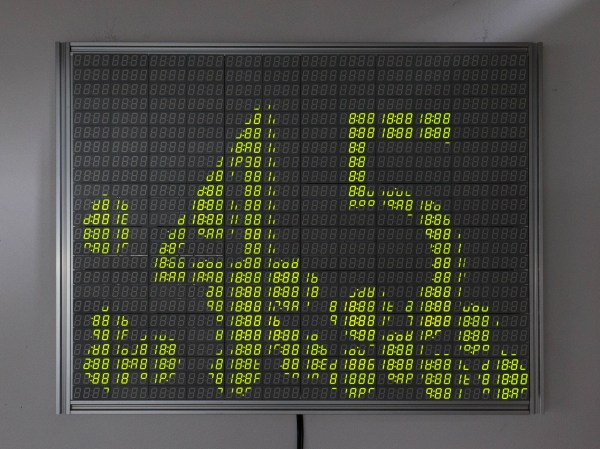
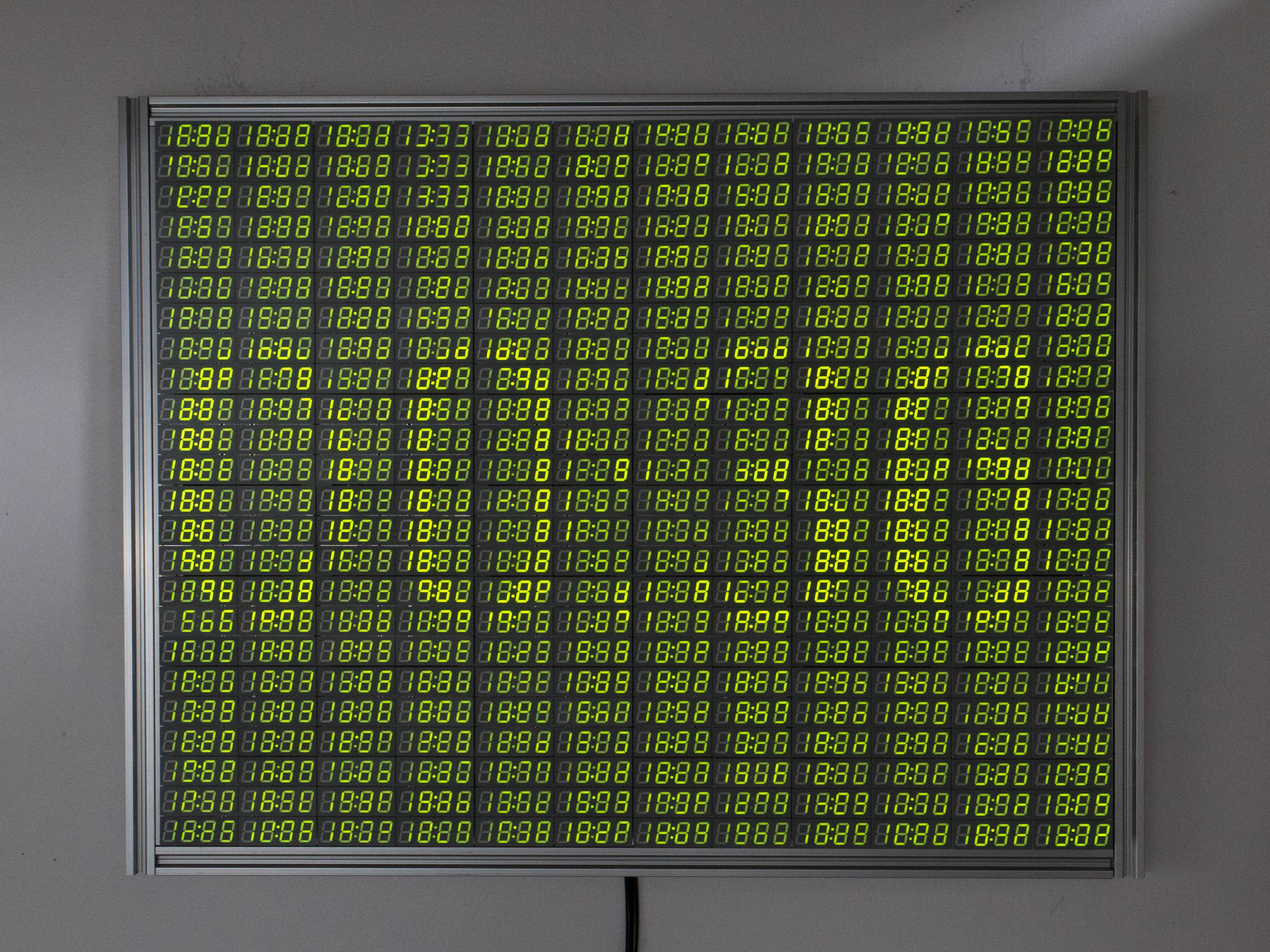
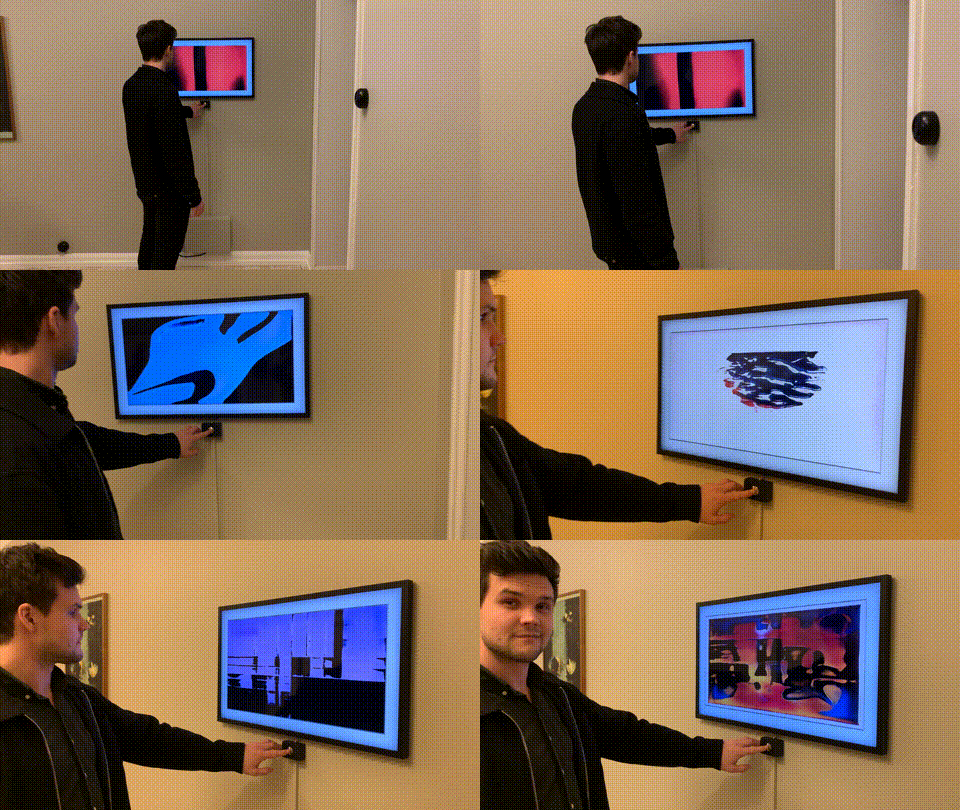
Swiss artist and designer [Jürg Lehni] was commissioned to create an artwork called Four Transitions which has been installed in the HeK (House of electronics Arts) in Basel. This piece visually depicts the changes in technologies used by public information displays, such as those in airports and train stations. As the title of the installation suggests, four different technologies are represented:

  • Flip-Dot, early 1960s, 15 each 7 x 7 modules arrayed into a 21 x 35 pixel panel
  • LCD, 1970s and 1980s, two each 36 x 52 modules arrayed into 52 x 76 pixel panel
  • LED, 2000s, six each 16 x 16 RGB modules arrayed into a 32 x 48 pixel panel
  • TFT, current, one 24 inch module, 1200 x 1920 pixel panel

The final work is quite striking, but equally interesting is the summary of the the design and construction process that [Jürg] provides on Twitter. We hope he expands this into a future, more detailed writeup — if only to learn about reverse engineering the 20 year old LCD controller whose designer was in retirement. His tweets also gives us a tantalizing glimpse into the software, controllers, and interconnections used to drive all these displays. There is quite a lot of interesting engineering going on in the background, and we look forward to future documentation from [Jürg].

You may recognize [Jürg] as the creator of Hektor, a graffiti output device from 2002 which we’ve referenced over the years in Hackaday. Check out the short video below of the displays in operation, and be sure to unmute the volume so you can listen to the satisfying sound of 735 flip-dots changing state. [Jürg] also gives in interview about the project in the second video below. Thanks to [Niklas Roy] for sending in the tip about this most interesting exhibition.

Continue reading “Artwork Spans Fifty Years Of Display Technology”

Improved Graphics-to-Drawing Tablet Conversion

[Akaki Kuumeri] had an old Wacom Intuos digitizing graphics tablet collecting dust, and figured out how to non-destructively transform it into a drawing tablet. He was inspired by an old Hackaday post of a similar hack, but it required literally hacking a big hole into your Wacom tablet. Not wanting to permanently ruin the Wacom tablet,  [Akaki] instead designed a 3D printed frame which he holds in place with a pair of straps. The design files are available on Thingiverse. He names the project, incorrectly as he later points out, WacomOLED (it rhymes with guacamole, we think).

As for the screen, he buys an old third-generation iPad and removes its Retina display panel and the foil backing, which would otherwise block the stylus’s connection to the tablet. Toss in an HDMI driver board to connect the display to your computer, and presto — you have made your own a drawing tablet. Even if you don’t need a drawing tablet, [Akaki]’s hack is still interesting, if only to remind us that we can put custom HDMI displays into any project for $65 using this technique.

In the end, [Akaki] notes that unless you already have a non-graphical digitizing tablet laying around, it’s probably cheaper to just buy a iPad. This is not [Akaki]’s first go at user input devices — we wrote about his Smash Brothers game controller and flight controller yoke project last year.

Do any of you use a graphics tablet in your day to day workflow? Let us know in the comments below.

Continue reading “Improved Graphics-to-Drawing Tablet Conversion”