Flappy Bird Is The New “Does It Run Doom?”

Back in 2014 [Johan] decided to celebrate BASIC’s 30 50 year anniversary by writing his own BASIC interpreter. Now, a few years later, he says he feels he has hit a certain milestone: he can play Flappy Bird, written in his own version of BASIC, running on his own home-built computer, the BASIC-1.

Inside the BASIC-1 is an Atmel XMega128A4, a keyboard from a broken Commodore 64, a joystick port, a serial to TV out adapter, and an SD card adapter for program storage. An attractively laser-cut enclosure with kerf bends houses the keyboard and hardware. The BASIC-1 boots into BASIC just like many of its home computer counterparts from the 80s.

Continue reading “Flappy Bird Is The New “Does It Run Doom?””

Stephen Hawking Forecasts The Weather

Stephen Hawking, although unable to speak himself, is immediately recognizable by his voice which is provided through a computer and a voice emulator. What may come as a surprise to some is that this voice emulator, the Emic2, has been used by many people, and is still around today and available for whatever text-to-speech projects you are working on. As a great example of this, [TegwynTwmffat] has built a weather forecasting station using an Emic2 voice module to provide audible weather alerts.

Besides the unique voice, the weather center is a high quality build on its own. An Arduino Mega 2560 equipped with a GPRS module is able to pull weather information once an hour. After the voice module was constructed (which seems like a project in itself) its relatively straightforward to pass the information from the Arduino over to the module and have it start announcing the weather. It can even be programmed to sing the weather to you!

All of the code that [TegwynTwmffat] used to build this is available on the project site if you’re curious about building your own Emic2 voice system. It’s also worth noting that GPRS is available to pretty much anyone and is a relatively simple system to start using to do things like pull weather information from, but you could also use it to roll out your own private cell phone network with the right equipment and licensing.

Vintage COSMAC Elf Is Pretty Close To Original

Popular Electronics was famous for the article introducing the Altair 8800 back in 1975 (well, the cover date was 1975; it really came out in late 1974). That was so popular (no pun intended), that they ran more computer construction articles, including the SWTPC 680 late in 1975. But in 1976 a very popular article ran on building a very simple computer called the COSMAC ELF. [Youtubba] had an Altair, but always wanted a “cute” COSMAC ELF. Now, forty-something years later, he finally got around to it. He made the very detailed video about his experience, below.

Surprisingly, he didn’t have to look very hard for too many of the components as most of them were available from Digikey. He had to get compatible RAM chips, the 1802 CPU and LED displays. He also couldn’t find a look-alike crystal, so he used a fake one and a hidden oscillator. The result looks awfully close to the original. He even did a nice front panel using Front Panel Express.

Continue reading “Vintage COSMAC Elf Is Pretty Close To Original”

One Micro Bit Accomplishes Its Goal

Like the Raspberry Pi, the BBC Micro Bit had a goal of being foremost an educational device. Such an inexpensive computer works well with the current trend of cutting public school budgets wherever possible while still being able to get kids interested in coding and computers in general. While both computers have been co-opted by hackers for all kinds of projects (the Pi especially), [David]’s latest build keeps at least his grandkids interested in computers by using the Micro Bit to add some cool features to an old toy.

The toy in question is an old Scalextric slot car racetrack – another well-known product of the UK. But what fun is a race if you can’t keep track of laps or lap times? With the BBC Mirco Bit and some hardware, the new-and-improved racetrack can do all of these things. It also implements a drag race-style light system to start the race and can tell if a car false starts. It may be a little difficult to intuit all of the information that the Micro Bit is displaying on its LED array, but it shouldn’t take too much practice.

The project page goes into great detail on how the project was constructed. Be sure to check out the video below for some exciting races! The build is certain to entertain [David]’s grandkids for some time, as well as help them get involved with programming and building anything that they can imagine. Maybe they’ll even get around to building a robot or two.

Thanks to [Mark] for sending in this tip!

Continue reading “One Micro Bit Accomplishes Its Goal”

Reading The Unreadable SROM: Inside The PSoC4

Wow. [Dmitry Grinberg] just broke into the SROM on Cypress’ PSoC 4 chips. The supervisory read-only memory (SROM) in question is a region of proprietary code that runs when the chip starts up, and in privileged mode. It’s exactly the kind of black box that’s a little bit creepy and a horribly useful target for hackers if the black box can be broken open. What’s inside? In the manual it says “The user has no access to read or modify the SROM code.” Nobody outside of Cypress knows. Until now.

This matters because the PSoC 4000 chips are among the cheapest ARM Cortex-M0 parts out there. Consequently they’re inside countless consumer devices. Among [Dmitry]’s other tricks, he’s figured out how to write into the SROM, which opens the door for creating an undetectable rootkit on the chip that runs out of each reset. That’s the scary part.

The cool parts are scattered throughout [Dmitry]’s long and detailed writeup. He also found that the chips that have 8 K of flash actually have 16 K, and access to the rest of the memory is enabled by setting a single bit. This works because flash is written using routines that live in SROM, rather than the usual hardware-level write-to-register-and-wait procedure that we’re accustomed to with other micros. Of course, because it’s all done in software, you can brick the flash too by writing the wrong checksums. [Dmitry] did that twice. Good thing the chips are inexpensive.

The nitty-gritty on the ROP (return oriented programming) tricks that [Dmitry] had to pull, and a good look into the design of the system itself, are all up on [Dmitry]’s blog. We can’t wait to see what other buried treasure he’s going to find as he continues to play around with these chips. And in case you’re wondering what type of mad genius it takes to pull this off, consider that [Dmitry] runs Linux on AVRs, fools nRF24 chips into transmitting Bluetooth LE beacons, and re-writes his own airplane’s GPS.

[Main image is a PSoC4200 dev kit, and [Dmitry] has only been working with the 4000 and 4100 series. Just so you know.]

Good USB – Protecting Your Ports With Two Microcontrollers

If you’ve ever needed an example of why you should not plug random USB peripherals into your computer, you need only look at BadUSB. The BadUSB attack relies on the fact that the microcontroller inside every USB device is a black box. If you plug a USB thumb drive into your computer, the microcontroller could quickly set up an additional network interface, forward all your traffic to the attacker’s server, and still keep serving up all those files and documents on the drive. Do you want a thumb drive that attaches a virus to every file? Bad USB can do that.

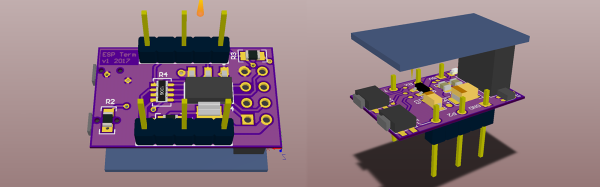
Until now, there is no cure or fix for a device using an implementation of BadUSB. [Robert Fisk] just came up with the first prophylactic USB device, designed to keep BadUSB off your computer. He’s calling it USG, and it’s basically a hardware firewall for USB devices.

The basic design of the system goes something like this: take an ARM microcontroller with a USB host port, take another microcontroller with a USB device port, and have these devices talk to each other over SPI. The command protocol between these two microcontrollers is very simple, and thus decreases the attack surface.

[Robert] is building USG dongles, but in the spirit of Open Hardware and verifiable hardware, he’s also released a design based on two dev boards wired together. This DIY version is basically two STM32F4 dev boards smashed together with bodge wires. The total cost – less solder and a JTAG programmer – is about $50 USD. No, it doesn’t look as pretty as [Robert]’s commercial version of USG, but it does the same job of keeping your computer safe from BadUSB devices.

ESP32 Tutorials

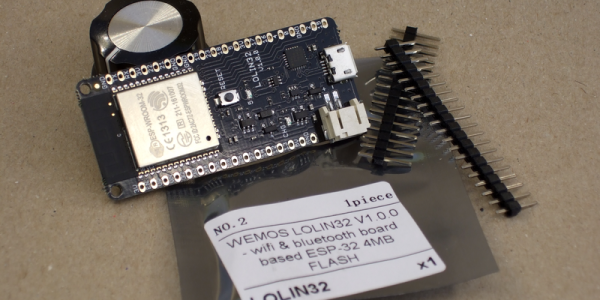
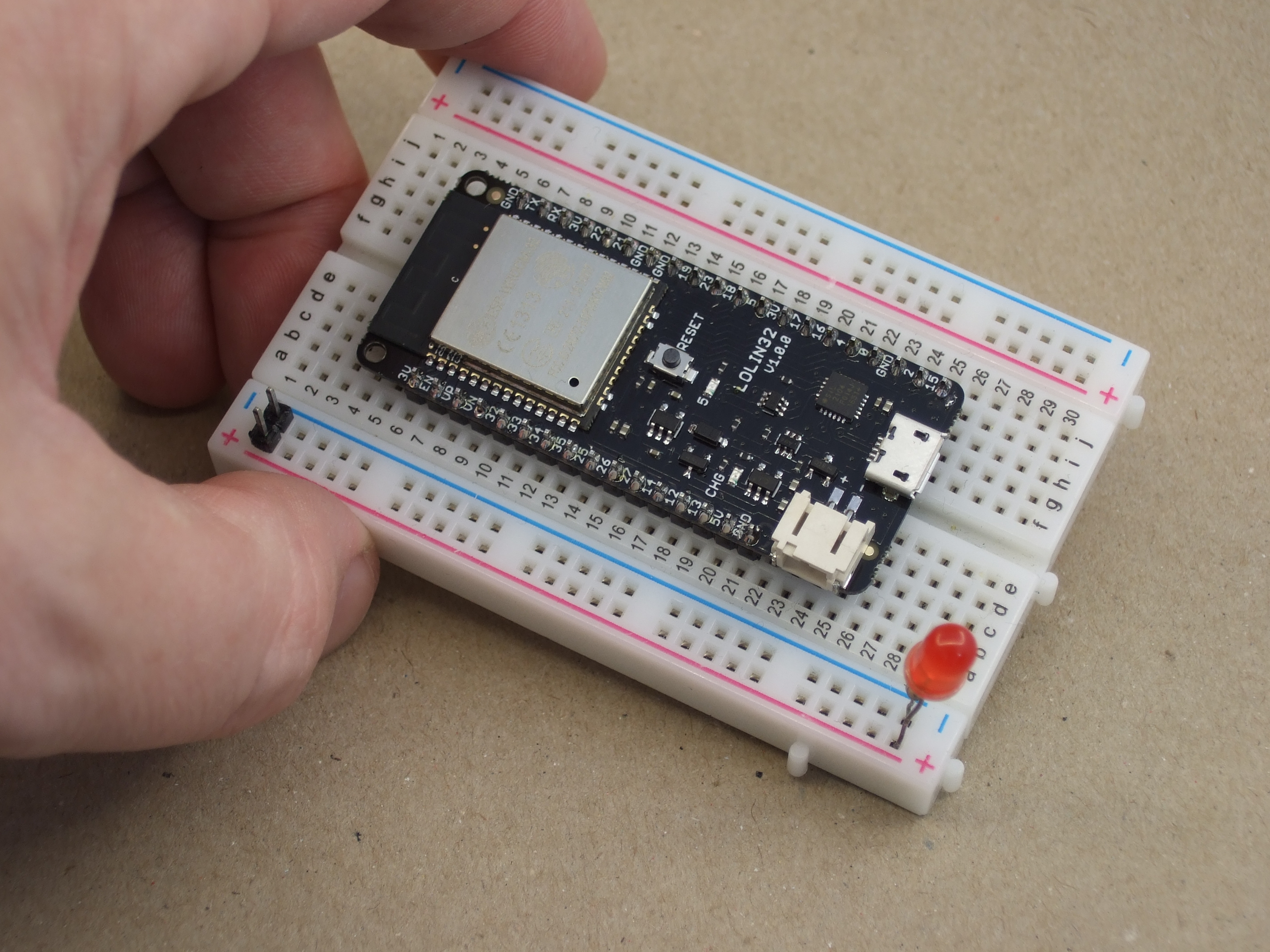
The ESP8266 has become one of those ubiquitous parts that everyone knows. However, the new ESP32 has a lot of great new features, too. If you want to take the ESP32 for a spin, you should check out [Neil Kolban’s] video series about the device. When we say series, we aren’t kidding. At last count, there were nineteen videos. Some are only a few minutes long, but some weigh in at nearly twenty minutes and the average is somewhere in between.

The topics range from setting up tools and using Eclipse and GDB. There are also tutorials on specific tasks like PWM, analog conversion, real-time operating systems, and more.

Continue reading “ESP32 Tutorials”