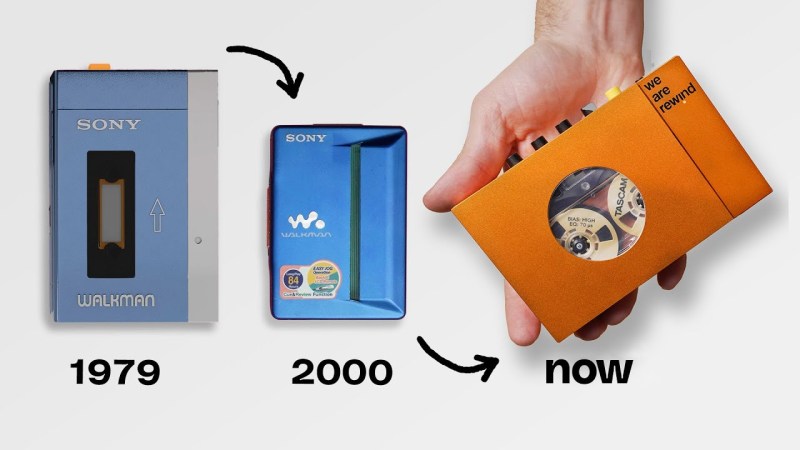
The early 2000s were the halcyon days of physical media. While not as svelte as MP3 players became, why are those early 2000s machines smaller than all the new models popping up amidst the retro audio craze?
We’ve bemoaned the end of the electromechanical era before, and the Verge recently interviewed the people at We Are Rewind and Filo to get the skinny on just why these newer cassette and CD players aren’t as small as their predecessors. It turns out that all currently produced cassette players use the same mechanism with some small tweaks in materials (like metal flywheels in these higher quality models) because the engineering required to design a smaller and better sounding alternative isn’t warranted by the niche nature of the cassette resurgence.
A similar fate has befallen the laser head of CD mechanisms, which is why we don’t have those smooth, rounded players anymore. Economies of scale in the early 2000s mean that even a cheap player from that era can outperform a lot of the newer ones, although you won’t have newer features like Bluetooth to scandalize your audiophile friends. A new Minidisc player is certainly out of the question, although production of discs only ended this February.
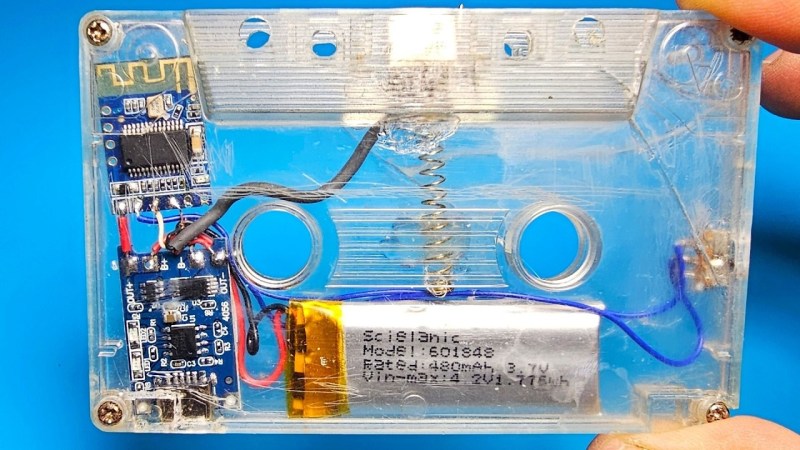
If you’re looking to get back into cassettes, this masterclass is a good place to start. If you don’t fancy any of the players the Verge looked at, how about rolling your own incarnation with the guts from a vintage machine or just going for the aesthetic if cassettes aren’t your jam?
Continue reading “Why Are Cassette And CD Players So Big Now?”