Factory Laptop With IME Disabled

Unfortunately not all consumers place high value on the security of their computers, but one group that tends to focus on security are businesses with a dedicated IT group. When buying computers for users, these groups tend to have higher demands, like making sure the Intel Management Engine (IME) has been disabled. To that end, Reddit user [netsec_burn] has outlined a pretty simple method to where “normal people” can purchase one of these IME-disabled devices for themselves.

For those unfamiliar with the IME, it is a coprocessor on all Intel devices since around 2007 that allows access to the memory, hard drive, and network stack even when the computer is powered down. Intel claims it’s a feature, not a bug, but it’s also a source of secret, unaudited code that’s understandably a desirable target for any malicious user trying to gain access to a computer. The method that [netsec_burn] outlined for getting a computer with the IME disabled from the factory is as simple as buying a specific Dell laptop, intended for enterprise users, and selecting the option to disable the IME.

Of course Dell warns you that you may lose some system functionality if you purchase a computer with the IME disabled, but it seems that this won’t really effect users who aren’t involved in system administration. Also note that this doesn’t remove the management engine from the computer. For that, you’ll need one of only a handful of computers made before Intel made complete removal of the IME impossible. In the meantime, it’s good to see that at least one company has a computer available that allows for it to be disabled from the factory.

All The Games In One Cartridge

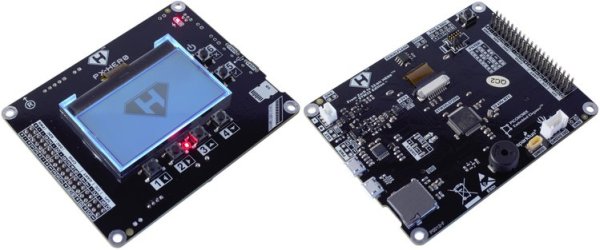
The original Game Boy was a smash success for Nintendo and has an amazing collection of games. You might relive some childhood nostalgia by booting up a Game Boy emulator, but to really get the full experience you’ll need the battery-draining green-tinted original hardware. Thanks to modern technology you can also load all of the games at one time on the original hardware with this STM32 cartridge that fits right in.

The device can load any Game Boy game (and homebrews) and ROMs can be sent to the cartridge via USB. There were are a lot of hurdles to getting this working properly, the largest of which is power management. A normal cartridge has a battery backup for save data, but using a small coin cell to run an STM32 would kill the battery quickly. To get around that, the cartridge writes the states to nonvolatile memory and then shuts itself off, although this has the side effect of crashing the Game Boy.

The creator of this project, [Emeryth], noted that we featured a similar project from [Dhole] a few years ago, also involving an STM32. [Emeryth] decided that it would be fun to build his own project anyway, and it’s certainly an interesting take on GameBoy hacking. He also has the files for this project available on his Git Hub page.

COSMAC ELF Lives Again, In FPGA

Looking around at the personal computing markets in modern times, there seem to be a lot of choices in the market. In reality, though, almost everything runs on hardware from a very small group of companies, and software is often available across platforms. This wasn’t the case in the personal computing boom of the 70s and 80s, where different computers were wildly different in hardware and even architecture. The Cosmac ELF was one of the more interesting specimens from this era, and this one has been meticulously reproduced on an FPGA.

The original hardware was based on an RCA 1802 microprocessor and had a rudimentary (by today’s standards) set of switches and buttons as the computer’s inputs. It was low cost, even for the time, but was one of the first single-board computers available. This recreation is coded in SpinalHDL and the simplicity of the original hardware makes it relatively easy to understand. The FPGA is cycle-accurate to the original hardware, too, which makes it nearly perfect even without any of the original hardware.

The project’s creator, [Winston] aka [wel97459], found that SpinalHDL made this project fun to work on (and released his code on his GitHub page), and was able to get the code down to just 1500 lines to recreate the original hardware. It’s very impressive, and also an accessible read for anyone interested in some of the more unique computers offered during the early computer renaissance in the 70s.

’75 Nixie Multimeter As Digital Dice

For the casual Monopoly or Risk player, using plain six-sided dice is probably fine. For other games you may need dice with much more than six sides, and if you really want to go overboard you can do what [John] did and build electronic dice with a random number generator if you really need to remove the pesky practice of rolling physical dice during your games of chance.

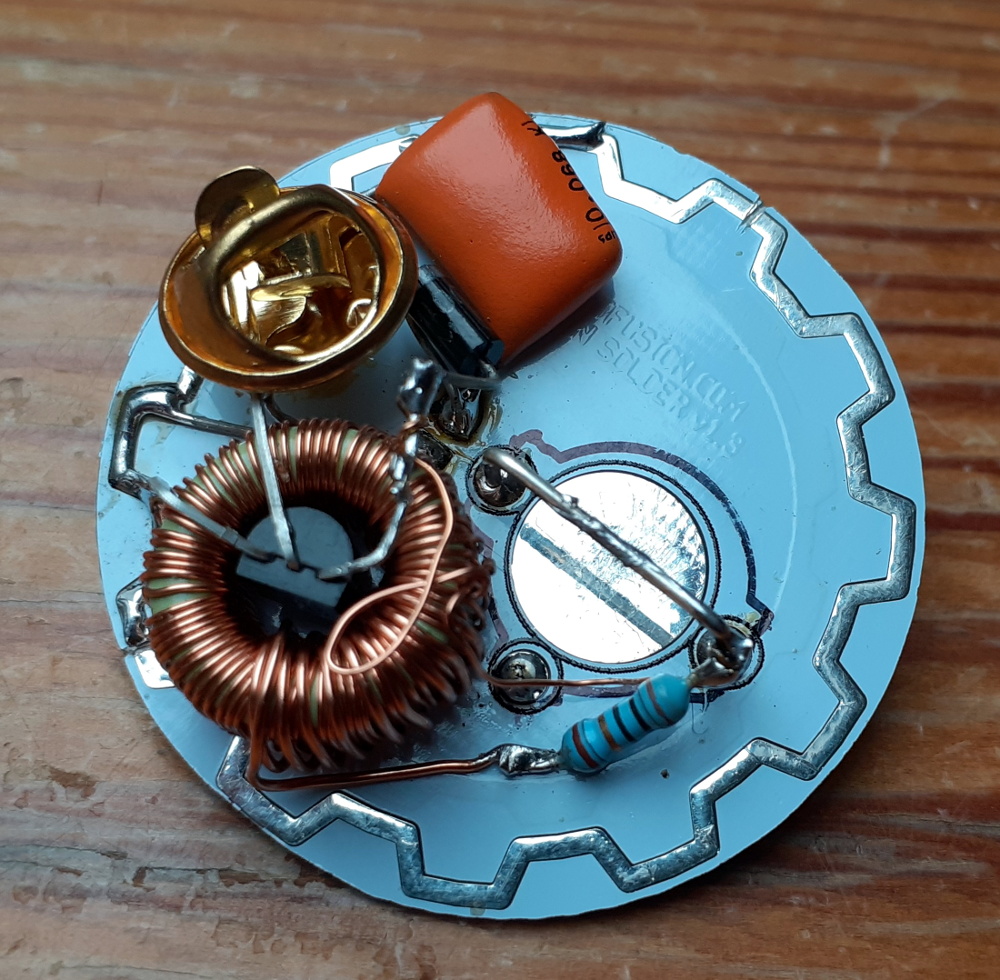
The “digital dice” he built are based on a multimeter from 1975 which has some hardware in it that was worth preserving, including a high quality set of nixie tubes. Nixies can be a little hard to come by these days, but are interesting pieces of hardware in their own right. [John] added some modern hardware to it as well, including an AVR microcontroller that handles the (pseudo) random number generation. A hardware switch tells the microcontroller how many sides the “die” to be emulated will need, and then a button generates the result of the roll.

This is a pretty great use for an old piece of hardware which would otherwise be obsolete by now. [John] considers this a “Resto-Mod” and the finish and quality of the build almost makes it look all original. It’s certainly a conversation piece at the D&D sessions he frequents.

TRS-80 Clone Uses Modern Parts

Before RadioShack decided the best business model for an electronics store was to harass its customers into buying overpriced batteries and cellphones, it was a great one-stop shop for most discrete components, knobs, resistors, radio equipment, and even a popular computer. That computer, the TRS-80, is a popular one in the retrocomputing world and if you can’t get original parts to restore one, you can always build your own clone.

This build comes to us from [Glen] aka [glenk] who is known for retrocomputing builds like this classic PET we featured a little over a year ago, and this TRS-80 is his latest project. He really gets into the weeds on the hardware, too. This isn’t an FPGA or Raspberry Pi running a TRS-80 on lookalike hardware. [Glen] has completely redesigned the computer from the ground up using modern CMOS components in order to make a modern, perfectly functional replica of the RadioShack classic.

Because of the level of detail [Glen] goes into, this one is a must-read for anyone interested in computing hardware (as opposed to the software, which you could learn about through a more simple emulator) and retrocomputing in general, and also brings most of us back to a more nostalgic, simpler time where a trip to RadioShack was fun and interesting.

Continue reading “TRS-80 Clone Uses Modern Parts”

Home Safety Monitoring With IoT

Home automation is a popular project to undertake but its complexity can quickly become daunting, especially if you go further than controlling a few lights (or if you’re a renter). To test the waters you may want to start with something like this home safety monitor, which is an IoT device based on an Arduino. It allows remote monitoring of a home for things such as temperature, toxic gasses, light, and other variables, which is valuable even if you don’t need or want to control anything.

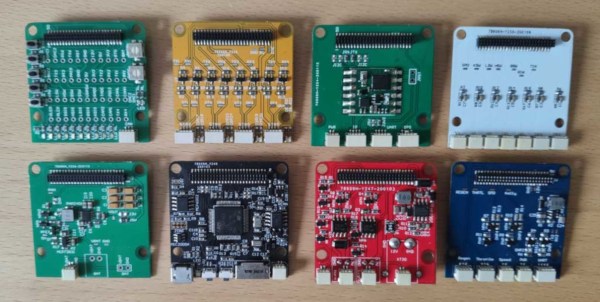
The device is built around an Arduino Nano 33 IOT which has WiFi and Bluetooth capabilities as well as some integrated security features. This build features a number of sensors including pressure/humidity, a gas/smoke detector, and a light sensor. To report all of the information it gathers around the home, an interface with Ubidots is configured to allow easy (and secure) access to the data gathered by the device.

The PCB and code for the project are all provided on the project page, and there are a number of other options available if Ubidots isn’t your preferred method of interfacing with the Internet of Things. You might even give Mozilla’s WebThings a shot if you’re so inclined.

Run Java On An Amiga

In the modern world, we take certain tools for granted. High-level programming languages such as C or Python haven’t been around that long in the grand scheme of things, and Java has only existed since the ’90s. Getting these tools working on machines that predate them is more of a challenge than anything, and [Michael Kohn] was more than willing to tackle this one. He recently got Java running on a Commodore Amiga.

The Amgia predates Java itself by almost a decade, so this process wasn’t exactly straightforward. The platform has a number of coprocessors that were novel for their time but aren’t as commonplace now, taking care of such tasks such as graphics, sound, and memory handling. Any psoftware running on the Amiga needs to be in a specially formatted program as well, so that needed to be taken care of, even loading Java on the computer in the first place took some special work using a null modem cable rather than the floppy disk an Amiga would have used back in the day.

Loading Java on an antique Amiga is certainly a badge of honor, but [Michael] isn’t a stranger to Java and the Motorola 68000s found in Amigas. There’s a 68000 in the Sega Genesis as well, and we’ve seen how [Michael] was able to run Java on that too.

Continue reading “Run Java On An Amiga”