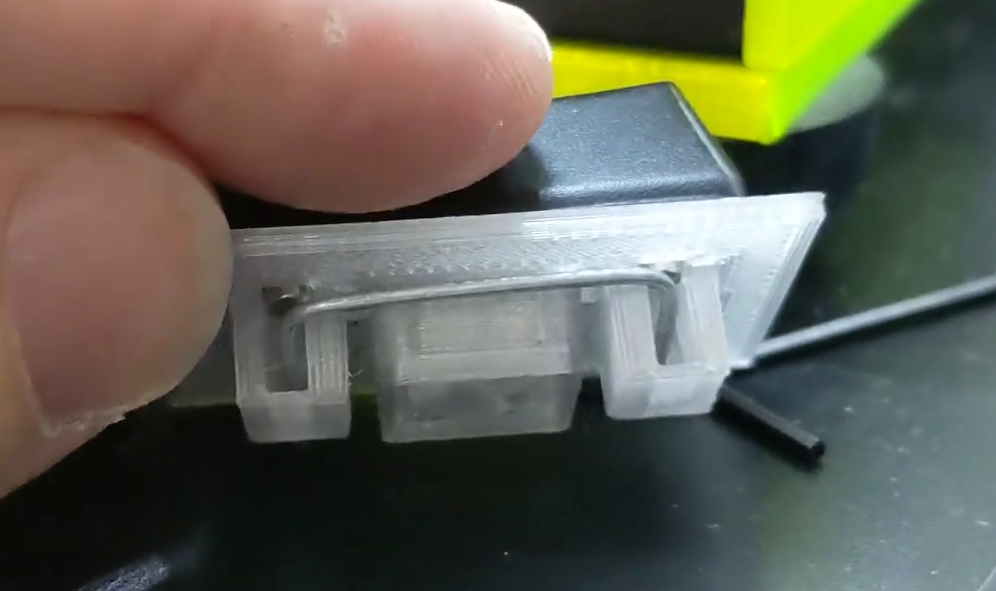
DropController Sets The Bar For Documentation

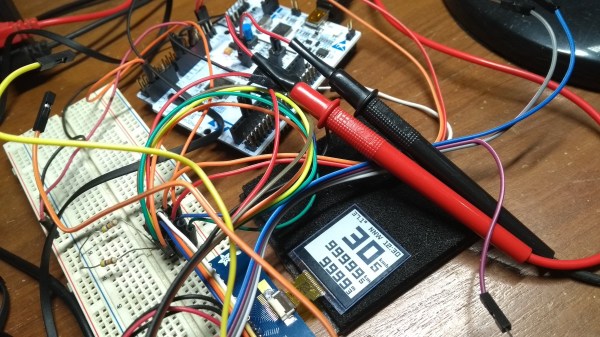
dropController has the kind of documentation we wish would spontaneously generate itself whenever we build something. [Martyn Currey] built a robust rig for water droplet photography, and we don’t want to dismiss the hardware, but the most impressive part might be the website. It might not be very fancy, but it’s thorough and logically organized. You can find parts lists, assembly manuals, tutorials, sketches, and schematics. If only all the projects that came our way were so well detailed.

Water droplet photography is pretty cool, although freehanding it will make your patience fall faster than 9.81 m/s². The concept is that a solenoid valve will flicker open to release a drop of water, wait for a certain number of microseconds, and then trigger your DSLR via a wired remote cable. The tricky part comes from controlling as many as six valves and three flashes. We don’t have enough fingers and toes to press all those buttons.

The bill of materials contains many commonly available parts like an Arduino Nano, an LM2596 voltage regulator, some MOSFETS, an HC-06 Bluetooth module, plus standard audio connectors to hook everything up. Nothing should break the bank, but if money is not an issue, [Martyn] sells kits and complete units.

Waterdrop controllers are not the newest kids on the block, and strobe photography is a time-honored tradition.

Continue reading “DropController Sets The Bar For Documentation”

Share Your Clipboard Across Machines Using MQTT

Many of us regularly move from one computer to another for work, play, and hacking; every now and then finding yourself wishing you could copy something on one machine and paste on another without additional steps in between. [Ayan Pahwa] was well acquainted with this frustration, so he created AnywhereDoor, a cross-platform clipboard sharing utility that uses MQTT.

Some cloud-based solutions already exist to do this, but that means sending your private clipboard data to someone else’s server. Not keen on that idea, [Ayan]’s solution makes use of a MQTT broker that can run anywhere on the local network, and lightweight python clients to run on Mac, Windows and Linux. The client checks your clipboard at specified intervals, and publishes new data to a topic on the broker, to which all the clients are subscribed. The data is end-to-end encrypted using Fernet symmetrical key encryption, so the data won’t be readable to anyone else on the network. Currently, AnywhereDoor only supports copying text, but media is planned for a future version.

We like the relative simplicity of the utility, and see it being very handy for hackers bouncing between machines in the lab. Simple software utilities that solve a specific and real problem can are very useful, like a wiring documentation tool, or Kicad to isolation routing patchwork converter.

Open Exosuit Project Helps Physically Challenged Put One Foot In Front Of Another

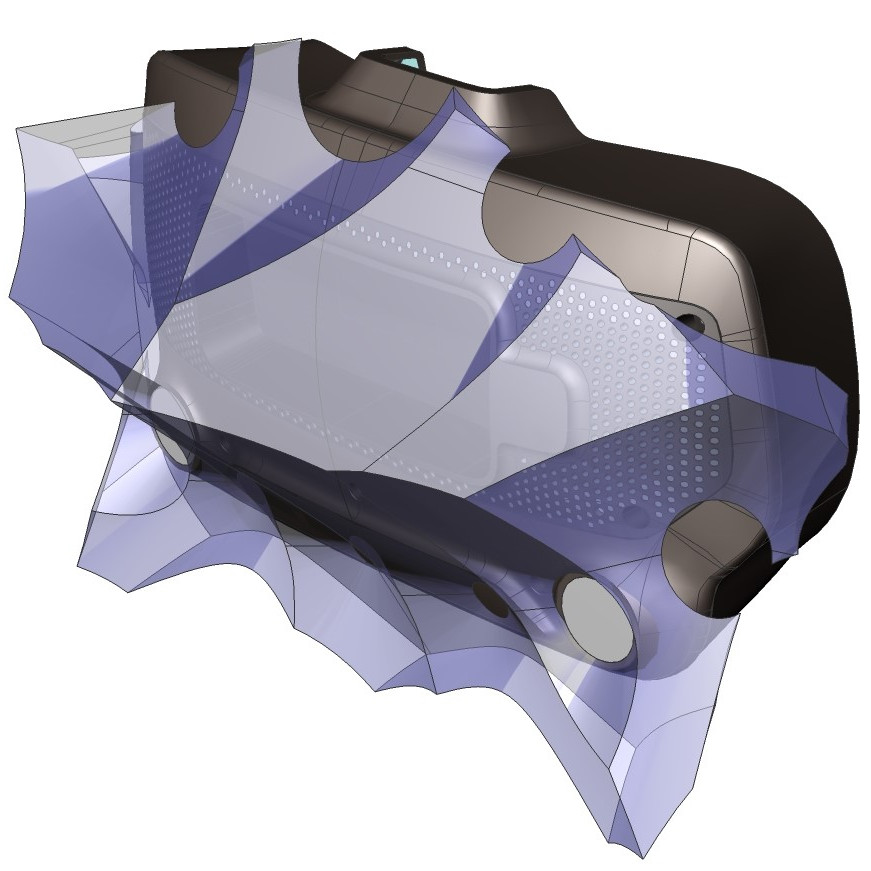
Humans make walking look simple, but of course that’s an illusion easily shattered by even small injuries. Losing the ability to walk has an enormous impact on every part of your day, so rehabilitative advances are nothing short of life-changing. The Open Exosuit for Differently Abled project is working feverishly on their Hackaday Prize entry to provide a few different layers of help in getting people back on their feet.

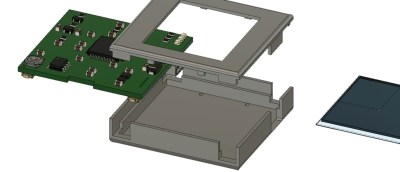
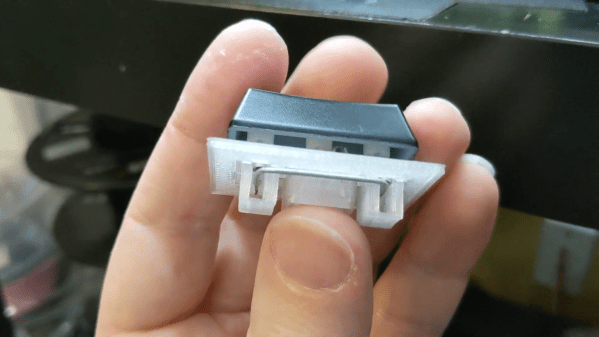
We’ve seen a number of exosuit projects in the past, and all of them struggle in a few common places. It’s difficult to incorporate intuitive user control into these builds, and quite important that they stay out of the way of the user’s own balance. This one approaches those issues with the use of a walker that both provides a means of steadying one’s self, and facilitates sending commands to the exosuit. Using the OLED screen and buttons incorporated on the walker, the user can select and control the walking, sitting, and standing modes.

The exoskeleton is meant to provide assistance to people with weakness or lack of control. They still walk and balance for themselves, but the hope is that these devices will be an aid at times when human caregivers are not available and the alternative would be unsteady mobility or complete loss of mobility. Working with the assistive device has the benefit of continuing to make progress in strengthening on the march to recovery.

The team is hard at work on the design, and with less than two weeks left before the entry deadline of the 2020 Hackaday Prize, we’re excited to see where the final push will bring this project!

Continue reading “Open Exosuit Project Helps Physically Challenged Put One Foot In Front Of Another”

Linux-Fu: One At A Time, Please! Critical Sections In Bash Scripts

You normally think of a critical section — that is, a piece of a program that excludes other programs from using a resource — as a pretty advanced technique. You certainly don’t often think of them as part of shell scripting but it turns out they are surprisingly useful for certain scripts. Most often, a critical section is protecting some system resource like a shared memory location, but there are cases where a shell script needs similar protection. Luckily, it is really easy to add critical sections to shell scripts, and I’ll show you how.

Sometimes Scripts Need to Be Selfish

One very common case is where you want a script to run exactly one time. If the same script runs again while the original is active, you want to exit after possibly printing a message. Another common case is when you are updating some file and you need undisturbed access while making the change.

That was actually the case that got me thinking about this. I have a script — may be the subject of a future Linux-Fu — that provides dynamic DNS by altering a configuration file for the DNS server. If two copies of the script run at the same time, it is important that only one of them does modifications. The second copy can run after the first is totally complete.

Continue reading “Linux-Fu: One At A Time, Please! Critical Sections In Bash Scripts”

New Contest: Circuit Sculpture Challenge

We’re bringing back one of our most popular contests, the Hackaday Circuit Sculpture Challenge! Make your functional circuits go beyond utility by turning them into art!

Solar-powered circuit sculpture by [Mohit Bhoite] which was featured last year.
Wire and circuit boards are a fantastic media for creating beautiful projects, and for this one we want both the copper and the boards (or lack of) to be part of the beauty. Your sculpture could be crisp and angular bends in brass rod, a rat’s nest of enamel wire, PCBs with organic shapes, or something completely wild. Your only constraint is that there needs to be some type of working circuit involved.

Three entries will be chosen as top winners in the Most Functional, Most Beautiful, and Best Video categories and be awarded $200 in components from Digi-Key who are sponsoring this contest and also putting together a calendar with images of the top twelve sculptures.

The Wonderlandscape by [Michael Aichlmayr] takes the “sculpture” part of Circuit Sculpture to new levels.
Tell us the story of your creation, including a deep dive into how you built the sculpture and what trial and error you went through to pull it off. Many circuit sculptures in the past have included jig-building to get the wire bends just right, so we have a fourth prize of $100 in Tindie credit for the Best Jig build.

Get your project started now on Hackaday.io and use that “Submit Project To:” button in the left sidebar of your project page to enter it in the Circuit Sculpture Challenge. You have until November 10th to submit your entry.

Get Your SQL Statements Right The First Time With SQL Lint

What’s your average success rate of getting a SQL statement right on the first try? In best case, you botched a simple statement without side effects and just have to try again with correct syntax or remove that typo from a table name, but things can easily go wrong fast here. But don’t worry, the days of fixing it on the fly can be over, thanks to [Joe Reynolds] who wrote a linter for SQL.

A linter parses code to tell you where you screwed up. While checking SQL syntax itself is somewhat straightforward, [Joe]’s sql-lint tool will also check the semantics of it by looking up the actual database and performing sanity checks on it. Currently supporting PostgreSQL and MySQL, it can be either run on a single SQL file or a directory of files, or take input directly from the command line. Even better, it also integrates within your editor of choice — assuming it supports external plugins — and the documentation shows how to do that specifically for Vim.

If you can look past the fact that it’s written in TypeScript and consequentially results in a rather large executable (~40 MB), it might serve as an interesting starting point for the language itself, or adds a new perspective on writing this type of analyzer. And if databases aren’t your terrain, how about shell scripts?

Continue reading “Get Your SQL Statements Right The First Time With SQL Lint”

Inputs Of Interest: The Infogrip BAT Chording Keyboard

I guess it shouldn’t surprise me that by researching weird and interesting keyboards, I would uncover more weird and interesting keyboards. This is the BAT personal keyboard by Infogrip, and it’s something I came across while researching the DataHand keyboard and mentally filed away as something cool to look into.

When I came across a used BAT for a reasonable price, I snagged it, even though it didn’t come with any of the manuals or software, not even a cord. Like I said, reasonable price. I looked these keyboards up and found out that you can buy them new for a lot more than what I paid.

My gently used BAT in all its angular glory.
The lowercase letter chords use either the middle thumb key or no thumb key. Image via Infogrip

So what is this thing? It’s a chording keyboard that’s meant to be used a standard PC input device by anyone who either can’t use a regular keyboard or has a need for speed. Years of research went into the BAT’s chording scheme, which was developed in conjunction with NASA’s Stennis Space Center.

Instead of stretching your fingers all over a regular keyboard, poking keys one at a time to spell out words, you press combinations of keys simultaneously, like playing chords on a piano.

You’re meant to use your thumb for the red, grey, and blue keys, and lay the other four on the rest of the keys. All of the alphabet keys are chorded with or without the gray thumb key, and all the number, symbol, and modifier keys are accessed through the red and blue layers.

Why would you want one of these? Well, given enough time to learn the chords, you can do anything a standard 104+ keyboard can do with only seven keys. You would never need to look down, not even for those weird seldom-used keys, and the only finger that ever travels is your thumb. All of this reduced hand/finger/wrist travel is going to be easier on the body.

The BAT lets you CAD like a madlad. Via Bill Buxton

The BAT is also part programmable macro pad, and from what I can gather, the main selling point was that you could quickly input shortcuts in CAD programs and the like, because you could keep one hand on the mouse.

The BAT came in both left- and right-handed versions that can be used either alone or together. Imagine how fast you could type if you chorded everything and split the typing duties between both hands! The only trouble is learning all those different finger combinations, although they say it doesn’t take that long.

So why is it called the BAT? Legend has it that it’s because company started out in Baton Rouge, Louisiana, but also because a pair of BATs sitting next to each other resembles a bat (PDF).

Continue reading “Inputs Of Interest: The Infogrip BAT Chording Keyboard”